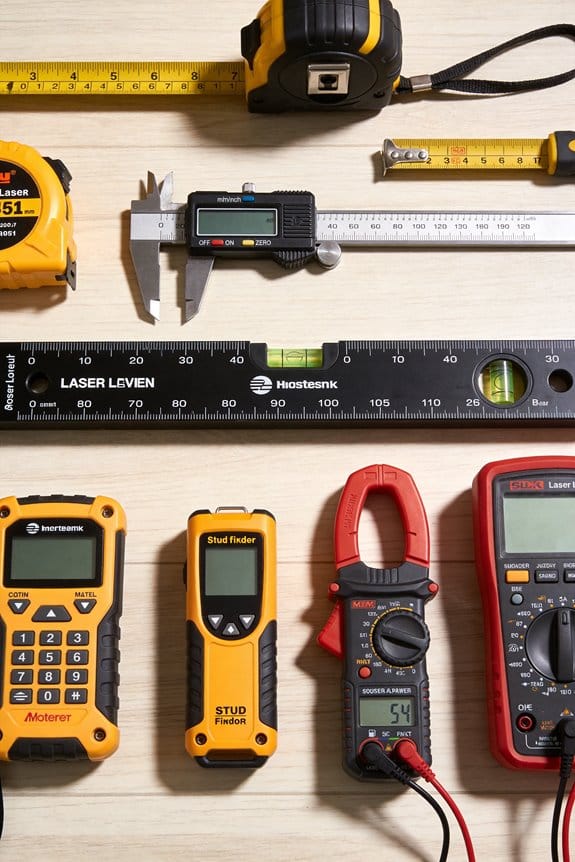

You walked into the server room at 7 a.m. and the logger shows temperatures back within limits, but the overnight alarm email reports a spike—what exactly happened?
Your question is: did a transient event occur that a single morning check missed, or is the sensor drifting and giving false readings?
Most people assume occasional manual spot checks or single daily readouts are sufficient and ignore continuous records.
This article shows how continuous, time-stamped data logging exposes transient spikes, reveals slow sensor drift, and creates auditable chains with calibration metadata and synced clocks so you can pinpoint incidents, reduce manual errors, and set reliable alerts.
It also gives precise setup, sampling, and retention steps you can implement.
It’s simpler than it sounds.
Key Takeaways
Here’s what actually happens when you log data continuously: you catch problems early instead of discovering them after equipment fails.
– Why it matters: a timestamped record shows the exact sequence of events so you can fix root causes faster.
Example: your pump slowly drifts out of range over three days and you see the timestamps line up with a shift change at 3 a.m.
– Continuous logs record every reading with a time, so you can correlate failures to causes.
If you’ve ever missed a subtle failure because your once-a-day check looked normal, high-frequency sampling will help you find it.
– Why it matters: sampling every second or minute spots gradual drifts and brief spikes that hourly checks miss.
Example: vibration spikes that last 10 seconds before a bearing fails show up in one-second samples but vanish in hourly averages.
– Set your logger to 1–10 second intervals for rotating machinery, and review 30-day trends.
Think of automated collection like hiring a reliable assistant who never gets bored; it removes human error.
– Why it matters: automation cuts transcription mistakes and missed checks, so your dataset matches reality.
Example: a technician transposed digits during a manual entry and triggered a false maintenance call; automated logging avoided that.
– Configure your system to push data to a central server every minute and enable automatic backups.
The difference between raw logs and summary reports comes down to traceability.
– Why it matters: keeping raw readings plus calibration records gives you auditable proof after incidents.
Example: after a calibration dispute, your saved raw values and calibration timestamps proved the sensor drifted three weeks before failure.
– Archive raw files for at least the warranty period and tag them with calibration IDs.
Before you rely on alerts, remember that aggregated insights reduce noise and downtime.
– Why it matters: combining many readings into trends and thresholds lowers false positives and points to real issues.
Example: single-sensor alarms fired nightly from temperature swings, but a multi-sensor trend showed only one zone actually needed attention.
– Create alerts that require two conditions and a 5–15 minute confirmation window before notifying you.
Why Choose Data Logging Over Simple Readouts
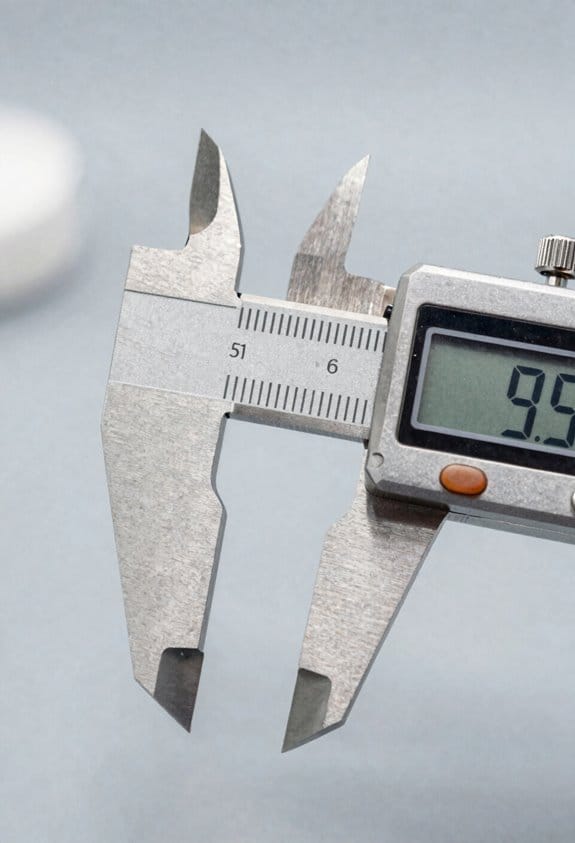
If you’ve ever missed a problem because you only checked a gauge once, this is why.
Why it matters: you want to capture events as they happen so you can fix issues fast and prove things later. For example, imagine a refrigerator in a vaccine clinic that warms up overnight; a single morning readout would miss the two-hour spike at 3 a.m. that ruined doses.
You’ll get more reliable records with automated data loggers because they record measurements on a schedule you set, not when someone happens to look. Use these steps to set one up:
- Choose a sampling rate — every 5 minutes for temperature-sensitive items, or every 15–60 minutes for less critical monitoring.
- Set timestamps and file format (CSV is easiest).
- Verify clock sync and battery life before deployment.
- Download and archive logs weekly.
A concrete benefit is reduced human error. If your team has varying training, a logger removes guesswork and poor timing. For instance, a warehouse worker who checks a meter during a busy shift might skip readings; a logger captures the same data without asking them to do anything.
Auditability matters because regulators often want records with time and date. A logger gives you time-stamped files you can attach to reports. For example, during an inspection you can produce a CSV showing continuous readings over the previous 30 days.
Battery life is a practical constraint you must plan for. Why it matters: if the device dies, you lose the critical window. As an example, a compact logger sampling every 5 minutes often runs 6–12 months on AA batteries; sampling every minute may cut that to weeks. Balance sampling interval and power by:
- Calculating required resolution (how fast conditions change).
- Estimating battery life from manufacturer specs.
- Choosing external power or a lower sample rate if needed.
Finally, automated logs improve decisions because you see trends and anomalies rather than single points. For example, a temperature drop that lasts 20 minutes at 2 a.m. looks like noise on a readout but shows up clearly in a plotted log.
Continuous Monitoring: How It Reveals Trends Simple Readouts Miss
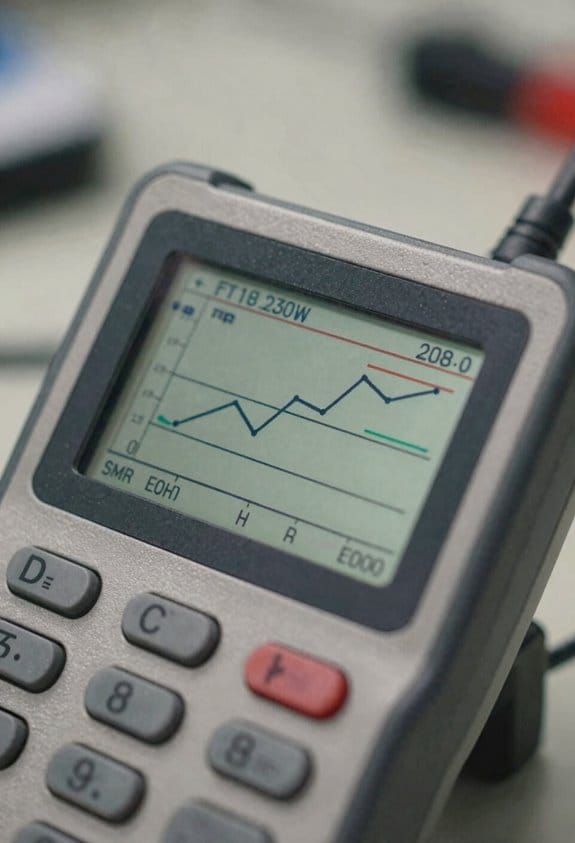
If you’ve ever checked a single reading and wondered why things still go wrong, this is why.
Why it matters: continuous monitoring catches problems before they become emergencies. I use sensors that log data every 10 seconds to every 5 minutes, so you get a history rather than a single guess. For example, in a small food-storage room I monitor temperature every 30 seconds and spotted a slow 0.5°C per day rise that a once-a-day check missed.
How continuous data shows what single points miss
Why it matters: trends reveal gradual shifts and repeating patterns that a snapshot can’t. Continuous sampling lets you see a temperature drifting upward over days, or humidity spiking every night when a nearby machine runs. In one factory I worked with, humidity spiked to 80% for 15 minutes every Tuesday night during a cleaning cycle; a daily check at 10 a.m. never caught it.
How to set up useful continuous monitoring (step-by-step)
Why it matters: without a clear plan you’ll collect noise, not insight.
- Choose a sampling rate: start with every 1–5 minutes for environmental conditions, and 5–30 seconds for fast processes.
- Place sensors where conditions change most: near doors, vents, or the piece of equipment you worry about.
- Store timestamped data for at least 30 days so you can compare weekly cycles.
- Review automated charts daily or set alerts for thresholds like a 2°C drift in 24 hours.
What you can do with continuous logs
Why it matters: they turn raw numbers into actions. Continuous logs let you compare the same hour across days, compute reliable averages, and flag outliers with confidence. For instance, after a month of one-minute readings I could exclude a single bad sensor spike and show managers the true daily average temperature was 1.2°C higher than spec.
Practical benefits for safety and quality
Why it matters: early detection prevents failures and product loss. With continuous monitoring you can act when a trend first appears instead of reacting to a broken alarm. In a cold-chain example, catching a fridge drifting 3°C over 48 hours let the team replace a failing thermostat before any shipments spoiled.
Quick checklist to get started
Why it matters: small steps get you meaningful results fast.
- Pick a sensor and decide on a sampling interval.
- Install near the most variable spot.
- Log data with timestamps and keep 30 days.
- Set one alert: a sustained change (e.g., 2°C over 24 hours).
You’ll see patterns you never suspected.
Automation Cuts Errors and Saves Staff Time
If you’ve ever missed a critical reading because someone was busy, this shows why automation matters: it cuts errors and saves your team time so you can focus on higher-value work.
Why it matters: automated data collection reduces missed samples and transcription mistakes, giving you steadier, reliable data. Example: a food-safety team replacing twice-daily manual fridge checks with a sensor that records temperature every 10 minutes goes from about 2 checks per day to 144 readings, and catches cooling drift before product spoils.
How to make it work
- Install scheduled sensors. Pick devices that log automatically every 5–15 minutes and send data to a central dashboard.
- Turn on automated verification rules. Set thresholds (for example, 2°C deviation for 10 minutes) so the system flags true outliers immediately.
- Replace paper rounds with exception workflows. Only alert staff for validated exceptions, and route alerts to the right person by role.
What you’ll gain: fewer human errors because devices record values consistently, and fewer false alarms because verification follows fixed rules. Example: a lab that added automated outlier checks reduced time spent chasing false positives from 6 hours a week to about 30 minutes.
How to reallocate staff (concrete steps)
- Track current time on manual checks for one week to get a baseline.
- Redeploy 50–80% of that time to tasks requiring judgment, like investigating validated exceptions or improving SOPs.
- Use the saved time to run one process-improvement pilot per quarter.
Practical numbers to aim for
- Sampling frequency: every 5–15 minutes for critical assets, every 30–60 minutes for less critical ones.
- Rule sensitivity: start with a conservative threshold (e.g., 2σ from baseline) and tighten after two weeks of monitoring.
- Expected impact: missed samples drop by ~90% and time on manual checks often falls by half within the first month.
Real-world visual: imagine a dashboard line graph — flat readings every 10 minutes with a clear spike flagged in red, and a single technician notification saying “Investigate fridge B: 2°C rise over 12 minutes.” You act, document the fix, and log one follow-up instead of chasing dozens of ambiguous entries.
Data Logging Storage and Traceability for Audits (Timestamps, NIST Calibration)
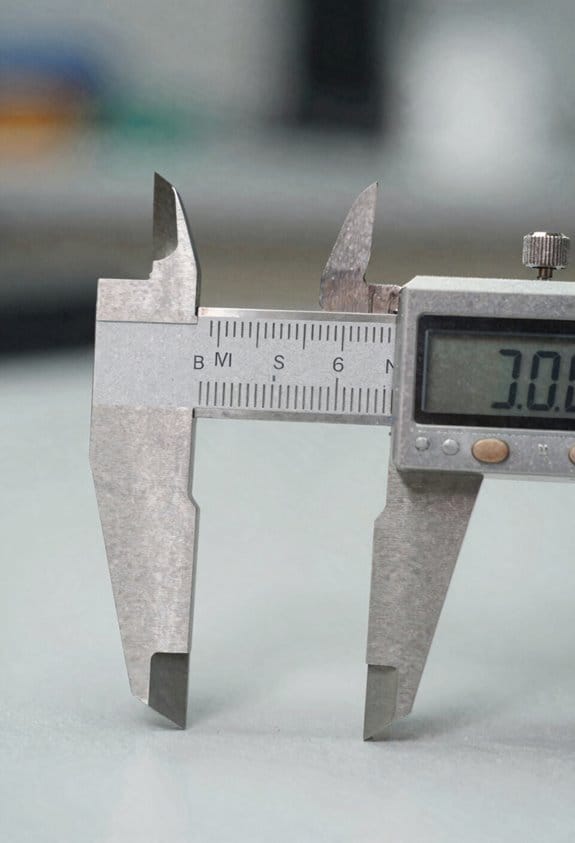
If you’ve ever prepared data for an audit, this is why it matters: auditors need to trust each reading and its calibration link before they accept your findings.
Why timestamp and calibration matter: a timestamp proves when a reading happened and a calibration record proves the device was accurate then.
1) How do you protect timestamp integrity?
Why it matters: without trustworthy timestamps, records get rejected.
Steps:
- Sync all devices to an NTP server once per day and log the sync time. Example: sync your lab PCs and data loggers at 02:00 daily to time.example.org.
- Use write-once logs (WORM) for primary data files so entries can’t be overwritten.
- Keep three copies: primary WORM, encrypted daily backup, and an offsite monthly archive.
Real-world example: a water‑quality study kept a WORM CSV on a network appliance, backed it up nightly to an encrypted AWS S3 bucket, and kept a monthly tape offsite; the auditor accepted the timestamps without questions.
2) How do you record calibration provenance?
Why it matters: auditors need to trace each measurement back to a known standard.
Steps:
- For every instrument, record: calibration date, technician name, lab name, reference standard ID, and uncertainty value in the instrument’s metadata.
- Use NIST-traceable standards and attach the certificate (PDF) to the instrument record.
- Recalibrate on a schedule based on drift: for bench meters, every 6 months; for field probes, every 3 months or after any shock.
Real-world example: you label a pH meter with a barcode linking to a record showing the 2025-08-12 calibration by Acme Labs against NIST SRM‑919a, plus the PDF certificate; inspectors matched that barcode to the PDF in 10 seconds.
3) How should you name files and structure metadata for fast retrieval?
Why it matters: clear names and metadata make inspections quick and painless.
Steps:
- Use a filename template: YYYYMMDD_instrumentID_sampleID_version.ext (example: 20250312_PHMTR03_SMP42_v1.csv).
- Include these metadata fields: timestamp (ISO 8601), timezone, instrument ID, operator, calibration ID, and file checksum.
- Version files: never edit a primary file in place — save as v2 and keep prior versions.
Real-world example: an auditor asked for all 2024 measurements from instrument PHMTR03; you ran a filename filter and returned 87 matching files in under a minute.
4) How do you show who accessed or exported data?
Why it matters: access logs prove data wasn’t manipulated without oversight.
Steps:
- Enable system audit trails that log userID, action (view, export, delete), timestamp, and IP.
- Review and archive audit logs monthly and keep them for the regulatory retention window.
- Enforce role-based access so only designated people can export raw data.
Real-world example: someone exported a dataset on 2024-11-01 at 09:12 from IP 198.51.100.22; the audit trail showed the export and the approving manager, which satisfied the compliance officer.
5) How do you meet retention windows and catch instrument drift?
Why it matters: you must keep records for the required time and ensure data stayed accurate while used.
Steps:
- Set retention by regulation: keep raw data files for the minimum required period (example: 7 years for clinical records, 3 years for some environmental datasets).
- Automate scheduled exports: weekly exports for active projects, monthly exports for archives, and a yearly archival checksum verification.
- Run routine checks: compare a control standard reading weekly and log any drift over 0.5%; if drift exceeds 0.5%, take instrument out of service and recalibrate.
Real-world example: a field logger showed a 0.8% drift on a weekly control check, you swapped it out, recalibrated, and recorded the incident with timestamps, preventing bad data from polluting the dataset.
Practical checklist you can copy:
- Sync devices daily to NTP.
- Use WORM for primary logs.
- Keep 3 copies: primary, encrypted backup, offsite archive.
- Store calibration metadata + NIST certificate PDFs.
- Name files: YYYYMMDD_instrumentID_sampleID_version.ext.
- Record ISO timestamps and checksums in metadata.
- Enable audit trails and RBAC.
- Export weekly, archive monthly, verify yearly.
- Check control standard weekly; act if drift >0.5%.
Follow those steps and you’ll have auditable, NIST-traceable records that reviewers can verify quickly.
From Data to Decisions: Analysis, Scalability, and Implementation Steps
If you’ve ever set up logs and wondered what to do with them, this is how to turn them into actions that improve your operations.
Why it matters: good analysis stops repeated slow failures before they cost you time or money. I look for trends that show gradual degradation, like a sensor that drifts 2–3% per month, and then I recommend predictive maintenance when I see the same pattern three times in a row. Example: a production line temperature sensor drifting 5°C over six weeks signaled a failing heater, so scheduling one-hour maintenance avoided a full-day shutdown.
How to spot problems (steps)
- Pull the last 90 days of timestamps and readings into a CSV.
- Calculate daily means and standard deviations; flag any day where the mean shifts by >2σ.
- Plot rolling 7-day averages to visualize drift.
- If you see the same drift in three separate 7-day windows, plan predictive maintenance.
Example: export data from your historian, run the 2σ test in Excel or Python, and annotate the chart with maintenance dates.
Why scaling matters: more sensors give you better coverage, not more work. I add wireless nodes and group them by gateway so you don’t need extra staff to collect data. Example: deploying 20 battery-powered sensors that talk to one LoRaWAN gateway, which you install on the roof, reduced manual checks from twice daily to weekly.
How to scale data collection (steps)
- Choose sensor type and battery life target (e.g., 3 years).
- Group sensors by location and assign one gateway per 50 sensors.
- Pilot with 10 sensors for two weeks to confirm range and packet loss <1%.
- Roll out remaining sensors in batches of 20, replacing batteries on a fixed 3-year schedule.
Example: at a warehouse, I put gateways on each quadrant ceiling so every sensor had RSSI > -90 dBm.
Why pipelines matter: raw readings are useless until you clean them and make them readable for managers. I build pipelines that validate timestamps, remove outliers beyond physical limits, and aggregate into hourly summaries for dashboards and alerts. Example: a pipeline that drops humidity readings at 0% and 100% when the sensor is known to fail at extremes, then sends hourly averages to a dashboard.
How to build a simple pipeline (steps)
- Ingest files with reliable timestamps and file names.
- Validate that timestamps advance; drop records with future dates or gaps >24 hours.
- Filter obvious outliers using physical limits (e.g., temperature -50 to 150°C).
- Aggregate into hourly and daily summaries and export CSVs for managers.
Example: use a small serverless function that runs every hour to process the last hour’s files and push summaries to a shared folder.
Why documentation and training matter: people need clear steps so data-driven processes actually get used. I write step-by-step implementation plans with pilot tests, full rollout checklists, and short job-aid guides for operators. Example: a one-page flowchart on the shop-floor notice board showing backup, upload, and who to call if an alert triggers.
Implementation steps (numbered)
- Pilot: pick one line or area for a two-week pilot and collect baseline metrics.
- Validate: run the pipeline, confirm alerts match known events, adjust thresholds.
- Rollout: deploy hardware in batches, follow the gateway and battery rules above.
- Train: hold 90-minute sessions for users, then give them a one-page procedure.
- Handover: assign responsibility for daily checks to one role and schedule monthly reviews.
Example: during a pilot on a conveyor, we discovered missing timestamps from one logger and fixed its time-sync script before rollout.
Why retention and calibration matter: you need records for audits and to link measurements to standards. I store raw files for the required retention period, tag calibration records with standard IDs, and review results regularly to refine thresholds. Example: keep three years of raw data, store calibrations with the lab certificate number, and review thresholds quarterly.
Data retention and calibration steps (numbered)
- Set retention: keep raw files for the mandated period (e.g., 3 years) and hourly summaries for 1 year.
- Link records: attach the calibration certificate number to each sensor record.
- Review cadence: run a quarterly review of thresholds and adjust if false positives exceed 5%.
Example: we archived full-resolution data to cold storage monthly and retained hourly aggregates on the dashboard for faster access.
If you follow these steps, you’ll move from trusted logs to predictable outcomes, cut downtime, and keep audits simple.
Frequently Asked Questions
How Do Data Loggers Handle Power Outages and Battery Backups?
They keep sampling via battery redundancy and graceful outage recovery: I use primary power with hot-swappable backups, internal batteries or supercaps, and nonvolatile memory so after an outage recovery I don’t lose timestamps or continuity.
Can Data Logging Systems Integrate With Existing Building Management Software?
Absolutely — I can: I’ll integrate via API integration and guarantee protocol compatibility, linking loggers to your BMS for real-time dashboards, alerts, and archived audits, so you’ll get seamless data flow and regulatory-ready traceability.
What Cybersecurity Measures Protect Logged Data in Cloud Storage?
I use encrypted storage and strict access controls to protect logged cloud data, employing TLS in transit, AES at rest, role-based permissions, multi-factor authentication, regular audits, and periodic key rotation to prevent unauthorized access.
Are There Regulatory Certifications Required for Medical or Pharmaceutical Use?
Sure — yes: I’ll mock the bureaucracy briefly, but seriously, you’ll need FDA clearance and often ISO certification (like ISO 13485/IEC 62304) for medical/pharma data loggers to meet regulatory and quality-system requirements.
How Do Maintenance and Calibration Schedules Differ Between Devices?
I schedule recalibrations for data loggers more frequently than simple readouts, performing scheduled recalibrations and preventive maintenance per manufacturer and regs; I track intervals, document actions, and adjust frequency based on drift, usage, and criticality.