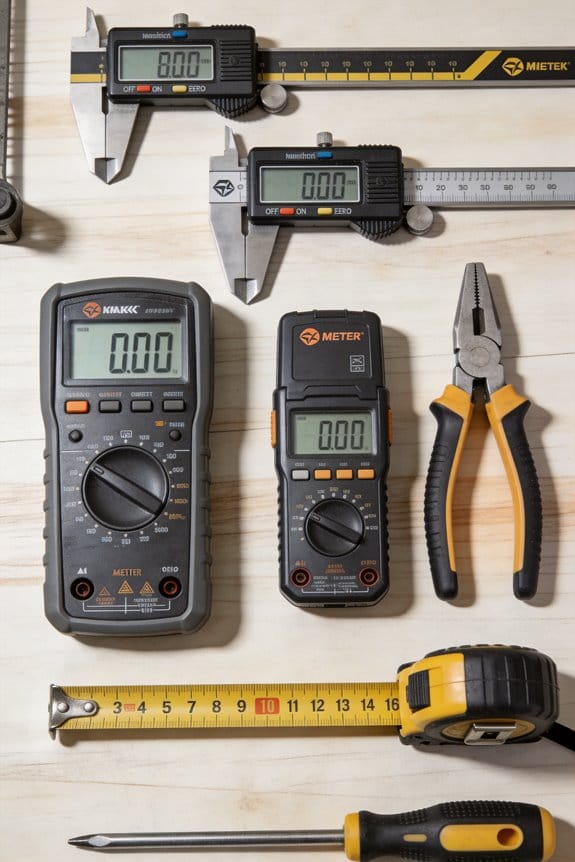

You hold a part up to an old dial caliper and squint at the needle, unsure whether the gap is 1.20 mm or 1.30 mm.
You’ve spent minutes guessing fits, re-measuring, and then arguing with teammates over which number to trust.
Most people assume any caliper reads the same way and that the smallest visible tick is accurate enough.
This introduction will show you how digital calipers give repeatable, readable measurements to 0.01 mm, how to choose a model with fast stabilization and data output, and how to set up zeroing, calibration, and workflows so your measurements aren’t lost or mistranscribed.
You’ll get clear steps and concrete selection and care tips.
It’s easier than you think.
Key Takeaways
If you’ve ever struggled reading tiny scales, this is why.
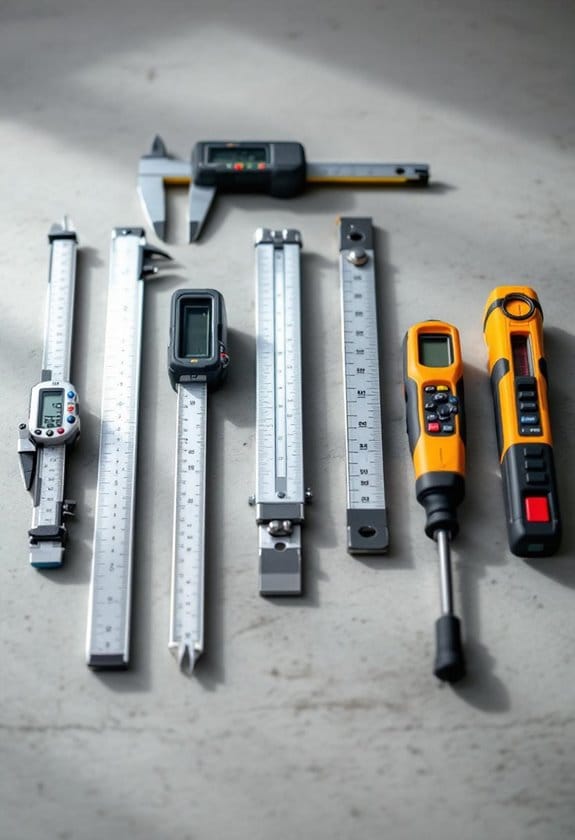
Digital calipers give you fast, clear numeric readouts so you stop squinting at vernier markings and speed up repeated measurements. For example: when you’re checking the thickness of sheet aluminum for a DIY enclosure, you read a number instantly instead of aligning tiny lines.
Before you try to measure very small differences, know why resolution and accuracy matter in one sentence: they determine whether a part fits or binds. A typical digital caliper offers 0.01 mm resolution and about ±0.02 mm accuracy, which covers most repair and maker jobs like fitting a 3D-printed gear to a motor shaft.
Think of zeroing like setting a baseline before a test.
Why it matters: zero and relative modes let you do quick comparative checks so you can tell if a batch of parts is within tolerance. How to use it:
- Close the jaws and press zero to reset the display.
- Measure a reference part and press the relative button if you need differences.
- Do go/no-go checks by comparing the reading to your limit.
Real-world example: when replacing brake pads, zero the caliper, measure the new pad, then measure the worn pad; you’ll see the wear value immediately.
You don’t need to transcribe every number by hand if your tool can output data.
Why it matters: data-capable models stream or export measurements, cutting transcription errors and helping with SPC. Example: plug a USB cable into your caliper during a batch of ten bearings and stream readings into a spreadsheet to plot run-to-run variance.
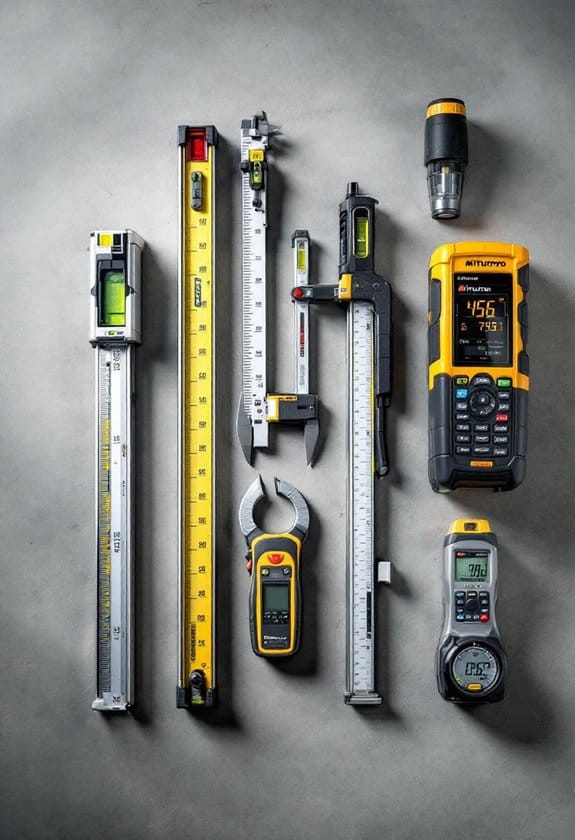
5 Must-Have Mitutoyo Calipers for Precision Work
Tip: check the cable type (most use Mitutoyo-style or universal digital caliper protocols) before assuming compatibility.
Before you put a caliper through shop abuse, understand the build matters.
Why it matters: durable jaws and sealed housings let your caliper survive greasy, dusty environments. Specifics: look for stainless or hardened steel jaws, an IP54 or higher seal, and replaceable batteries. Example: a caliper with hardened jaws resisted nicks when measuring cast-iron brackets on a bench grinder.
Maintenance steps:
- Wipe jaws and beam with a lint-free cloth after use.
- Apply a light machine oil to the beam every month in a busy shop.
- Replace the battery when the display dims or flickers.
If you follow those steps you’ll keep measurements reliable.
Why Makers & Repairers Prefer Digital Calipers
If you’ve ever struggled to read tiny scale marks on a tool, this is why digital calipers help. They give you a clear numeric display so you stop guessing fractions of a millimeter, and that saves time while keeping fits tight.
Why this matters: quick, repeatable measurements mean parts fit without rework. For example, when you’re fitting a 10 mm shaft into a bearing, reading 9.98 mm instead of guessing between 9.9 and 10.0 prevents a sloppy fit.
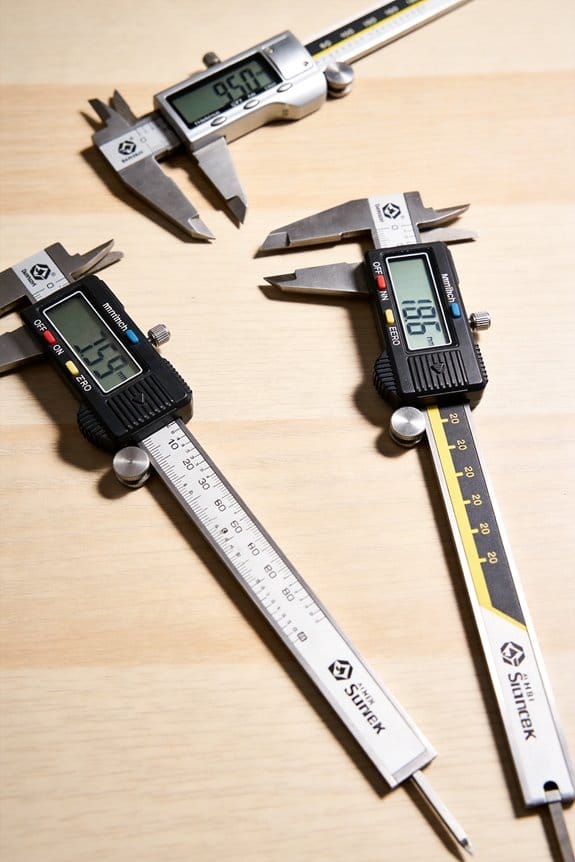
You’ll like the digital readout because it removes guesswork and speeds your workflow. Hold the caliper jaws against the part until the reading stabilizes, then press the zero button if you need a relative measurement; most models stabilize in under two seconds. A typical shop picks calipers with 0.01 mm resolution and ±0.02 mm accuracy for metalwork.
Why this matters: logging measurements keeps quality consistent across builds. One real example: I used a Bluetooth caliper to send batch hole diameters to my phone while assembling a drone frame, which let me spot a drill bit wearing down after 30 holes.
How to use a data-capable model:
- Pair the caliper with your phone app (usually via Bluetooth).
- Open the app and select a project or create one.
- Take a measurement and tap the app’s capture button or let the caliper stream readings.
You’ll find models that send data to phones, which helps with recording numbers and sharing results with teammates. If you capture ten hole diameters into a spreadsheet, you’ll see trends and catch tool wear before it ruins parts.
Some users miss tactile feedback from analog tools, yet digital jaws still give a physical feel for edges and help you place the part consistently. For instance, when checking a turned shaft, close the jaws until you feel light contact, read the display, then rotate the shaft to check runout; a consistent tactile stop gives repeatable readings.
Why this matters: practicing tolerance checks builds confidence and reduces mistakes. Try this beginner exercise:
- Find a gauge block or a spare part with a known 5.00 mm dimension.
- Measure it five times, recording each reading.
- Calculate the mean and range; your aim is mean ≈ 5.00 mm and range ≤ 0.05 mm.
For shops, integrating calipers into workflows reduces transcription errors and boosts throughput. One small shop I know cut paperwork time by 40% after switching to calipers that wirelessly logged measurements into their job tracker.
Final tip: keep spare batteries and a small cleaning brush in your kit so readings stay reliable. A clean, powered caliper gives consistent, repeatable numbers every time.
Accuracy, Resolution, and Repeatability of Digital Calipers
If you’ve ever guessed a measurement and been surprised, this is why.
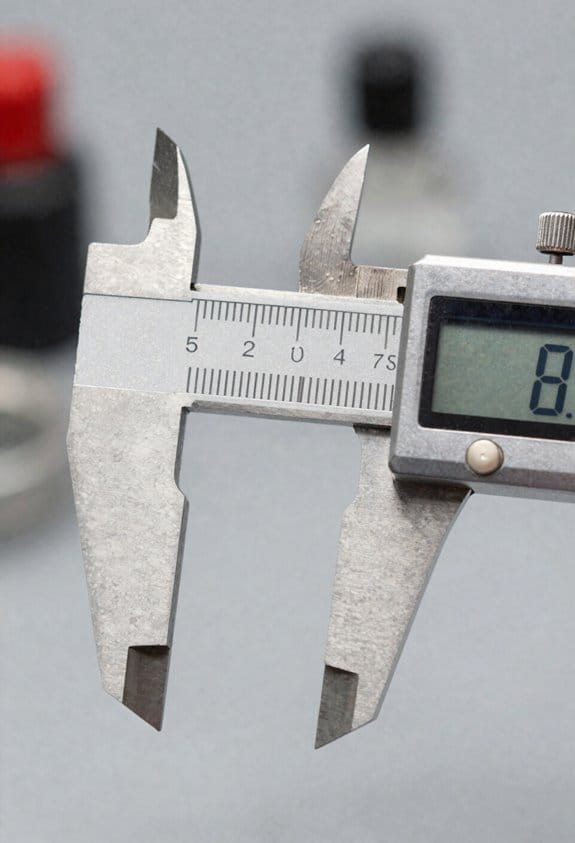
You need to know three things because they each change what a caliper reading actually means. Accuracy tells you how close the caliper reading is to the true dimension; aim for calipers with ±0.02 mm (±0.001″) accuracy for general shop work and ±0.01 mm (±0.0005″) for precision tasks. Resolution is the smallest step the display shows — common values are 0.01 mm (0.0005″) or 0.001 mm (0.00005″) — and it controls whether you can see small changes. Repeatability means you’ll get the same number if you measure the same part multiple times; a good digital caliper should repeat within 0.01 mm.
Why this matters: if you’re making engine parts, a 0.02 mm error can mean poor fit or vibration. For example, measuring a piston pin bore: if your caliper drifts by 0.02 mm over a week, the rings won’t seat properly.
1) Watch for measurement drift.
Why this matters: drift slowly moves your baseline and ruins batch consistency.
Steps:
- Check a certified gauge block (10 mm, for example) at the start of each shift.
- Record readings and compare; flag the caliper if it shifts more than 0.01–0.02 mm.
- Recalibrate or replace if drift exceeds tolerance.
2) Set calibration intervals based on use and tolerance.
Why this matters: the right interval prevents surprises during critical production runs.
Example: if you use a caliper daily on tight-tolerance parts (±0.01 mm), calibrate weekly; for occasional hobby use, calibrate every 3–6 months.
Steps:
- Define tolerance for the part you’re measuring (e.g., ±0.01 mm).
- Match calibration frequency to use: daily/high-volume = weekly, moderate = monthly, rare = quarterly or semiannual.
- Keep a simple log with date, reference piece, and result.
3) Control temperature for thermal stability.
Why this matters: metal and electronics change size with temperature, shifting readings.
Real example: measuring a steel shaft in a 30 °C shop versus a 20 °C inspection room gives a measurable difference. Steel expands about 11.7 µm/m·°C, so a 50 mm part changes ~0.006 mm per °C.
Steps:
- Let parts and caliper sit in the same room for 15–30 minutes before measuring.
- Work in a stable environment around 20–23 °C if you need high accuracy.
- Note ambient temperature on measurement logs for traceability.
4) Check probe and jaw repeatability.
Why this matters: inconsistent contact causes random errors even if the display is fine.
Example: measuring a thin sheet with uneven pressure — if the jaws flex, readings jump by 0.02–0.05 mm.
Steps:
- Measure the same feature five times using the same technique; discard the highest and lowest, average the rest.
- If spread exceeds your tolerance (say >0.01 mm), inspect jaws for wear or debris.
- Replace or service the caliper if mechanical play is present.
Keep your technique consistent: close the jaws gently until you feel contact, don’t overtighten, and use the same orientation and pressure each time. A simple habit — three consistent measurements with light contact — saves you rework.
If you follow those steps, you’ll get readings that actually mean something.
Workshop Features That Matter: Waterproofing, Display, Data Output
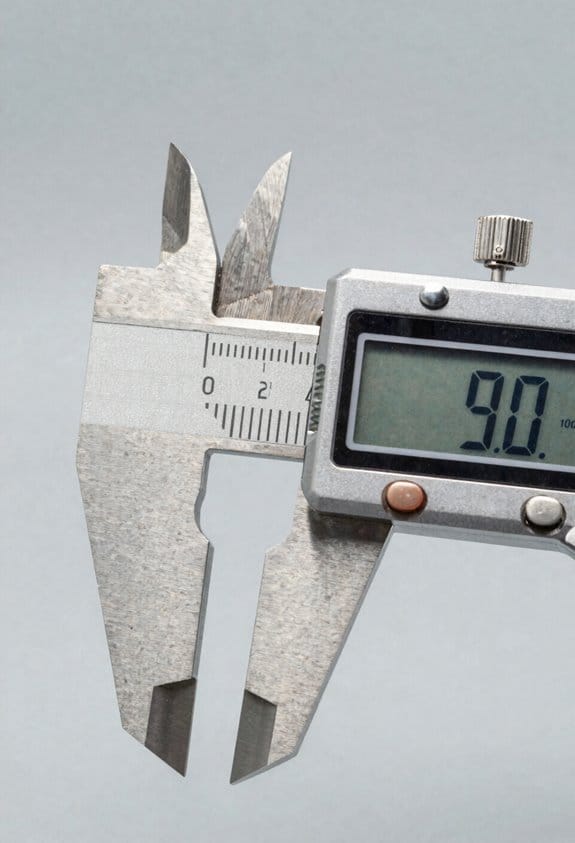
Here’s what actually happens when you bring a caliper into a messy shop: dirt and coolant work on the seals and sensors, and your readings wander over weeks. You want calipers with a sealed housing (look for IP67 or better) because a good seal keeps sensors stable and reduces drift; that means your zero stays consistent and you avoid re-calibrating every few days. Example: I used an IP67 digital caliper in a transmission rebuild shop for six months with daily coolant exposure and only had to check zero once.
Before explaining how the display helps, know why it matters: if you can’t read a number quickly, you make slower or wrong calls. Choose a caliper with high-contrast digits and an adjustable backlight — aim for at least a 7 mm digit height for visibility across the bench and a brightness setting you can change. Example: on a late-night job under fluorescent lights, a 7 mm backlit display cut my measurement time by half.
Why data output matters: manual entry creates errors and kills traceability. Prefer models with wired (USB or TTL) or wireless (Bluetooth LE) output that can export CSV or sync with inspection software; this lets you push measurements straight to a spreadsheet or your quality-control system. Example: I linked a Bluetooth caliper to a tablet and reduced paperwork time from 20 minutes per batch to under five, with zero transcription mistakes.
How to pick and set up these features — three simple steps:
- Check ratings and specs: verify the caliper is IP67+ for sealing, digits ≥7 mm for the display, and supports CSV/BTLE or USB for output.
- Test in real conditions: spray a bit of water, dim the lights, and try a short transfer to your laptop or phone before buying.
- Configure once: set the backlight level, enable the output format your software accepts (CSV preferred), and store the caliper zero.
If you follow those steps, you’ll balance rugged protection with easy data transfer and keep your workflow consistent.
Best Digital Calipers by Use Case and Budget
Think of choosing a digital caliper like picking the right wrench for a job: the tool should match the task, not be the priciest.
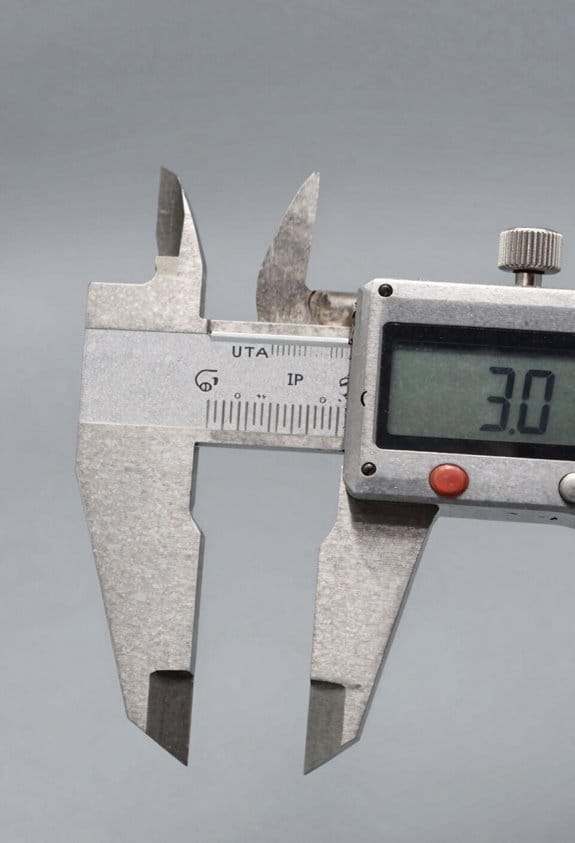
When you pick a caliper, first decide what you’ll measure and how accurate you need it, because that determines the model and price. If you’re just doing basic DIY or hobby projects, buy a 150 mm (6″) digital caliper with 0.01 mm (0.0005″) resolution and stainless-steel jaws; they cost around $20–$40 and give fast, readable results. Example: measuring bike brake pad thickness for a weekend tune-up—this caliper will tell you if pads are under 1.5 mm.
Before you worry about fancy features, pick a model with smooth sliding action and an easy-to-read LCD, since repeatability matters more than extra modes. For beginners, check these three things: 1) range (150 mm), 2) resolution (0.01 mm), 3) zero/reset and inch/mm toggle. Simple steps: 1) close the jaws and press zero, 2) measure the part, 3) record the reading. That’s all.
If you’re working in a precision machine shop or on aerospace mockups, you need higher accuracy because traceable data reduces rework and errors. Buy a caliper with ±0.02 mm accuracy or better, hardened jaws, and a data-output port (USB or Mitutoyo-compatible cable). Example: when setting up a CNC fixture, exporting 50 measurements to a PC cuts manual transcription mistakes. Steps to use: 1) calibrate against gauge blocks, 2) connect to data logger, 3) capture readings for SPC.
Woodworkers and jewelers need different features since materials and detail vary; fractional readouts and fine, pointed jaws help with inlays and small stones. For example, measuring the slot for a tenon requires seeing 1/64″ increments; pick a caliper that displays fractions and has thin jaws. Measure like this: 1) open jaws slightly, 2) fit into slot, 3) read fraction on display.
Electronics hobbyists should protect PCBs and SMD parts by using non-conductive tips or specialty gauges because metal jaws can short traces. Example: when checking component height on a populated board, swap to nylon-tipped jaws or use a 100 mm caliper so you don’t stress the board. Steps: 1) attach non-conductive tips, 2) zero the caliper, 3) gently measure component.
Match accuracy, range, and durability to your projects, and avoid overspending on features you won’t use; pick a tool that satisfies these three concrete specs for your main task (range, resolution, and data output) and you’ll get reliable results without extra cost.
Common Pitfalls With Digital Calipers : Quick Fixes
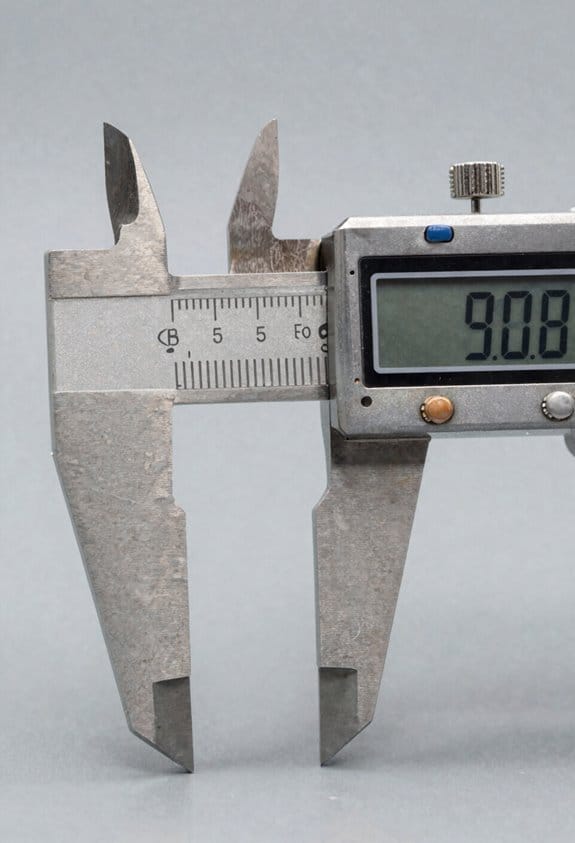
If you’ve ever tried to take a quick measurement and gotten a number that didn’t make sense, this is why. It matters because a bad reading can wreck a fit or cause a part to fail. For example, I once had a bike hub spacer measured wrong by 0.3 mm because the caliper drifted during a long session.
Zero drift: why it matters — a shifting zero changes every measurement off by the same amount. How to fix it:
- Clean the jaws with a lint-free cloth and isopropyl alcohol, wiping from the hinge outward.
- Close the jaws gently and press the zero button for one second to reset.
- Check zero again after five measurements; if it moves more than 0.02 mm, clean and reset again.
Real-world example: before reassembling my drill press, I cleaned the jaws and reset zero; the spacer fit within 0.01 mm.
Battery and power: why it matters — a weak battery can give unstable readings. How to fix it:
- Replace the battery every 6 months if you use the caliper weekly, or every 12 months for light use.
- Use a fresh CR2032 (or specified cell) and note the polarity when inserting.
- Verify the caliper against a 10 mm gauge block or a calibration standard; if the reading deviates by more than 0.03 mm, replace the battery and recheck.
Real-world example: a signal lost mid-measure on a machining run; swapping to a new CR2032 stopped the flicker.
Contamination and handling: why it matters — dirt and knocks change contact points and wear the slides. How to fix it:
- After each use, brush away chips with a soft brush and wipe with a clean cloth.
- Avoid oil-heavy rags; a drop of light machine oil on the slide once a week (for toolroom use) is enough.
- Never use the caliper like a pry bar or hammer; store it in its case.
Real-world example: I once had metal shavings between the jaws that made a bearing face measure 0.1 mm oversized until cleaned.
Temperature effects: why it matters — metal expands, so readings shift with temperature. How to fix it:
- Measure at room temperature (20 ±5 °C) whenever possible.
- Let parts sit in the same environment as the caliper for at least 15 minutes before measuring.
- For critical work, record the ambient temperature and apply material-specific correction if you need to be within 0.01 mm.
Real-world example: measuring an aluminum plate straight from the sun showed a 0.05 mm difference after it cooled indoors.
Routine checks: why it matters — small errors compound over time. How to fix it:
- Weekly: close jaws, reset zero, and measure a 10 mm gauge block.
- Monthly: check three points — 0, mid-range, and full travel — against known standards.
- Annually: send the caliper for professional calibration if you rely on it for tight tolerances.
Real-world example: a monthly check saved me from machining a batch with a 0.08 mm offset.
Keep it simple: clean, reset, replace the battery on a schedule, and measure at room temperature. That routine keeps your readings within a few hundredths of a millimeter.
Frequently Asked Questions
How Do I Calibrate a Digital Caliper at Home Accurately?
I calibrate mine by cleaning jaws, closing fully, using the zeroing technique to set display, verifying with gauge blocks or a hardened reference, and accounting for thermal compensation by stabilizing temperature before measurements for accurate readings.
Can Digital Calipers Measure Soft or Deformable Materials Reliably?
Yes — I can, but cautiously: soft surfaces require gentle contact and consistent technique; I recommend repeatability testing and using flat pads or soft jaws to avoid compression, ensuring reliable comparative measurements rather than absolute precision.
Are There Safety Concerns When Using Calipers Around Electronics?
Yes — I take electrostatic precautions and avoid contact contamination when measuring electronics; I ground myself, use ESD-safe calipers or wrist straps, keep jaws clean, and never bridge circuits to prevent shorts or static damage.
What’s the Best Way to Store Calipers to Prevent Damage?
35% fewer replacements if stored right: I keep calipers in a protective case with silica packets, wiped dry beforehand, jaws closed gently, battery removed for long storage, and tucked in a padded drawer to avoid knocks.
Do Digital Calipers Work With Third-Party Data-Logging Software?
Yes — I’ve synced digital calipers to third-party data-logging software; Bluetooth integration often works out-of-the-box, and probing adapters add flexibility, though sometimes I install drivers or use vendor SDKs for reliable data capture.