
You’re standing on a job site with three different meters, a looming deadline, and no clear way to know which reading to trust. The exact problem is deciding whether a portable measuring device will give the speed, accuracy, and traceable logs you need without slowing the team down.
Most people assume stationary lab instruments are always more reliable or that portable tools are only for quick checks. This article will show you how to choose a portable meter that delivers fast, lab-grade accuracy, reliable timestamped data transfer, and battery life that carries through full shifts.
You’ll get practical selection and procurement steps you can apply immediately. It’s easier than it looks.
Key Takeaways
If you’ve ever needed a quick reading on a machine, this is why portable meters win.
Portability matters because it gets you results at the point of need instead of waiting for lab turnaround. A handheld thermal camera, for example, lets you scan a pump rack in 30 seconds per unit instead of shipping parts for lab analysis that takes days. You can carry it in one hand.
Wireless connectivity matters because it removes paperwork errors and saves time entering values. Steps: 1) Pair the device via Bluetooth to your phone (usually a 4–10 second process). 2) Open the device app and tap “Sync” to send measurements to the cloud. 3) Share the generated CSV or PDF with your team. A utility lineman I know emails a sync report in under a minute after each site visit.
Battery life matters because you need the tool to last a full shift without swapping cells. Expect 8–12 hours on a typical handheld multimeter or gas detector; carry one spare battery or a USB‑C power bank rated at 20,000 mAh if you work multiple shifts. That’s one battery change per day at most.
Rugged design matters because it keeps you working instead of waiting for repairs. Choose devices with IP67 seals and drop ratings (1.5–2 meters), and you’ll reduce returns and calibration downtime. A field technician I worked with dropped his analyzer off a ladder twice and kept working because the case stayed sealed.
Simple interfaces matter because they cut training time and operator mistakes. Look for devices with three or fewer menu levels and large, labeled buttons; you can teach someone to use one reliably in 10–15 minutes. In a noisy plant, a technician can still press a green “Measure” button without reading the screen.
Industry workflow matters because cramped, loud, or dirty sites favor handhelds over benches. If you’re crawling under a conveyor or standing on a catwalk, a pocket‑sized optical tachometer or vibration meter lets you get precise readings from awkward positions in under a minute per measurement.
Why Portable Measuring Devices Beat Stationary Tools
If you’ve ever needed a reading in a cramped or noisy place, this is why.
You want accurate measurements where the work actually happens, not back at a bench. Portable devices get you there: carry a handheld spectrometer or clamp meter to the equipment, power it on, and take readings in under five minutes instead of packing parts for lab testing.
Why it matters: you save hours and avoid errors from moving samples. Example: at a rooftop HVAC unit, you can clamp a power meter around a live cable, log three-phase currents, and finish diagnostics before the crew lowers the hoist.
Faster deployment — how and why it helps.
Why it matters: less setup means less downtime for your system.
- Unpack and power on the unit in under 2 minutes.
- Attach probes or clamps (most are quarter-turn).
- Record readings and export via Bluetooth in 30–60 seconds.
Concrete example: a telecom tech walks a cell site, does ten signal strength checks in 20 minutes, and sends results that afternoon.
Reduced footprint — why you should care.
Why it matters: you can work in tight spaces without moving equipment. Example: inside a server rack, a pocket-sized temperature logger clips to a rail and measures hotspots without shutting down the server, giving you a temperature map in 10 minutes.
User-friendly interfaces — why they cut mistakes.
Why it matters: simpler controls mean fewer operator errors. Example: a handheld flow meter with a color screen, three buttons, and presets for common pipe sizes lets you run a calibrated test in under a minute. Press one button to start, one to stop, and the display logs the result.
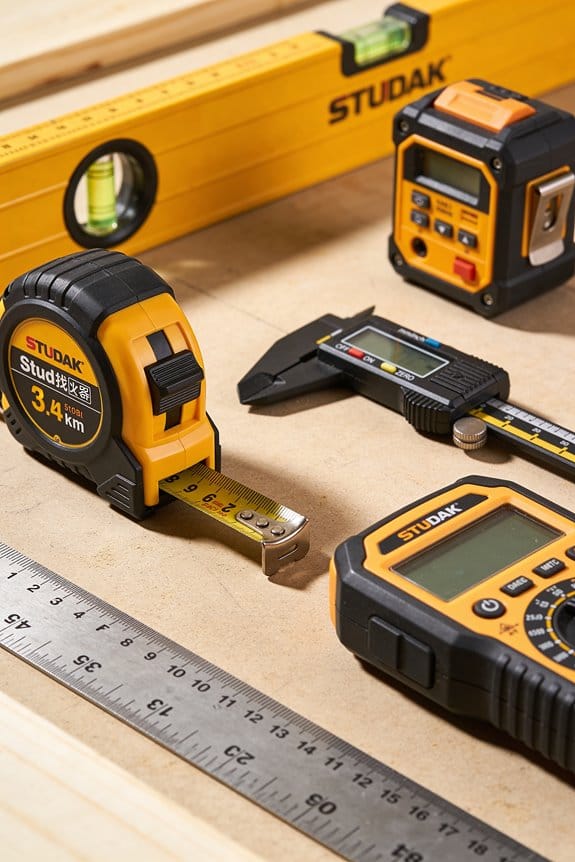
Lower maintenance — why it reduces costs.
Why it matters: sealed units and fewer moving parts lower repair time and spare-part needs. Example: a ruggedized ultrasonic thickness gauge with an IP67 case and a single probe needs annual calibration only, not monthly mechanical servicing.
Practical tip you can use today.
Why it matters: choosing the right portable tool speeds your workflow.
- List the three measurements you need most.
- Pick a handheld that covers those and has Bluetooth.
- Test it on-site for 15 minutes before buying.
Example: if you need voltage, current, and temperature, get a clamp meter with a temp probe and make sure the live measurements match a trusted lab meter within 2%.
How Bluetooth, Batteries, and Wireless Tech Transformed Portable Measurement
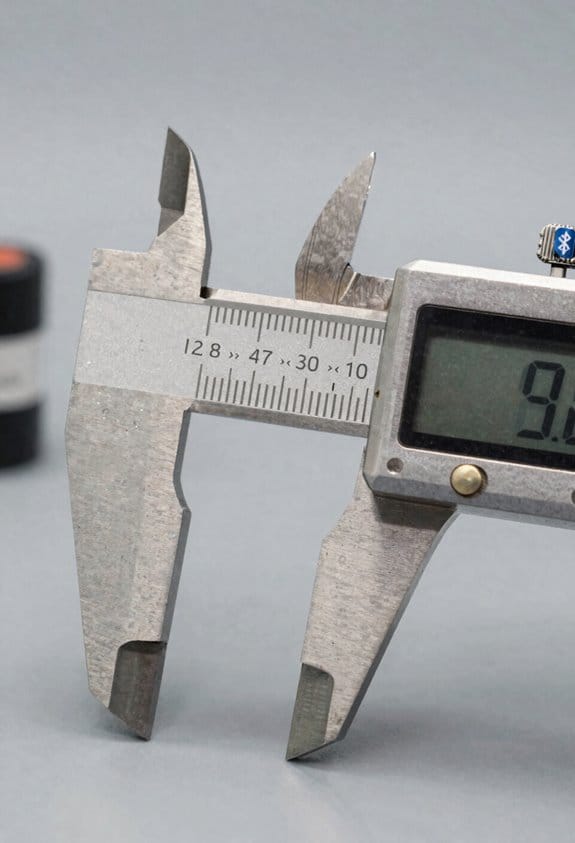
If you’ve ever held a modern handheld meter, this is why it feels different. Bluetooth, better batteries, and wireless tech change how you work in the field by making tests faster, safer, and more connected.
Why Bluetooth and Wi‑Fi matter: they get results off the device instantly so you don’t retype numbers and introduce errors. For example, when you clamp a current probe on a rooftop HVAC unit, your meter can send live readings to your phone app and the cloud in seconds, so the office already has the data before you climb down. How to use it: 1) Pair the meter to your phone using the app’s setup wizard (usually under Settings → Bluetooth), 2) Start a live session and tap Export, 3) Select CSV or PDF and upload to your cloud folder. Encrypted links stop tampering by using standard Bluetooth Secure Connections (look for Bluetooth 4.2+ or BLE Secure Mode in specs). Tip: check the app shows a lock icon when connected.
Why better batteries matter: they let you work longer and carry less weight. A modern lithium‑ion pack with 3,000–6,000 mAh typically gives 8–12 hours of continuous use on a handheld tester; older NiMH cells often lasted 3–4 hours. Real example: a utility tech who used to swap batteries twice on a 10‑hour shift now does a single swap at lunch because the meter runs all morning. How to manage them: 1) Keep one charged spare at 100%, 2) Cycle the pack monthly if you store the device, 3) follow the manufacturer charge window (usually 20–80% for longevity). When a pack fails, return it to the manufacturer’s recycling program or an electronics recycler; many vendors list drop‑off points on their website.
Why wireless firmware updates matter: they fix bugs and add features without shipping the unit back. This matters because a remote fix can restore a critical function in hours instead of weeks. Example: a field logger had a GPS timestamp bug; the vendor pushed an OTA update overnight and techs resumed use the next day. How to apply updates: 1) Connect the device to your phone or Wi‑Fi, 2) Open the device app and check Firmware → Update, 3) Install and keep the device powered until it reboots.
How these advances change your work in practice: you reduce downtime, speed reporting, and cut the chance of human error by replacing manual transcription with automated transfer. One concrete result is finishing a site report while still at the job, which saves you 15–30 minutes per site versus writing notes by hand. For security and reliability, look for devices that list encrypted Bluetooth, OTA update verification, and battery capacity on the spec sheet before you buy.
Quick checklist to get started today:
1) Confirm meter has Bluetooth 4.2+ and app support.
2) Verify battery capacity (mAh) and expected runtime in the manual.
3) Enable automatic firmware updates in the app.
4) Register the device for warranty and recycling info.
If you follow those steps, you’ll work longer shifts, send cleaner data, and avoid unnecessary returns.
Recommended Products
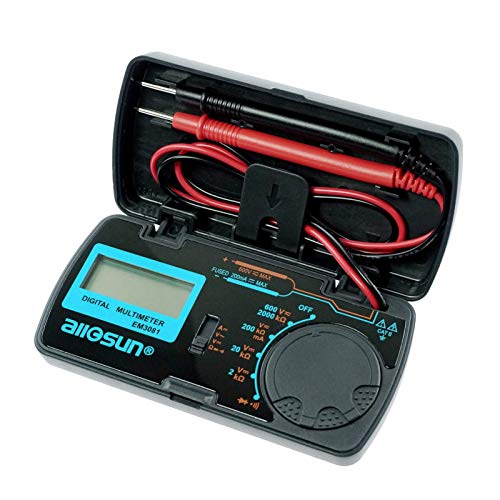
Easy To Use & Carry: The multimeter seems to work great and it is a perfect size to keep in your glove box/travel tool box or where ever you may need it.

【Bluetooth with APP】 Connects to iPhone/Android via "Intelligent Anemometer" APP. Scan QR code to install, auto-pair when green light is on. Export data in Excel/TXT format. Note: Turn on anemometer before enabling phone Bluetooth.

【Multifunctional Multimeter】:This innovative desktop multimeter from ZOYI comes with built-in Bluetooth speakers. It works not only as a professional multimeter, but also a home audio device delivering 360° surround sound via dual speakers. Real-time voice data broadcast lets you focus fully on circuit testing. You can also place it in your bedroom to play sleep music and set wake-up alarms.
Sectors Driving Demand: Construction, Automotive, Industrial Control
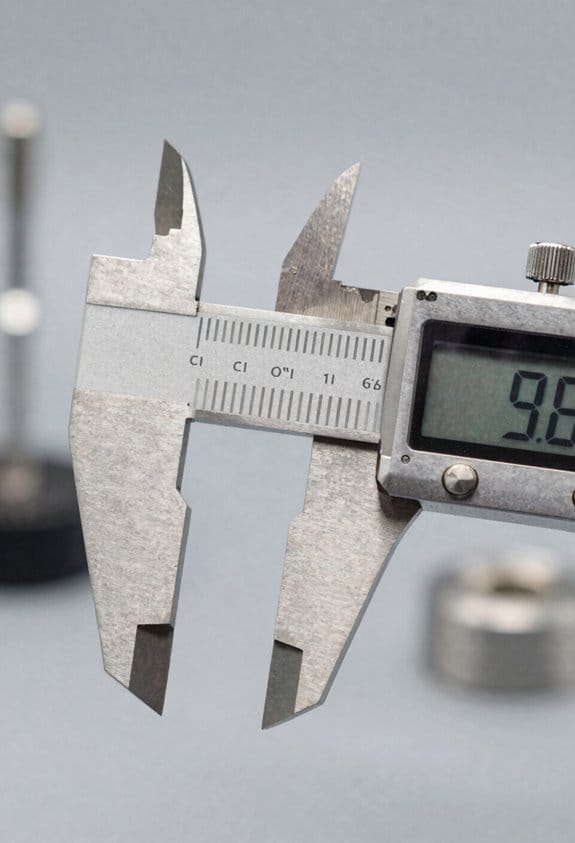
If you’ve ever needed a quick, reliable measurement on a job site, this is why portable meters matter: they give you fast readings where benches can’t go.
Construction: why it matters — you need accurate distance, level, and material-tolerance checks on uneven ground.
Example: when you’re checking floor level across a 20-foot span before pouring concrete, a laser level that reads to 1/16 inch over that distance saves hours of rework.
How to use them:
- Choose a laser level with ±1/16″ accuracy at 20 ft.
- Mount it on a tripod at mid-span.
- Take three readings along the beam and record the highest variance.
- Mark and shim where variance exceeds 1/8″.
Those steps stop small errors from becoming costly fixes.
Automotive: why it matters — you need portable gauges to calibrate sensors and align components right at the vehicle.
Example: when you’re calibrating an ADAS camera after a bumper replacement, a handheld target system that aligns to ±0.5° prevents lane-assist drift.
How to use them:
- Park the car on a flat surface within ±1° camber.
- Attach the target at the manufacturer’s specified height.
- Run three calibration passes and save the log.
- Verify with a road test at 25 mph.
This workflow cuts return trips and keeps downtime low.
Industrial control: why it matters — you need on-site meters to troubleshoot sensors and tune controllers without stopping production.
Example: when a PID loop starts oscillating on a conveyor, a handheld process meter that reads 4–20 mA and shows loop response helps you tune gains in minutes.
How to use them:
- Clamp the meter across the 4–20 mA loop.
- Record sensor output at idle and peak load for 60 seconds each.
- Adjust PID gains in 0.1 increments and observe damping.
- Log the settings that keep overshoot under 5%.
Those actions restore steady throughput fast.
Portable devices deliver immediate feedback, simplify root-cause work, and support on-the-spot quality checks — so pick tools rated for your job, follow the four simple steps per task, and keep a short log of readings for future troubleshooting.
Recommended Products

**Brighter Green Laser & 1/16" High Accuracy** – Equipped with advanced green beam laser technology, this laser measure is 4X brighter than standard red lasers, providing clearer visibility for indoor measuring, dim rooms, workshops, warehouses, and renovation projects. With up to 1/16-inch accuracy and a 200 ft measuring range, it helps contractors, remodelers, appraisers, and DIY users complete precise distance, area, volume, and layout measurements with confidence.
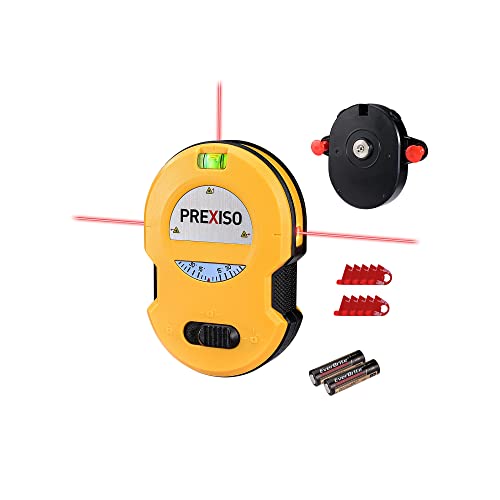
NOTE: This product is not a stud finder or a magnetic nail finder

★ DUAL MODES & SELF-LEVELING ★ The cross line laser with slide switch enable you to set 2 modes, self-leveling mode and manual mode. When working in self-leveling mode, the range of leveling and compensation is 4°± 1°and the laser level will automatically level for horizontal/vertical/cross line, otherwise the laser will flash to indicate thr out-of-level condition. In manual mode, the self-leveling function is deactivated and the cross is locked to use the device at any angle.
Market Trends, Regional Leaders, and Vendor Landscape for Portable Tools
If you’ve ever stood on a site holding a meter that won’t sync with your phone, this is why.
Market trends: what’s driving demand and what that means for you
Why it matters: knowing trends helps you pick the right features so you don’t overspend.
- Growth drivers: compact, battery-powered meters with wireless links (Bluetooth or Wi‑Fi) are selling fastest; expect 5–8% annual growth in portable test gear over the next 3 years in many markets.
- Accuracy standards: factories pushing for ±0.5% or better for certain measurements raise the bar for portable tools, so specs matter when you need lab-like results on the floor.
- Practical step: when shopping, require written accuracy at the operating range you use (for example, ±0.5% at 0–100 mA).
Real-world example: a maintenance tech at an automotive plant switched from a general handheld to a model rated ±0.3% for current and cut troubleshooting time from 45 minutes to 12 minutes on a complex sensor loop.
Which regions lead the market and how that affects availability
Why it matters: region determines what’s stocked, supported, and priced near you.
- Asia‑Pacific: leads manufacturing and holds the largest volume share; you’ll find the widest variety and lowest prices here, but support can vary.
- North America: buyers get advanced precision tools and strong after‑sales service; expect higher prices but faster replacement parts.
- Europe: heavy regulation and IoT adoption push certified, connected devices; you’ll see more CE‑marked units with embedded security.
Practical tip: if you need quick local support, buy from a vendor with a regional hub; for example, choose a North American distributor if you need next‑day replacement parts.
Who the vendors are and how to evaluate them
Why it matters: vendor choice affects calibration, firmware updates, and spare parts availability.
- Large firms: dominate distribution, offer global warranty and calibration services, and stock accessories.
- Niche specialists: focus on one measurement type (thermal, vibration, electrical) and often provide deeper application expertise.
- Supply-chain effects: lead times for certain sensors or batteries can stretch to 8–12 weeks during demand spikes.
Steps to evaluate vendors:
- Check local calibration options (on‑site or certified lab).
- Ask for firmware update history and frequency.
- Request lead times for the top three spare parts you’ll need.
Real-world example: a field crew in Texas avoided a month-long outage by buying from a vendor who guaranteed a local calibrated replacement within 48 hours.
Standards, interoperability, and what you should watch for
Why it matters: standards determine whether your meter works with existing systems and whether it’ll still be usable in a few years.
- Emerging standards: common wireless profiles and data formats (eg, standardized JSON exports, Bluetooth LE GATT profiles) are making tools more interoperable.
- Certification to watch: device-level safety ratings, CE/UL, and any industry-specific approvals (like IEC for electrical testers).
Practical checks:
- Verify exported file formats (CSV, JSON) match your data-logging software.
- Confirm Bluetooth profiles supported (eg, GATT services for meter data).
Real-world example: a contractor saved hours by choosing meters that exported readings in CSV with timestamps, letting them drop data directly into their reporting spreadsheet.
Buying checklist for field-ready portable tools
Why it matters: a short checklist prevents costly mistakes on purchases.
- Required accuracy at operating range (state the number).
- Battery life in actual use (hours under continuous logging).
- Wireless capabilities and supported profiles (list exact protocols).
- Local calibration and spare parts lead times (days/weeks).
- Warranty terms and firmware update policy.
Example: specify “±0.5% accuracy, 8+ hours continuous logging, Bluetooth LE GATT, 48‑hour replacement for probes” when you request quotes.
Final takeaway: focus your selection on the exact numbers and services you need — accuracy, battery life, supported protocols, and local support — and use the checklist when you request quotes so vendors can’t hide the details.
How to Choose a Portable Measuring Tool: Accuracy, Cost, Connectivity
If you’ve ever bought a tool that didn’t give reliable readings, this is why.
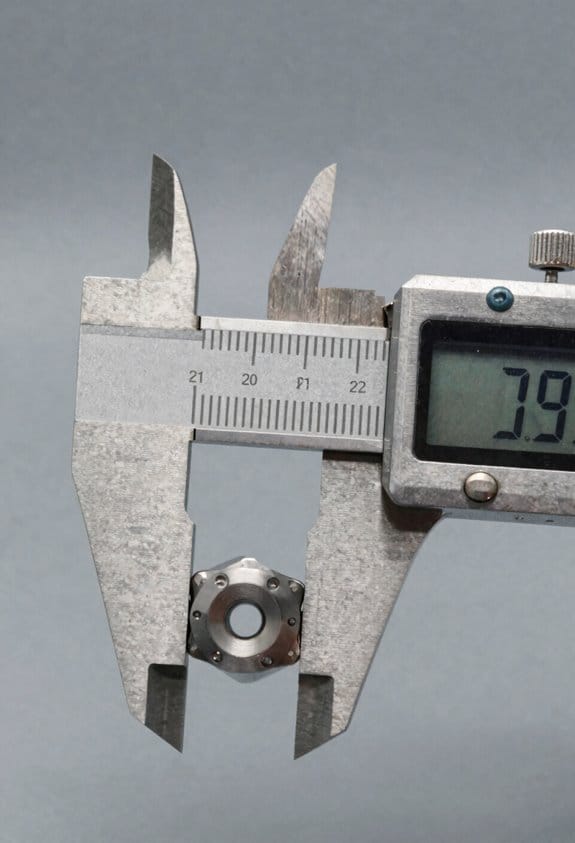
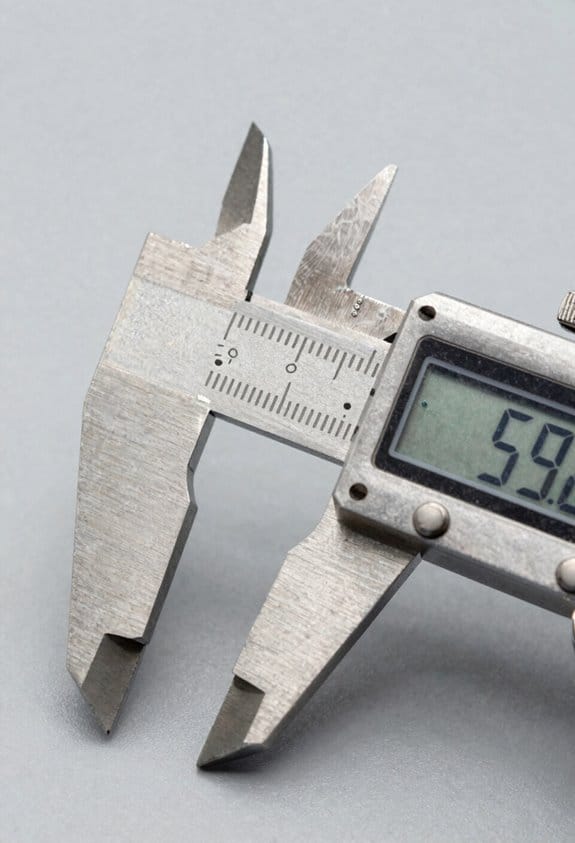
Why accuracy matters: it tells you whether your measurements will pass tolerances and avoid rework. Example: if you’re checking shaft diameters for a machine that needs ±0.02 mm, a gauge with 0.01 mm repeatability and 0.005 mm resolution keeps you safe. How to check accuracy:
- Read the spec sheet for resolution, repeatability, and accuracy values.
- Ask for traceability: request calibration certificates tied to national standards.
- Plan calibration: estimate cost and time — typical cal for a handheld gauge runs $50–$200 and takes 1–2 days.
Takeaway: pick a tool whose repeatability is at least half your tolerance.
Before you buy, you need to know the total cost of ownership.
Why cost matters: upfront price isn’t everything — ongoing expenses can double your spend. Example: a $300 device that needs batteries every month and $150 annual calibration can cost you over $1,500 in three years. How to estimate cost:
- Tally purchase price.
- Add recurring costs: batteries, consumables, and annual calibration.
- Include downtime: factor 1–2 days per calibration into project schedules.
Takeaway: compare three-year costs, not just sticker price.
Think of connectivity like a digital bridge to your workflow.
Why connectivity matters: it speeds data transfer and reduces transcription errors. Example: transmitting readings via Bluetooth to your phone saves you from handwritten notes when logging 200 measurements in a day. How to choose connectivity:
- Decide your workflow: do you need real‑time sync, batch export, or just USB backup?
- Match protocols: choose Bluetooth for mobile apps, Wi‑Fi for cloud uploads, wired for secure transfers.
- Test transfer speed: ask for sample file sizes and timing — syncing 500 records should take under a minute for efficient workflows.
Takeaway: pick the simplest connection that reliably fits your job.
Ergonomics affect speed and mistakes — you’ll notice immediately on the job.
Why ergonomics matters: comfortable tools reduce user fatigue and errors. Example: a 250 g gauge with a textured grip and a backlit 2.4″ screen made me cut data-entry time by half during a 6-hour site run. How to evaluate ergonomics:
- Check weight and grip dimensions; hold the unit if possible.
- Inspect button layout and screen readability in sunlight.
- Consider mounting options or straps for long shifts.
Takeaway: choose a design you can hold for hours without repositioning your hand.
Final quick checklist you can use in the store or during demos:
- Accuracy: resolution ≤ half your tolerance; ask for a calibration certificate.
- Cost: calculate three-year total including calibrations and consumables.
- Connectivity: verify protocol and time to sync 500 records.
- Ergonomics: hold it for 2 minutes; read the screen in bright light.
If you follow these steps, you’ll pick a portable tool that saves time and avoids surprises.
Recommended Products

Precise measurement: Measurement range: 0 - 6''/0 - 150 mm; Resolution: 0.01”/0.1 mm; Accuracy: +/- 0.2 mm/0.01”. Perfect and accurate caliper measuring tool for household/DIY measurement

【True Wireless One-Click Transmission, Zero-Error Data Capture】 Digital caliper measurements transmit instantly to Excel/Phone/PC with one click—10-meter wireless range, zero latency, no receiver required, eliminating handwritten transcription errors. Mechanics batch inspection, QC inspectors data entry—seconds to database, reports auto-generated. Auto-off after 5 minutes idle saves power, always ready.
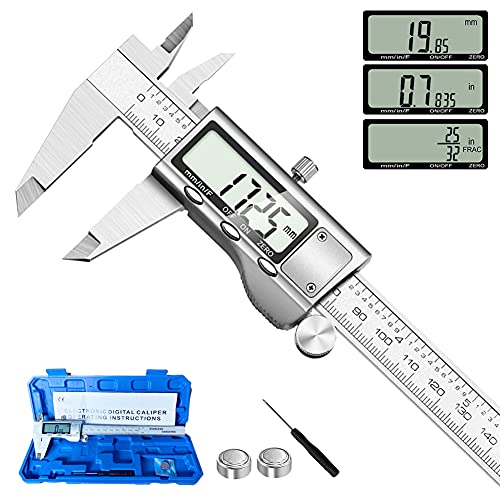
【STAINLESS STEEL MATERIAL】The vernier caliper is made of high-strength stainless steel and is waterproof and dirt-proof. The service life of this stainless steel digital caliper is longer than that of calipers with plastic or carbon fiber parts.
Frequently Asked Questions
How Do Portable Device Durability Standards Compare Across Countries?
I find durability standards vary: regulatory harmonization is limited, so environmental testing requirements differ by region; I’d tell you Asia emphasizes ruggedness, Europe focuses on climate compliance, and the US stresses safety and performance.
What Are Common Calibration Intervals for Field Portable Tools?
Why risk drifted readings? I usually recommend annual checks plus pre use verifications for field portable tools, with critical instruments checked quarterly and high-stress units calibrated monthly, and records kept to meet traceability and quality requirements.
Are There Export Restrictions on Wireless-Enabled Measuring Devices?
Yes — I’ve found export controls and spectrum licensing often apply to wireless-enabled measuring devices; you’ll need to check destination-specific regulations, obtain licenses when required, and guarantee compliance with telecom and dual-use export rules.
How Do Insurance Policies Cover Measurement-Related Liability Claims?
I’ll note 65%: insurers expect professional indemnity to cover measurement-related mistakes, up to stated claims limits, but I’ll advise tailored policies, documented protocols, and timely reporting to reduce disputes and potential coverage denials.
What End-Of-Life Recycling Options Exist for Electronic Portable Tools?
You can return devices for battery recycling, send units to e-waste collectors, or use manufacturer take-back programs; I also recommend component reclamation for salvaging boards, connectors, and metals before responsible disposal or refurbishment.