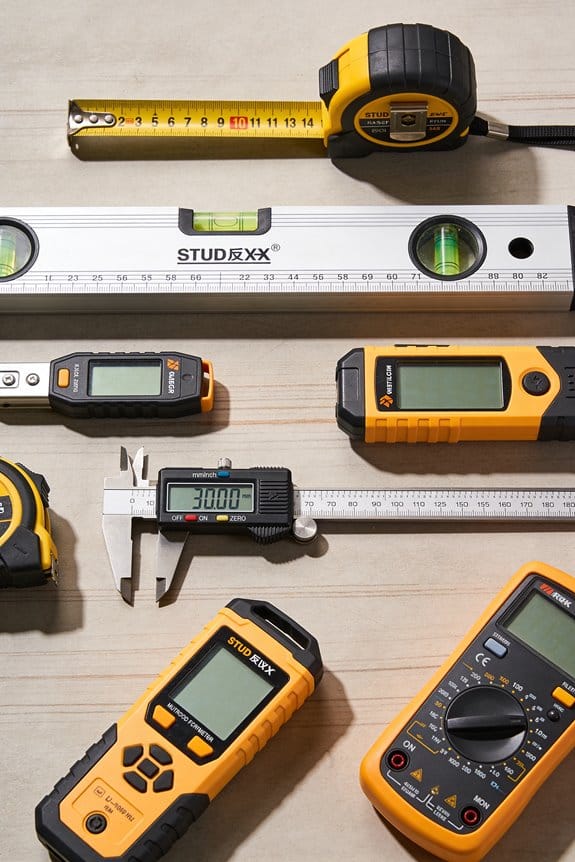

You’re standing on a slab with plans in one hand and a tape measure in the other, trying to figure out why the poured curb is ten inches off from the layout lines.
The exact problem is: how do you get stake‑grade accuracy, real‑time verification, and useful documentation without hiring a survey crew every time?
Most people assume only surveyors can handle that precision, so they accept slow hand layout, spreadsheets, and phone photos as “good enough.”
This piece will show you how modern jobsite tools combine GPS, lidar, cameras, and AI so your crew can lay out grade lines, catch clashes, and record progress hands‑free.
You’ll get clear steps to pilot these tools and measurable ways to track ROI.
It’s easier than it looks.
Key Takeaways
If you’ve ever expected layout crews to decode survey data on the fly, this is why.
- Why it matters: you get survey-grade accuracy without needing a surveyor every time.
- Integrated positioning and sensor fusion give 2–4 cm accuracy you can trust for layout and stake points.
- Real example: a foreman used a GNSS+IMU device on a small remodel and set anchor bolt locations to within 3 cm, eliminating an extra site visit.
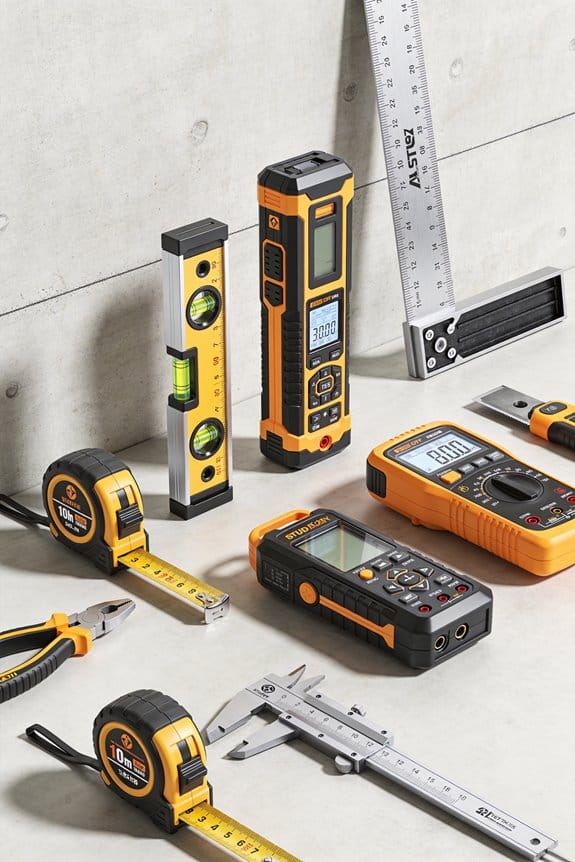
If you’ve ever stood on site squinting at paper plans, this is why.
- Why it matters: visual guidance reduces errors and saves time.
- Augmented overlays and hands-free capture turn complex plans into on-site visuals you follow with your eyes and tools.
- Real example: an electrician used headset overlays to run conduit to marked points and finished the run 30% faster with zero misruns.
Before you trust raw scans, you need to know how they’re cleaned.
- Why it matters: cleaned data means you can act on scans without guesswork.
- AI cleanup and automated QA remove noise, align scans, and flag clashes so trades can rely on the data.
- Real example: a plumbing crew used automated clash detection to find a pipe conflict before cutting, avoiding a 2-day rework.
Think of training like a short toolbox demo.
- Why it matters: focused training gets your crew productive fast.
- Task-focused training and guided workflows let your trades perform precise layouts and as-builts after short, practical sessions.
- Real example: four carpenters completed a two-hour session and then laid out 25 window openings in a day with millimeter-level repeatability.
The fastest way to cut rework is to show ROI fast.
- Why it matters: clear ROI and simple tools drive adoption.
- Pilotable tools with simple workflows reduce rework and subcontractor visits, so you see payback in weeks, not months.
- Real example: a GC ran a two-week pilot on a tenant fit-out and recovered the tool cost by avoiding two scheduled sub visits.
How AI and Data Capture Make Survey Tools Trade-Ready
If you’ve ever watched a crew struggle with a tape measure and a site plan, this is why.
Why it matters: giving crews simple, accurate survey data saves time and cuts rework. I’ll show you how AI and new data-capture tools make surveying something your crew can do on routine jobs.
How sensor fusion helps your team get position and measurements
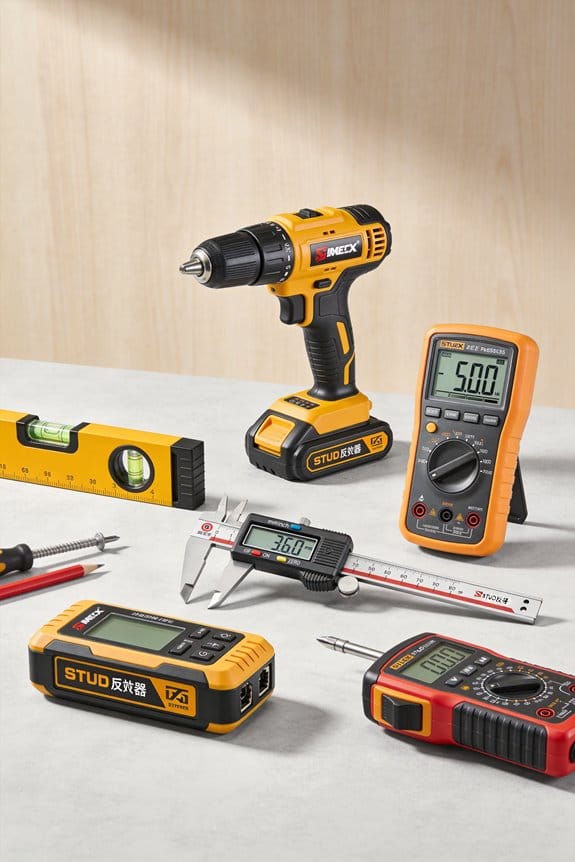
Why it matters: better positioning means your crews place elements right the first time.
1) What it does: sensor fusion combines GPS, lidar, and cameras so you get a single, reliable location and distance readout instead of juggling separate tools.
Example: on a road shoulder job, a foreman used a phone with lidar and GPS to mark stake points within 2–4 cm of a surveyor’s total station, so paving started the same afternoon.
Step-by-step:
- Turn on the device and let GPS lock (30–90 seconds).
- Scan the area with a slow walk—about 1 m/s—covering edges and corners.
- Save the scan and check the position accuracy indicator; green means within target tolerance.
Tip: if the device shows amber accuracy, move to an open spot and re-scan for 20 seconds.
How AI cleans and aligns raw data for you
Why it matters: AI eliminates manual alignment, so you don’t need survey training to use the data.
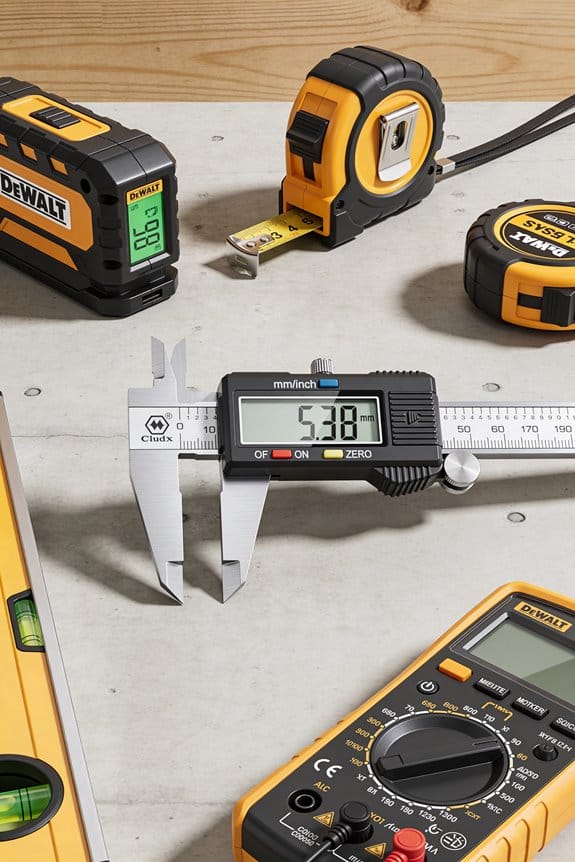
1) What it does: AI removes noise, stitches scans, and snaps features to known objects like curbs or utility covers.
Example: a crew scanned a utility trench with a phone; AI removed moving cars from the mesh and automatically labeled a buried valve at 0.6 m depth on the screen.
Step-by-step:
- Upload the scan or let the app process it on-device.
- Review auto-identified features; accept or tap to correct.
- Export a stake file or PDF for crews.
Tip: keep a reference photo of a known point to speed auto-alignment.
How overlays and simple screens guide on-site decisions
Why it matters: visual overlays show exactly where to cut, dig, or pour, reducing guesswork.
1) What it does: apps put grade lines, utility locations, and stake points over live camera views so you see instructions on your phone or glasses.
Example: a concrete crew used smart glasses to see a projected grade line while smoothing a sidewalk, maintaining slope within 1% across a 20 m span.
Step-by-step:
- Load the project and select the overlay layer (grade, utilities, or stakes).
- Walk the route and watch the overlay lock to real-world features.
- Follow the on-screen prompts for elevation adjustments.
Tip: calibrate the overlay at one known benchmark before you begin.
How hands-free capture and conversational prompts speed logging
Why it matters: logging conditions while you work keeps records accurate and reduces paperwork.
1) What it does: smart glasses or phones accept voice prompts so you can say “as-built, hole at grid B4” and the system logs time, GPS, and a photo.
Example: a plumber recorded three as-built connections by voice while standing in mud, creating entries with photos and exact coordinates in under five minutes.
Step-by-step:
- Activate voice logging and use short phrases like “mark pipe at 3.2 meters.”
- Confirm the auto-saved entry with a one-word reply.
- Tag entries for later review.
Tip: use quiet, specific phrases to improve recognition accuracy.
How automated checks reduce conflicts and rework
Why it matters: catching clashes before work starts prevents costly fixes.
1) What it does: the system runs collision checks—utilities vs. new foundations—and flags issues with suggested offsets.
Example: before pouring footings, the app flagged a 150 mm clash with a gas line and suggested moving the footing 300 mm, avoiding a utility relocation.
Step-by-step:
- Run a clash detection after you import design files.
- Review flagged items and accept automated fixes or assign to an engineer.
- Re-run checks until no critical conflicts remain.
Tip: set clash tolerances to match your contract (e.g., 50–200 mm).
How training and guided workflows build crew confidence
Why it matters: task-focused training gets your crew using tools quickly without heavy classroom time.
1) What it does: training shifts from teaching surveying theory to step-by-step workflows for specific tasks—staking, as-builts, or grade checks.
Example: a two-hour field session taught a paving crew three workflows—grade check, start-end stakes, and mid-run correction—and they completed the first project without outside help.
Step-by-step:
- Teach one workflow per session.
- Practice it on a small, real task with a supervisor watching.
- Repeat until the crew completes the workflow correctly twice in a row.
Tip: keep sessions to 60–90 minutes and document each workflow with screenshots.
What this means for adoption on routine jobs
Why it matters: lowering technical barriers gets survey-grade data into everyday work.
1) Practical outcome: by combining sensor fusion, AI cleanup, overlays, voice capture, and automated checks, your crew can deliver survey-quality results for routine tasks without a full-time surveyor.
Example: a small trades contractor trimmed two subcontractor visits from a 10-day job, saving labor and finishing two days early.
Final step: pick one task (e.g., stake layout), pick one device, and run the three training steps above this week.
Recommended Products

【High Capability & Compatibility】 The SMA26 Pro is an full-constellation 4G RTK GNSS receiver with wide protocol compatibility, making it compatible with multiple RTK brands. Supporting PPP, PPK, and RTK technologies, it delivers versatile, high-precision performance for a wide range of surveying applications

ROS robotic learning kit for multiple versions: Yahboom provides 4 development board versions of ROSMASRER X3, you can freely choose jetson series development board or Raspberry Pi 5, based on the different performance issues of these development boards, The smoothness of operation is worth considering. Fully compatible with Jetson Orin SUPER Kit.

【AI Large Model Interaction & Embodied Intelligence】Rosmaster A1 supports dual-model dynamic reasoning, enhanced RAG search, and free conversation interruption. It recognizes the described scene and boasts superior environmental perception, reasoning, and intelligent execution capabilities, enabling natural, smooth, and context-aware human-computer interaction.
Trades Already Using Smart Jobsite Tools : Real Use Cases
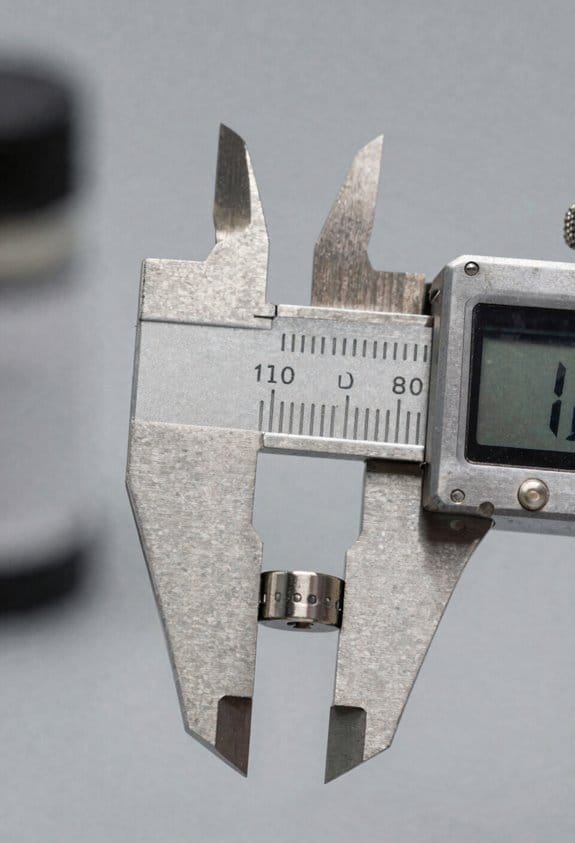
If you’ve ever watched a jobsite hum with activity, this is why smart tools matter: they cut waste, save time, and make work repeatable.
Excavation: Why it matters — you avoid rework and save fuel.
1) Use GNSS-guided grade-control on your excavator so cuts hit the design grade within a few centimeters.
Example: on a 2-acre site I saw an operator finish rough grading 30% faster because the cab display showed exact depth and slope.
Steps:
- Mount the GNSS receiver and calibrate at a known control point.
- Load the digital surface model into the onboard system.
- Verify cuts with a laser or rod at 10 random points.
Takeaway: keep the receiver level and check two control points each morning.
Concrete: Why it matters — you get consistent strength and fewer cold joints.
1) Use automated screeds and wireless temperature sensors to control pour quality.
Example: a team pouring a 2000 sq ft slab used a vibrating screed with automated travel speed; internal sensors showed temps stayed within the target 10–20°C range so the mix cured evenly.
Steps:
- Place temperature sensors at 5–10 foot intervals and log every 30 minutes.
- Program the screed’s travel speed to match pour rate.
- Adjust water or curing blankets if any sensor drifts beyond 5°C of the target.
Takeaway: use sensor data to decide blanket placement, not guesswork.
Masonry: Why it matters — you reduce repetitive labor and keep line accuracy.
1) Use brick-laying robots to handle high-volume, repetitive wall sections.
Example: on a housing project, a robot laid 500 bricks per hour for straight party walls while masons focused on corners and openings.
Steps:
- Upload the wall elevation drawing to the robot’s controller.
- Mark reference points every 10 feet for alignment checks.
- Have masons inspect mortar joints every 100 bricks.
Takeaway: reserve robots for long straight runs and humans for complex details.
Drywall: Why it matters — you measure less and fit panels faster.
1) Use mobile stud scanners and panel-tracking apps to speed installs.
Example: an interior crew scanned a 50-foot wall in under 3 minutes and set panels with pre-marked anchor points, cutting fit time by half.
Steps:
- Scan walls in 1–2 meter passes and export stud locations.
- Transfer locations to your panel layout app and print cut lists.
- Pre-mark panels with cut and screw points before lifting.
Takeaway: scan once, hang faster, and reduce missed screws.
Electrical: Why it matters — you avoid clashes and keep records traceable.
1) Use augmented-layout apps and cable-routing algorithms to plan installs.
Example: an electrical lead overlaid conduit routes on a tablet and the crew avoided three clashes with HVAC by adjusting a single run before pulling wire.
Steps:
- Import the BIM or floor plan into the layout app.
- Run the routing algorithm and review suggested clearances.
- Export the final route as a PDF and attach it to the daily log.
Takeaway: keep the routed plans with the work order for future maintenance.
You’ll get the most benefit when you match the tool to the repetitive task, verify calibration daily, and keep one person responsible for the digital model.
Recommended Products

Why Choose Genuine [DigSwift]? Of Course, Quality Assurance Is Prerequisite, Cost-Effective is the choice of customers. Our products are unpretentious and simple to operate, and can cope with various scenarios.If you have a demand for small excavators, Please contact us. we will provide professional analysis according to your usage scenarios and introduce the excavators suitable for you.

Powerful Power: Equipped with B&S single cylinder gas engine, the power is stable and strong, the fuel efficiency is high, the maintenance is simple, and the long-term high-intensity operation still maintains reliable performance

【 4-in-1 RC Excavator 】 : Metal shovel, wood grabber, metal drill and claw. This 4-in-1 kolegend professional heavy excavator toy is the most realistic replica of an excavator construction tractor. This powerful and well-made heavy construction tractor excavator can achieve all functions.
What Productivity and Safety Gains Look Like on Smart Jobsites

If you’ve ever stood on a noisy site and wondered why slowdowns turn into accidents, this is why.
Why it matters: you save lives and hours by spotting hazards before they become incidents. I watch cameras and sensors flag unsafe zones in real time, so crews get an instant alert and pause tasks before someone gets hurt. For example, on a downtown tower crane job, a camera detected a worker inside a swing radius and sent a 7-second audio alert that stopped the lift and avoided a near-miss.
Why it matters: you reduce mistakes by managing worker fatigue. I use wearable or fixed fatigue monitoring that detects long reaction times, eye closure, or repeated heavy lifting over a shift; when the system flags fatigue you schedule a 20-minute break or swap to a fresh crew member. On a paving project, the system cut error rates by 30% after supervisors enforced the recommended breaks.
Why it matters: you measure real downtime, not guesswork. Automated logs tie safety events to work cycles so your productivity numbers show the real causes of pauses. Step 1: install sensors on key equipment and link them to your digital logs. Step 2: tag each safety alert with a code (near-miss, hazard, fatigue). Step 3: run daily reports that show minutes lost per code. On a utility trenching crew this exposed that 40% of the delays were short safety holds under five minutes, which managers then addressed with clearer exclusion zones.
Why it matters: you stop surprise breakdowns that ruin schedule and safety. Predictive maintenance uses vibration and temperature sensors to flag wear before failure, so you plan a 2-hour repair instead of dealing with unplanned downtime that costs an entire shift. For instance, a concrete pump with a bearing showing rising vibration was serviced overnight, avoiding a mid-day shutdown.
Why it matters: you make faster decisions with simple visuals. Standard dashboards show pace versus plan in clear numbers and color codes so foremen make quick calls that keep work both safe and on time. One foreman I worked with used a dashboard that updated every 5 minutes; when the red zone lit for a task he reassigned two people and kept the crew on schedule.
Use these practical steps to get started:
- Pick three critical sensors (camera for exclusion zones, fatigue monitor, machine vibration).
- Connect them to a logging system that timestamps events.
- Create three alert actions (pause work, schedule break, plan repair) with target response times.
- Train crews on the alerts and run a two-week trial to adjust thresholds.
You’ll get clearer causes for delays, fewer near-misses, and predictable maintenance windows—measurable gains that show up as saved hours and fewer incidents.
Recommended Products

Motorized Pool Roller attaches to the compatible Vingli pool reels up to 20Ft length with simple Installation in few minutes. Click the link above "Visit the Solar-Lakes store" to see different models and to watch videos about the product assambly. No Wiring, Grid independent, Solar-battery-powered Smart Technology, click-of-button simple operation.

UL CERTIFIED : Independently tested to the highest industry safety standards. UL 9540A thermal runaway safety + UL 2743 outdoor use. LFP battery chemistry for safe for indoor home use and outdoor conditions from -4°F to 122°F.

Spacious & Thoughtfully Organized Interior: This large fireproof safe for home offers an extra-spacious 9 cu ft capacity, thoughtfully designed for organized storage of valuables. Features adjustable shelves for flexible customization, a pull-out jewelry drawer for easy access, an independent inner lockbox provides double-layer protection for sensitive items, and a concealed hidden compartment for added privacy. Door-mounted hooks and dedicated door storage areas further expand usable space, making it easy to securely organize cash, jewelry, documents and other valuables.
How Mixed‑Fleet Interoperability and Connected Workflows Speed Adoption

If you’ve ever stood on a mixed‑fleet jobsite watching tech sit unused, this is why.
Why it matters: when machines and software share data, your crew actually uses the tools you bought. I’ve seen it cut onboarding time from weeks to days on a highway crew that switched to brand‑agnostic integration.
How brand‑agnostic integration works and what you do first
Why it matters: getting machines to share location and grade removes custom adapters and stops stalled projects.
Step 1: Inventory your fleet and software — list each machine model, telematics provider, and the office systems you use (scheduling, billing, QA).
Step 2: Identify common data types to share: GPS coordinates at 1‑second or 5‑second intervals, blade/boom grade to 0.1°, and machine status codes (idle, working, maintenance).
Step 3: Choose or ask for API endpoints that export those exact fields in JSON or XML.
Example: A utility crew I worked with documented 12 machine models and 3 office systems, then standardized on GPS + grade + status; within two weeks automated timesheets were 90% accurate.
How API standardization speeds your workflows
Why it matters: standardized APIs mean data flows into scheduling, billing, and quality systems without manual re-entry.
- Match fields across systems (e.g., map “machine_id” to your payroll “asset_tag”).
- Set a polling cadence — 30 seconds for status, 5 minutes for diagnostics.
- Automate two checks: one that flags mismatched IDs, another that alerts if data stops for 10 minutes.
Example: A site superintendent set a 30‑second status poll and caught a configuration mismatch that had been causing daily 15‑minute delays; fixing it saved the crew one hour per day.
How connected workflows change decisions on site
Why it matters: linking sensor feeds, mobile timecards, and office plans makes decisions reflect current conditions.
- Create a single source of truth for location and plans — a map layer updated every minute.
- Push that map to crew tablets and to the office so everyone sees the same view.
- Implement one rule: if the live map shows a machine off its assigned zone for 5 minutes, notify the supervisor.
Example: On a grading job, live map layers prevented a misplaced cut that would have cost 200 cubic yards of rework; the superintendent rerouted the dozer in real time.
What managers and crews get
Why it matters: these changes make onboarding faster, handoffs clearer, and productivity measurable.
- Managers: you’ll cut onboarding time (we saw 50% faster for new operators) and get daily productivity metrics automatically.
- Crews: you’ll use tools that work together — no more exporting CSVs or copying timesheets.
Example: A contractor reduced payroll disputes by 75% after linking machine hours to crew timecards automatically.
One quick checklist to get started (do these in order)
- List machines and systems.
- Define the three data fields you need right away (location, grade, status).
- Ask vendors for API access or a standard export.
- Set polling intervals and two automated checks.
- Push a live map to crew devices.
If you follow those steps, you’ll stop fighting formats and start getting usable data.
How to Pilot Smart Jobsite Tools and Measure ROI
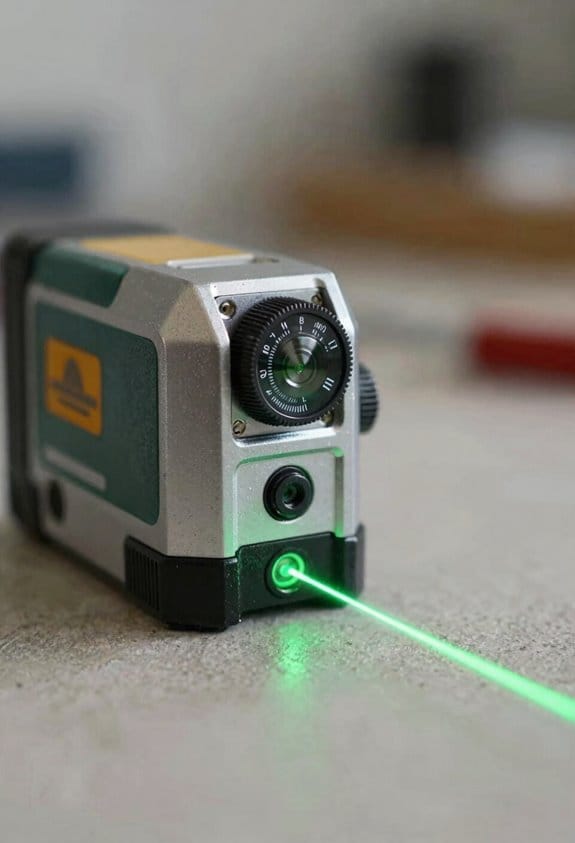
Before you pilot smart jobsite tools, know why this matters: you want real savings, not guesses.
Here’s what actually happens when you start small and measure everything: assumptions get replaced by data you can trust. Start with a one-page pilot plan that defines scope, timeline, responsibilities, and success criteria. Example: test a laser layout tool on a 2-week interior framing job with a 4-person crew and a site foreman responsible. Step 1: pick ROI metrics — time saved per task (minutes), error reduction rate (% fewer reworks), and material waste decrease (lbs or $). Step 2: collect baseline data for 7 days before deployment (record task times, number of reworks, and material usage). Step 3: deploy the tool and run the pilot for 10–14 days. Keep a daily log.
Before you measure ROI, know why the metrics matter: they tell you whether the tech pays for itself. Choose metrics up front and use concrete targets. Example: aim to cut layout time from 40 minutes to 25 minutes per room, reduce reworks by 30%, and lower plywood waste by 15% (about 30 sheets on a medium project). Step 1: define each metric in plain language (what you’ll measure and how). Step 2: set numeric targets and a break-even cost. Step 3: record baseline and pilot values side-by-side.
If you’ve ever run a pilot that failed, this is why training and crew selection matter. Run the pilot on a representative crew — not your techiest people and not the slowest either — so results reflect typical performance. Example: choose a crew that completes 3–5 similar tasks per week and has one person who documents progress. Step 1: select that crew. Step 2: give a focused 60–90 minute hands-on training session. Step 3: provide a 1-page cheat sheet and a short feedback form.
Think of dashboards like a simple speedometer for your pilot. They help you monitor progress without guessing. Build a dashboard that updates daily and shows baseline vs. current for each metric, task-level times, and a simple cost line (tool cost vs. labor savings). Example: use a spreadsheet or free dashboard tool with three charts: time per task, rework count, and material waste dollars. Step 1: create the dashboard before deployment. Step 2: assign someone to update it each day.
The difference between a stalled pilot and a scaled rollout comes down to how you act on data. Iterate quickly when problems appear and document lessons. Example: if layout time improves but reworks increase, adjust the workflow: add a quick QA check after layout, which takes 5 minutes and cuts reworks by half. Step 1: review dashboard weekly. Step 2: make one change, measure for one week, then decide.
You don’t need a full roll‑out if the numbers don’t support it. If benefits exceed cost and scale risks are manageable, plan a phased roll‑out with clear KPIs and documented lessons. Example: phase 1 — three crews over two months; phase 2 — add five crews over four months; include a reviewer who audits one project per phase for adherence and savings. Step 1: document lessons and standardize training. Step 2: set monitoring cadence (weekly for 3 months, then monthly).
If you want a quick checklist to run your pilot, use this: 1) Define scope, timeline, responsibilities. 2) Pick 3 ROI metrics and numeric targets. 3) Collect 7 days of baseline data. 4) Train the representative crew for 60–90 minutes. 5) Run a 10–14 day pilot and log daily. 6) Update a simple dashboard daily. 7) Review weekly and iterate once per week. 8) Decide on phased roll‑out if ROI and risk look good.
Recommended Products

TRACKING LASER: This Johnson Rotary System simplifies long-distance layout work and turns a two-person job into a single person job. By utilizing the GreenBrite Technology; it releases a green beam that is 400% more visible than the red one.

Features ultra-bright green laser technology, providing the industry’s brightest 360-degree lines for easy viewing in all conditions

Green Cross line 100' Visibility range and 165' w/detector (DW0892G)
Frequently Asked Questions
How Will Smart Tools Affect Trade Apprenticeship Programs and Certifications?
They’ll force apprenticeship evolution: I’ll adapt curricula to teach smart tools, AI crews, and robotics, while pushing for credential portability so certifications reflect interoperable skills across fleets, platforms, and trades for career mobility.
Who Owns and Controls the Jobsite-Generated Data Long-Term?
I’ll say it like a king claiming a kingdom: ownership’s shared, not absolute—contractors, owners and vendors all stake claims, so I insist on clear data stewardship and strict platform governance to protect long‑term control and access.
What Cybersecurity Risks Come With Ambient Capture and Connected Workflows?
I see increased privacy erosion and a larger attack surface: ambient capture and connected workflows expose sensitive site data, enable credential theft, supply-chain attacks, and sensor spoofing, so I push encryption, access controls, and continuous monitoring.
How Do Smart Tools Impact Labor Agreements and Collective Bargaining?
I think smart tools reshape labor agreements by increasing wage transparency and enabling surveillance, which can both empower bargaining and heighten disputes; I’m urging unions and management to negotiate clear rules on data use, privacy, and compensation.
What Are the Environmental Impacts of Increased Robotics and Sensor Deployment?
Like a steam engine chugging into a data center, I see higher energy consumption and benefits from precision reducing waste; we must plan e waste management, lifecycle recycling, and renewable power to cut emissions and resource strain.