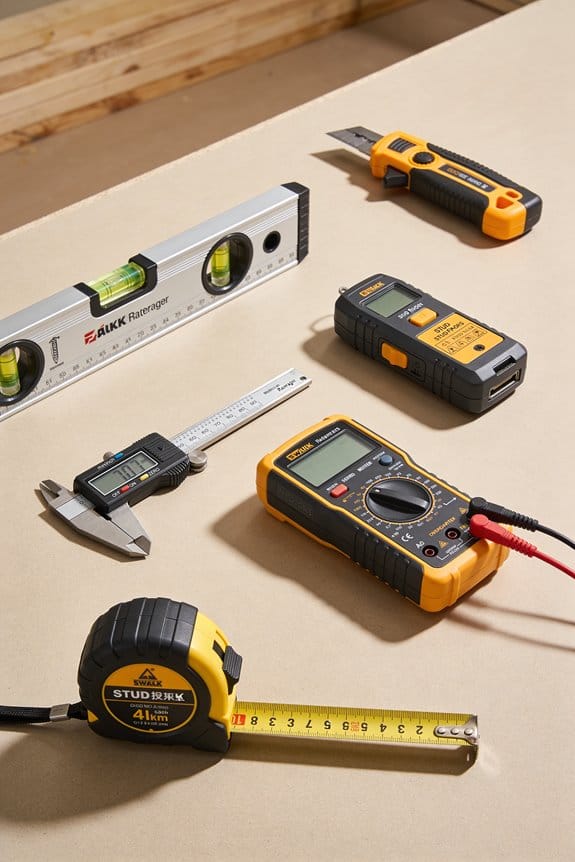

You’re standing in a half-demolished kitchen with a roll of tape and a contractor on the phone, unsure which walls are load-bearing and how much counter material to order. The last time you estimated by eye you had to cut and replace a whole batch of cabinets — now you need a reliable way to know exact room dimensions before buying.
Most people still rely on ballpark measurements, guesses, or outdated drawings that lead to misordered materials and rework. This article shows step-by-step workflows for using laser tapes, phone or handheld LiDAR, 3D cameras, and apps to capture accurate scans, verify critical dimensions, and sync models for scheduling and safety.
You’ll also learn how to quantify ROI so projects stay on time and on budget. It’s easier than it looks.
Key Takeaways
If you’ve ever stood in a room guessing measurements, this is why.
Why it matters: guessing leads to wrong orders and delays. Use a laser or phone LiDAR to take exact wall-to-wall and floor-to-ceiling measurements before you buy anything. Example: scan a 12’×14′ kitchen and export a floor plan so the contractor orders a 11.5′ countertop, not a 12′ one.
Why it matters: fast scans save time and money. Do a rapid scan (laser, LiDAR, or a phone app) and generate a 3D model within 30–60 minutes for a typical 1,000 sq ft house. Example: a homeowner scanned their 900 sq ft cape and found a hidden soffit that would have forced a $2,000 cabinet remake.
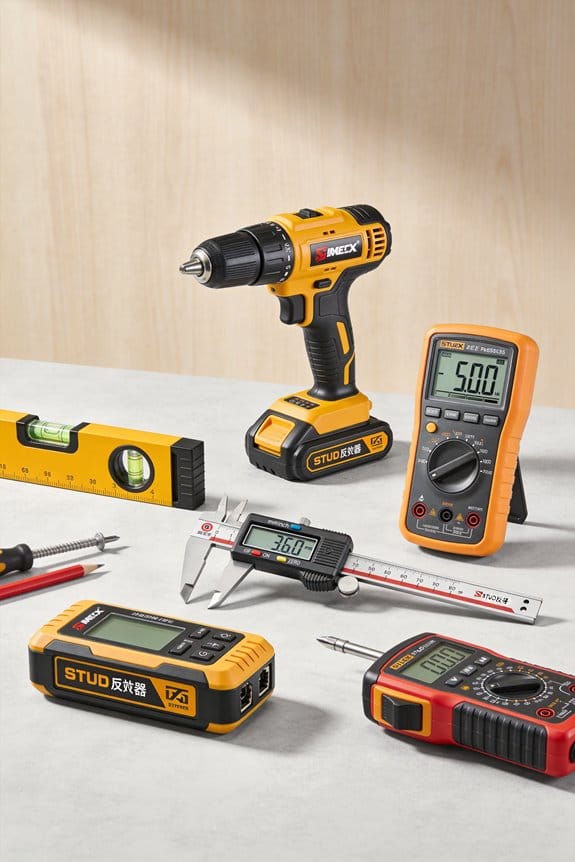
Why it matters: shared models stop miscommunication. Put the model in a cloud folder with version control and give access to your designer and trades. Example: the electrician, cabinet maker, and homeowner all opened version 2.1 of the model and agreed on outlet and cabinet locations before demo.
Why it matters: frequent updates catch problems early. Re-scan at these points: pre-demo, after demo, after rough-ins, and before finish-install; upload each file with a timestamped name like “Demo_2026-03-15_v1”. Example: a contractor caught a plumbing chase misalignment during the rough-in scan and avoided a $4,500 drywall and framing rework.
Why it matters: verifying critical dimensions prevents surprises. On demo day, measure and confirm three critical dimensions: opening widths, floor-to-ceiling height, and stair run. Example: the team verified a 36″ doorway and found it was actually 35-3/4″, so they adjusted the rough framing before new doors were ordered.
How Smart Measurement Improves Remodel Planning
If you’ve ever stood in a gutted room wondering if the plans match reality, this is why.
Why it matters: accurate measurement keeps your budget and schedule from blowing up. I use digital models and sensors to capture exact room dimensions so teams don’t guess. For example, on a kitchen remodel I scanned the space with a laser tape and a phone-based lidar app, exported a floor plan within 1/4 inch accuracy, and avoided ordering cabinets that wouldn’t fit.
How smart measurement improves team alignment
Why it matters: everyone seeing the same visual plan stops conflicting requests. I share a cloud model that shows walls, windows, and plumbing locations so homeowners, designers, and contractors reference one source. For example, a homeowner flagged a window trim they wanted changed after viewing the shared model; the contractor adjusted the schedule before demolition and avoided a week-long delay.
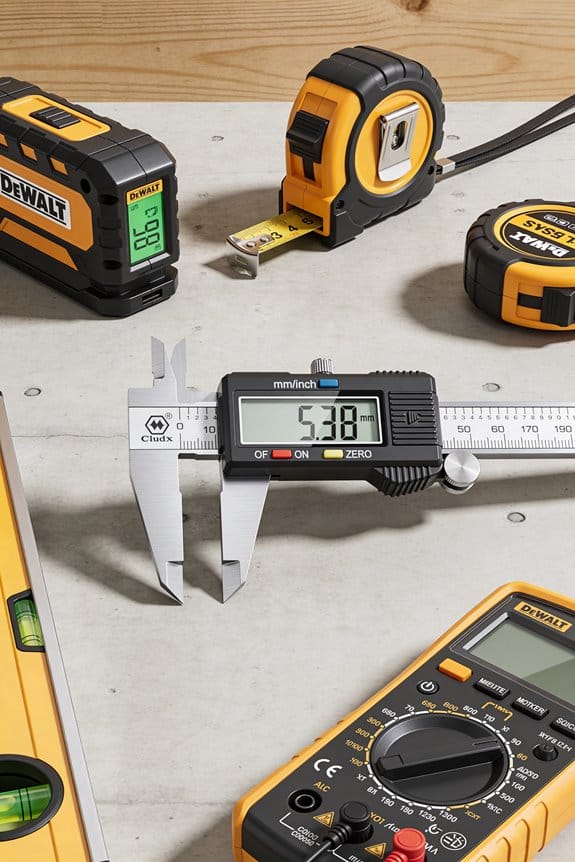
How Cloud-Synced Measurements Support Team Collaboration
Steps to do this:
- Scan the room with a laser measure or phone lidar (2–5 minutes per room).
- Export the model as a floor plan and upload to a shared folder or BIM viewer.
- Invite relevant trades and set a single 30–60 minute review meeting.
- Lock decisions after the review and annotate changes on the model.
Decision clarity from measurable data
Why it matters: measurable data turns guesses into choices you can justify. When you have exact square footage and elevations, you can pick materials and timelines with numbers, not hunches. For example, having a verified 150 sq ft area let me order exactly 160 sq ft of flooring (10% waste) and keep costs predictable.
Steps to calculate materials and schedule:
- Measure area precisely and round up for waste (flooring: +10%, tiles: +15%).
- Use measured elevations to check trim and cabinet heights.
- Translate measurements into lead times: order long-lead items 4–8 weeks before install.
Catch clashes and prevent rework
Why it matters: finding conflicts early saves days and hundreds to thousands of dollars. Early clash detection from the model shows if a new vent hits a beam or a cabinet conflicts with a window swing. For example, a clash flagged by a model prevented building a support in the exact spot a sink needed a drain, saving a $1,200 reroute.
Practical checks to run:
- Model mechanical, electrical, and plumbing layers separately.
- Run a clash check or visually overlay trades in the viewer.
- Resolve clashes in a meeting and mark the model as revised.
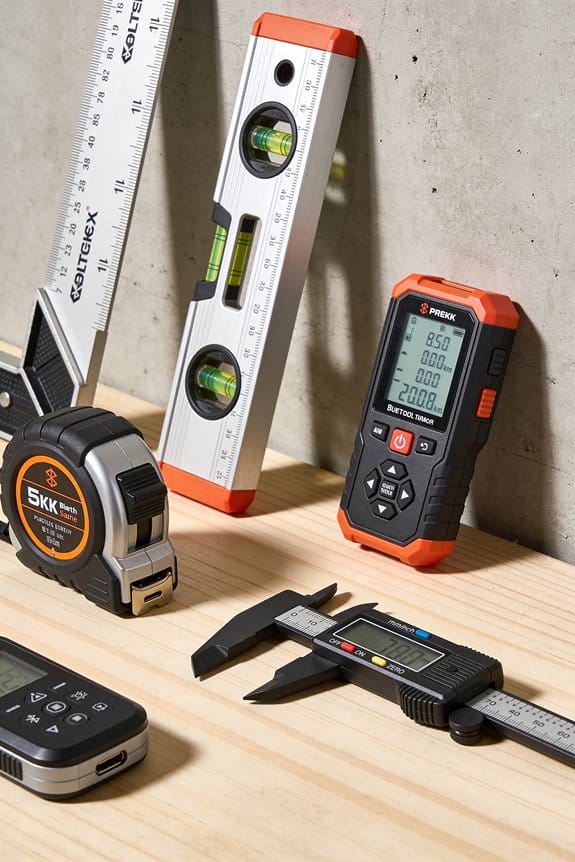
Verify on-site and keep the model current
Why it matters: models are only useful if they match reality. You should confirm key dimensions on site so the model stays accurate. For example, I re-measured rough openings and updated the model before ordering custom windows.
What to verify and when:
- On demo day, verify 3–5 critical dimensions (door widths, floor-to-ceiling height, rough opening sizes).
- Update the model immediately after verification.
- Re-share the model and timestamp the revision.
Quick checklist before demolition
Why it matters: a short checklist prevents costly mistakes. Before you tear anything out, confirm these five things and you’ll avoid most rework.
Checklist:
- Shared model reviewed by homeowner, GC, and lead trade.
- Critical dimensions verified on site (3–5 items).
- Long-lead materials ordered based on measured sizes.
- Clash issues resolved and annotated.
- Final signed-off revision uploaded and timestamped.
Keep it simple: scan, share, verify.
Smart Measurement Tools: Lasers, 3D Cameras, and Apps

If you’ve ever stood in an empty room wondering where to start, this will help.
Why this matters: picking the right tool saves you time and prevents mistakes like buying the wrong material or missing a doorway.
I break tools into four clear choices so you can match one to your task.
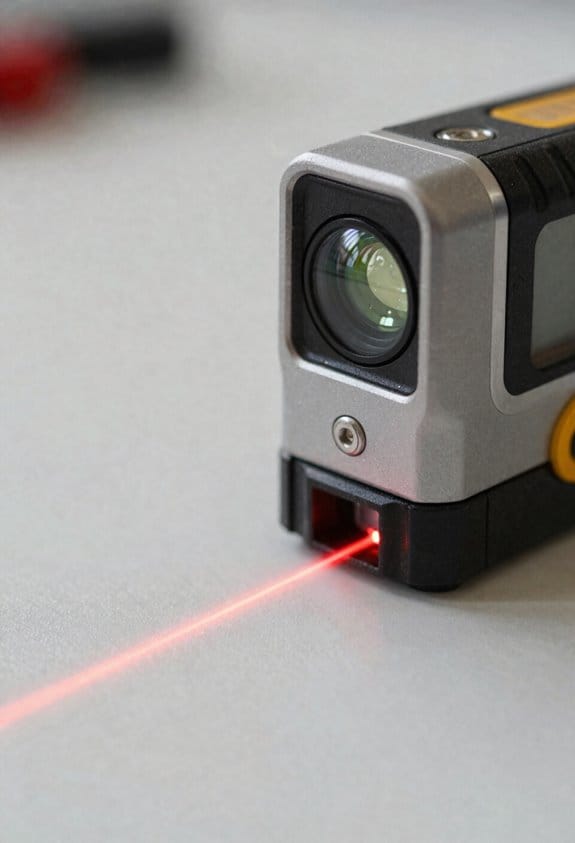
Laser distance measurers — what they do and when to use them
Why this matters: lasers give you fast, repeatable lengths so your material lists are accurate.
Example: measure a 12 ft x 10 ft bedroom for baseboards in under a minute.
1) Use for single-line distances: walls, ceiling height, window width.
2) Point the laser, press the button, and record the number (typical accuracy ±1–3 mm).
3) For longer rooms, take two measurements (end-to-end and diagonal) to check squareness.
Lasers are ideal when you need a simple, exact number quickly; handheld units cost $30–$300.
3D cameras — what they do and when to use them
Why this matters: 3D cameras capture shape and texture so you visualize how elements fit together.
Example: photograph a kitchen to show cabinet locations, tile patterns, and how light hits counters.
1) Use to scan entire walls or rooms for context rather than single points.
2) Walk slowly along the perimeter while keeping the camera aimed at the surfaces you want.
3) Export the model as an OBJ or point cloud for review in modeling apps.
Carry a 3D camera when layout, finishes, and spatial relationships matter; consumer units start around $300.
Portable scanners and handheld LiDAR — what they do and when to use them
Why this matters: these tools map complex shapes so you don’t miss irregular features or offsets.
Example: scan an old staircase with uneven treads to get exact contours for new stringers.
1) Use for detailed scans of odd shapes: curved walls, staircases, carved moldings.
2) Scan in overlapping passes, keeping a steady pace and 30–60 cm distance from surfaces.
3) Clean up the mesh in software and measure features directly from the scan.
Rent or buy if you work with heritage buildings or furniture—prices range widely, from rentals at $50/day to pro kits over $5,000.
Tablet/phone apps — what they do and when to use them
Why this matters: apps organize measurements and turn raw data into usable files for CAD or contractors.
Example: combine laser point measurements, room photos, and a 3D model into a single floor plan PDF to send a contractor.
1) Use an app to import measurements, stitch scans, annotate photos, and export DXF, OBJ, or PDF.
2) Label each measurement with room name and material notes as you go.
3) Back up projects to cloud storage and export one file for sharing.
Most apps are free to $50/year; pick one that exports the file type your builder uses.
Simple workflow you can follow right away
Why this matters: a repeatable routine prevents missed details and rework.
Example: measure a bathroom renovation in 10–15 minutes with consistent results.
1) Laser: take key distances (length, width, ceiling) and two diagonals.
2) 3D camera or LiDAR: scan the room perimeter and any irregular features.
3) App: import measurements and scans, label items, export a plan.
Start with step 1 for every room; add steps 2–3 when details or irregularities matter.
One practical tip before you go
Why this matters: small setup choices cut errors.
Use a tape or marker to note a consistent reference point—like the top of baseboard—so heights and fittings align across rooms.
If you want, tell me the room size and the project (paint, cabinets, flooring), and I’ll recommend a specific tool and quick checklist for that job.
Integrate BIM, Sensors & Drones for Safer Remodel Sites
If you’ve ever walked onto a remodel site and felt unsure about what’s behind a wall, this is why.
Why it matters: combining BIM, sensors, and drones reduces surprise hazards that cause injuries and delays. For example: on a 1920s brownstone retrofit I worked on, syncing drone scans with the BIM found a hidden lintel crack before demo started, preventing a partial collapse.
How to set BIM up as your single source of truth
Why it matters: a reliable BIM prevents conflicting decisions that create unsafe conditions.
1) Model what matters: include structural elements, floor slabs, load-bearing walls, staircases, mechanical shafts, and every planned access point (doors, scaffolds, ladders). Example: model the north stair as a 1.2 m wide emergency route with load rating noted.
2) Lock version control: use one cloud-hosted file (Revit/IFC) and require sign-off for changes; keep a change log with author, timestamp, and reason.
3) Tag critical items: add attributes for inspection frequency, allowable vibration limits, and temporary work restrictions. On the brownstone job we tagged the original timber beam with a max vibration of 0.5 g.
How to plan and place sensors
Why it matters: sensors give continuous, objective data so you can stop work before something fails.
1) Pick sensor types for specific risks: vibration sensors (accelerometers) for structural movement, PID or electrochemical sensors for volatile gases (e.g., CO, methane), and BLE or UWB badges for worker location and proximity alerts.
2) Place them with simple rules: put vibration sensors at beam ends and midspan every 6–8 m; place air sensors at breathing height (1.2–1.8 m) near confined spaces; install worker beacons at tool staging areas and elevated work zones. Example: on a 3-story retrofit, we installed one accelerometer per major span and two air sensors per floor.
3) Calibrate and test weekly: run a 5-minute baseline test at shift start and log results in the BIM. Replace or recalibrate any sensor that drifts more than 10% from baseline.
How to integrate drones without disrupting crews
Why it matters: drones give safe overhead inspection of hard-to-reach areas while avoiding crew interference.
1) Define drone corridors and windows: create 2–3 m-wide corridors and schedule flights during breaks or low-activity windows (e.g., 10:30–11:00). Example: on a retail buildout, we limited flights to lunchtime and used a 3 m corridor along the exterior facade.
2) Use geofencing and visible markers: mark takeoff/landing points and overlay the corridors in the BIM so pilots and crew can see them on tablets.
3) Sync imagery to BIM within 24 hours: stitch photogrammetry to create orthophotos or point clouds and compare the scan to the BIM to find discrepancies bigger than 50 mm.
How to fuse data so you can act fast
Why it matters: fused data turns separate alerts into clear, prioritized actions.
1) Define rules in your platform: e.g., if accelerometer >0.5 g and BIM shows nearby altered support, create a high-priority task and trigger an evacuation notice.
2) Visualize in BIM: display sensor heatmaps, drone point clouds, and worker locations layered over the model so a superintendent can see risk areas at a glance. Example: the brownstone scan highlighted a 60 mm offset in a lintel; combined with elevated vibration it generated an immediate shoring order.
3) Set SLAs: acknowledge high-priority alerts within 15 minutes and complete corrective actions within 4 hours or escalate.
Practical rollout steps you can follow
Why it matters: phased deployment reduces downtime and builds crew trust.
1) Phase 1 (pilot, 2–4 weeks): pick one floor or area, deploy sensors (3–6), one drone corridor, and tie those feeds into the BIM. Train one superintendent.
2) Phase 2 (scale, 4–8 weeks): expand to all active floors, add worker beacons, and formalize alerts and SLAs.
3) Phase 3 (operational): full site coverage, weekly audits, and monthly drills. Example: we piloted a single floor for 3 weeks, then reached full site coverage in 6 weeks with no lost-time incidents during rollout.
Communication and maintenance you must do
Why it matters: poor communication ruins even the best tech setup.
1) Daily briefings: add a 5-minute tech status item to morning stand-ups listing any sensor or drone limitations.
2) Clear roles: name a tech lead for sensors, a drone pilot, and a BIM owner; post their contact info at site entrances.
3) Routine upkeep: calibrate sensors weekly, check drone batteries and propellers daily, and review BIM updates after every structural change.
Quick checklist you can use today
Why it matters: simple checks prevent big problems.
1) One cloud BIM file with change log.
2) Vibration sensors every 6–8 m on major spans.
3) Air sensors at 1.2–1.8 m in confined areas.
4) Drone corridors mapped in the BIM and flown during low-activity windows.
5) Alert rules that trigger evacuation within 15 minutes.
Do those five things first.
If you want, I can draft a checklist customized to your next project — tell me the building type, number of floors, and main hazards.
Stop Costly Change Orders With Accurate Digital Floor Plans
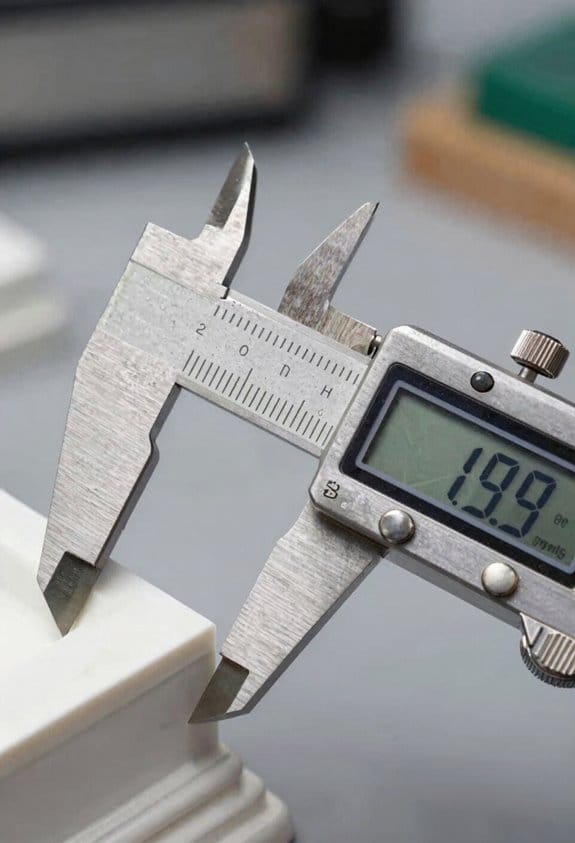
If you’ve ever started a job only to find the walls or outlets in the wrong place, this is why accurate digital floor plans matter: they stop surprise change orders that blow your budget.
Why it matters: accurate plans let you price and schedule work from reality, not guesswork.
1) What I do and why it helps
- I take laser and 3D scans, sensor logs, and drone images and turn them into floor plans that match the site to within inches. Example: on a downtown renovation I measured floor penetrations and confirmed outlet locations within 1 inch so the electrician ordered exactly the right conduit lengths.
- Convert scans into annotated layouts showing wall lines, openings, outlets, joists, plumbing fixtures, and mechanical runs so trades know exactly where to start. This prevents rework when crews arrive.
How I produce accurate plans (step-by-step)
Why it matters: following these steps keeps change orders visible and justified.
- Collect site data: perform a 360° laser scan, take high-resolution drone photos of exteriors, and record sensor data for HVAC and utilities; aim for at least one scan per 1,500 sq ft or per major structural bay.
- Register and align scans: merge scans to a single coordinate system and verify by checking three fixed points (corners or structural columns) with +/- 0.025 ft tolerance.
- Extract features: trace walls, openings, and utilities from the point cloud and mark exact outlet, fixture, and joist positions with labels and heights.
- Create annotated floor plans: place dimensions, notes, and material callouts; include a legend and layer names for electrical, plumbing, and structure.
- Version and publish: upload plans to a shared cloud folder, add a version number and change log, and notify stakeholders. Short notice.
Real-world example: on a school retrofit I followed these steps, indexed three scan points per classroom, and reduced field change orders by 60% compared with previous projects.
2) How digital plans become your single source of truth
Why it matters: one agreed dataset avoids conflicting instructions that lead to delays.
- Share one federated plan set that every stakeholder uses for bidding, permitting, and field verification. Example: owner, GC, and MEP lead used the same PDF and BIM export so the permit set matched what the field crew saw.
- Tie each change order to a plan version and annotated note so every cost and responsibility is traceable.
3) How I keep changes controlled
Why it matters: tracked changes minimize unnecessary rework and cost overruns.
- Require every field change to reference a plan version and include a photo or scan snippet.
- Log proposed changes in the plan’s change history with who requested it, a short justification, and an impact estimate (cost and schedule).
- Approve changes through a single gatekeeper (owner or PM) who signs off in the cloud system before work starts.
Real-world example: on a hospitality project a plumber proposed moving three drains; the change log showed that move would add $4,200 and two days, so the owner rejected it and the original plan stayed.
Practical takeaways you can use tomorrow
- Scan at least once per major area and verify three control points.
- Label outlets and fixtures with unique IDs and heights on the plan.
- Enforce a one-plan rule: everyone bids and builds from the same file and version.
If you want, I can review one of your current plans and give a short list of three fixes that will reduce change orders.
Use Real‑Time Measurements to Prevent Schedule Slips

If you’ve ever watched a job stall because someone found a hidden pipe, this is why.
Why it matters: catching problems before crews start saves hours and avoids rework that can cost thousands. For example, on a small retail fit‑out I worked on, a laser scan found a buried conduit three feet off the drawings; catching it that day saved two days of shutdowns and a $4,000 reroute.
How real‑time measurements stop schedule slips
Why it matters: you get immediate, actionable visibility so a minor mismatch doesn’t become a multi‑day delay. On a mid‑rise site, I used sensors to detect slab curing rates and avoided waiting an extra day for concrete strength by reallocating finishes to another area.
1) Measure continuously, not occasionally.
- Step 1: place laser measurers and fixed sensors in critical zones (for example: two lasers at each stair core and one humidity/temperature sensor per 3,000 sq ft).
- Step 2: push measurements every 15–60 minutes into your shared model.
- Step 3: review automated alerts twice per shift.
If you follow those steps you’ll spot deviations within the workday.
How to integrate measurements into plans
Why it matters: crews need clear, current instructions so they don’t base work on outdated drawings. On a storefront project, I updated digital shop drawings hourly after field checks; the glazing crew used the latest file and avoided cutting a header wrong.
1) Sync devices to a single shared model.
- Step 1: choose one cloud model (Revit, Trimble Connect, or similar).
- Step 2: set device uploads to that model and tag each file with a timestamp and zone.
- Step 3: publish a daily “as‑built” snapshot at 17:00 that crews can download before packing up.
This keeps everyone working off the same, time‑stamped plan.
How to act when data shows a deviation
Why it matters: prompt decisions keep dependent trades from waiting and reduce idle labor costs. On a hospital renovation, a sensor showed unexpected moisture; I texted the subcontractor, sequenced dehumidification first, and kept electricians on unrelated floors working.
1) Communicate clearly and change sequences quickly.
- Step 1: when an alert fires, notify the responsible subcontractor within 30 minutes with a photo and measurement.
- Step 2: if the issue affects other trades, issue a revised sequence and send it to all affected crews.
- Step 3: log the change with a timestamp and who approved it.
Do this and you avoid cascading delays.
How automation replaces slow manual checks
Why it matters: automated reports save hours of paperwork and create accountability with timestamps. On a warehouse build, automated daily reports reduced clerical time by 75% and made dispute resolution instantaneous.
1) Set up automated reports and simple KPIs.
- Step 1: pick 3 KPIs (for example: percent of daily planned tasks completed, average deviation in measurements, and number of active clashes).
- Step 2: automate a morning and evening report that includes photos, timestamps, and change approvals.
- Step 3: review the evening report to reassign labor for the next day.
You’ll have clear proof of progress and fewer “he said, she said” disputes.
Quick checklist to start today
Why it matters: a short list gets you running fast and prevents analysis paralysis.
1) Deploy lasers/sensors to high‑risk zones (stair cores, wet areas, interfaces).
2) Connect devices to one cloud model with timestamps.
3) Automate two daily reports and set 30‑minute alert windows.
4) Train crews to pull the 17:00 snapshot before starting work.
If you do these things, you’ll reduce waiting, limit downtime, and keep the schedule honest.
Calculate ROI: Cost Savings, Energy Cuts, and Long‑Term Value
Before you add up savings, know why it matters: you want a clear dollar figure that shows when your project starts paying you back.
1) Add measurable annual savings.
- Step 1: list every area where you save money (material waste, labor, energy).
- Step 2: convert each to dollars per year. For example, if tighter material takeoffs cut waste by 5% on a $200,000 materials budget, that’s $10,000 per year. If better plans save two installers 10 hours a week at $30/hour, that’s $31,200 annually. If smart lighting cuts electricity by 20% on a $12,000 bill, that’s $2,400 saved.
Real example: a mid-size retrofit trimmed framing waste from 8% to 3%, saving $9,500 the first year.
Why lifecycle valuation matters: it shows the full cost and benefit over an asset’s life so you don’t get fooled by short-term wins.
2) Include lifecycle and replacement costs.
- Step 1: estimate useful life (years) for each item (lights 15 years, HVAC 15–20 years, finishes 5–10 years).
- Step 2: add expected annual maintenance and replacement costs, or amortize replacement into yearly figures. For instance, a $6,000 HVAC replacement in 15 years is $400/year before discounting.
Real example: you choose LED fixtures that cost $4,000 more upfront but save $600/year in energy and need replacement after 25 years, so their lifecycle advantage becomes obvious.
Why mapping savings to costs matters: you get a payback timeline that shows when net benefit begins.
3) Produce payback and ROI numbers.
- Step 1: total your annual net savings (annual savings minus extra annual costs).
- Step 2: divide the upfront cost by that annual net savings to get simple payback years. If upfront is $50,000 and net savings are $12,500/year, payback = 4 years.
- Step 3: for more accuracy, calculate a discounted cash flow or NPV at a chosen discount rate (try 3–5%).
Real example: sensors and BIM cost $30,000 and cut rework enough to save $15,000/year, so payback = 2 years and NPV at 4% is strongly positive.
Why different projects vary: sensor-driven process changes usually pay back fast; heavy structural upgrades take longer.
4) Prioritize by value per dollar.
- Step 1: compute ROI per dollar spent (annual net savings / upfront cost).
- Step 2: rank projects by highest ROI per dollar and shortest payback.
- Step 3: fund quick wins first (low cost, fast payback), reserve bigger investments for bundles that reach target ROI.
Real example: swapping controls on the HVAC returned 40% per year on the investment, while a seismic upgrade showed a 6–7% yearly return but is necessary for code compliance.
Final actionable tip: track actual savings against your estimates for the first 12 months and update your calculations; if savings differ by more than 15%, revisit assumptions and re-rank remaining projects.
Frequently Asked Questions
How Do Smart Measurements Affect Homeowner Privacy and Data Security?
They affect privacy by collecting detailed home data, so I insist on data minimization and robust consent management; I’ll limit captures, anonymize outputs, secure storage, and require explicit homeowner consent, audits, and clear deletion policies to protect you.
Can Legacy Homes Without Digital Plans Adapt to Smart Measurement Workflows?
Yes — I’ll treat your old house like a blank map: as built scanning captures reality, then I guide analog retrofitting into digital workflows, stitching measured layers into BIM so renovations proceed accurately and confidently.
What Training Do Subcontractors Need to Use Smart Measurement Tools Effectively?
They need hands-on tool familiarity, training in safety protocols, clear document interpretation skills, and client communication practice; I’d teach device use, data workflows, hazard responses, blueprint reading, and how to explain measurements and changes to homeowners confidently.
How Do Smart Measurements Impact Warranty Claims and Contractor Liability?
Like a lighthouse guiding ships, I say smart measurements tighten contractor accountability and enable claim mitigation by providing precise, time-stamped evidence, reducing disputes, clarifying defects’ origins, and supporting defensible warranty responses that limit liability and costs.
Are There Subscription or Ongoing Platform Costs After Initial Measurement Services?
Yes — I often see subscription tiers with recurring updates, cloud storage, support and integrations after initial measurement services; I’ll recommend comparing features, contract length, and upgrade options to avoid surprise ongoing costs.