
You’re midway through a service call when a run fails testing and you can’t tell if it’s a bad connector, a pinout error, or intermittent PoE—so you stand there guessing which tool to fetch next. The clock ticks while the customer watches and the job slips from a quick fix into a half-day affair. Most techs assume a full bench of specialized instruments or a long return-to-truck trip is the only way to get conclusive answers.
This piece shows you how a single pocket-size tester can verify wiremaps, trace tones, check basic PoE, and run compact TDR or fiber spot-checks—so you pinpoint faults on site and cut repeat trips. You’ll learn which models deliver reliable metrics and how to calculate simple ROI. It’s easier than it sounds.
Key Takeaways
If you’ve ever been on a job and needed an answer fast, this is why.
Pocket testers give you immediate, reliable on-site answers like wiremap, continuity, and tone so you don’t have to walk back to a bench; that speeds up diagnostics and gets the job done in one visit. Example: at a small office, you can identify a miswired RJ45 jack in under two minutes and move on to patching without leaving the floor.
You need to know how the form factor helps you in the field. Small, battery-powered testers fit your pocket and endure long shifts because they use removable or rechargeable batteries and support fast charging like USB-C PD; you can swap a spare battery in under 10 seconds. Example: on a multi-site day, carry two batteries and you won’t stop work for a single lunch break.
Think of the UI like a dashboard you can read without training. Rugged devices with backlit displays and three-button workflows let you run basic tests after minutes of training, so you can hand a tester to an apprentice and have meaningful results within five minutes. Example: a new tech uses the device to verify PoE delivery and reports the voltage without calling you.
The difference between carrying separate tools and one multi-function unit comes down to time. A single tool that handles copper tests, PoE checks, compact TDR, and fiber tone/tracer removes tool swaps and cuts repeat site visits. Example: instead of grabbing a cable mapper, a TDR, and a fiber tracer, you switch modes on one tester and finish a job 30–45 minutes faster.
Here’s what actually happens when distance and fault detection are accurate. When a TDR reads ±1 m and resistance measures to 0.5%, you get actionable fault locations and repair steps instead of guesswork; that means fewer dug-up conduits and quicker fixes. Example: locating a splice at 52.3 m instead of “around 50 m” lets you pull the correct patch length on the first try.
How to use one in the field (quick steps):
- Power on and select the test mode you need.
- Connect to the cable or fiber and run the automatic test.
- Read the specific result shown (distance in meters, resistance in ohms, PoE voltage).
- Mark the fault location and perform the repair.
Each paragraph above highlights one practical benefit and shows you exactly what to expect.
Pocket-Size Test Tools: Definition and Who Uses Them
If you’ve ever carried a tiny gadget to a job site and wondered what it actually does, this will clear it up.
I want you to know why pocket-size test tools matter: they let you get a quick, reliable answer on-site without lugging a bench tester. For example, a field installer checking a patch panel in a cramped telecom closet can verify a cable run in under two minutes with one hand free.
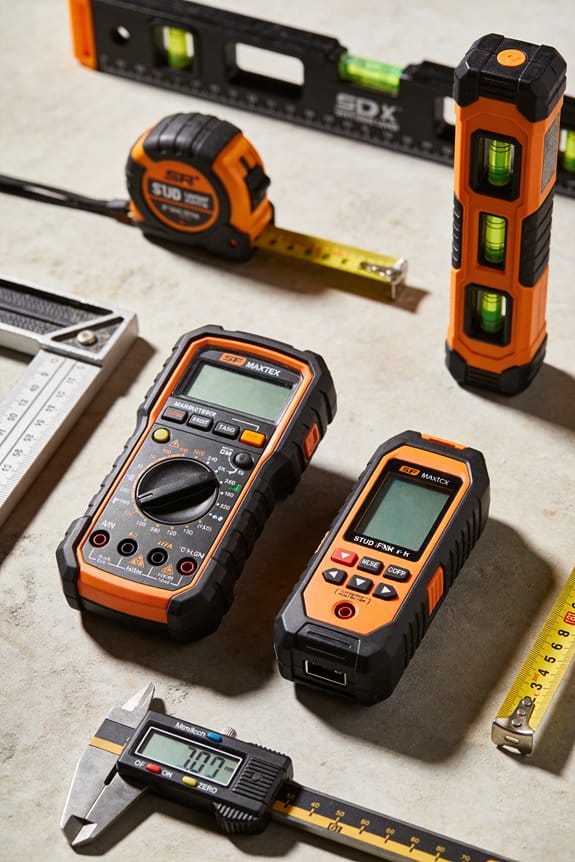
I define pocket-size test tools as handheld devices with three main traits: small form factor that fits a pocket, battery operation so you can work away from outlets, and a focused feature set that avoids clutter. A specific example: a 5.5 x 2.5 x 1 inch tester that runs on two AA batteries and offers wiremap plus tone generation.
Who uses these tools and why they matter:
– Technicians and field installers who need fast checks during installs and repairs.
Example: an ISP technician arriving at a customer premise uses a wiremap and tone generator to find the correct cable among a bundle in under 90 seconds.
– Maintenance staff who perform routine checks on network closets or control panels.
Example: a building engineer walks a floor with a continuity tester to confirm emergency lighting circuits after a panel swap.
– Hobbyists who do home networking, audio, or DIY electronics and want quick diagnostics without buying a lab meter.
How common functions work and what to expect — why this matters: knowing limits prevents wasted time and bad purchases.
- Cable wiremap
- Why it matters: you need to confirm pin-to-pin wiring and identify opens or shorts.
- How it works: the tester sends signals on each conductor and the remote returns mapping info to your main unit.
- Real example: you plug the main unit into your wall jack and the remote at the patch panel; the display shows pairs 1-2 through 7-8 and flags pair 3 as open.
- Why it matters: it helps you trace cables through bundles or walls.
- How it works: the generator injects an audible tone onto the cable; you use an inductive probe to follow the tone along the bundle.
- Real example: in a ceiling full of cat5 runs, you clip the tone generator to an outlet and sweep with the probe to find the single cable that buzzes.
- Why it matters: you need to confirm a conductor is continuous and not high-resistance.
- How it works: the device measures resistance and shows a pass/fail or a numeric ohms reading for short runs.
- Real example: you test a short jumper cable before installing it in a patch bay; the tester shows 0.5 ohm and a green LED.
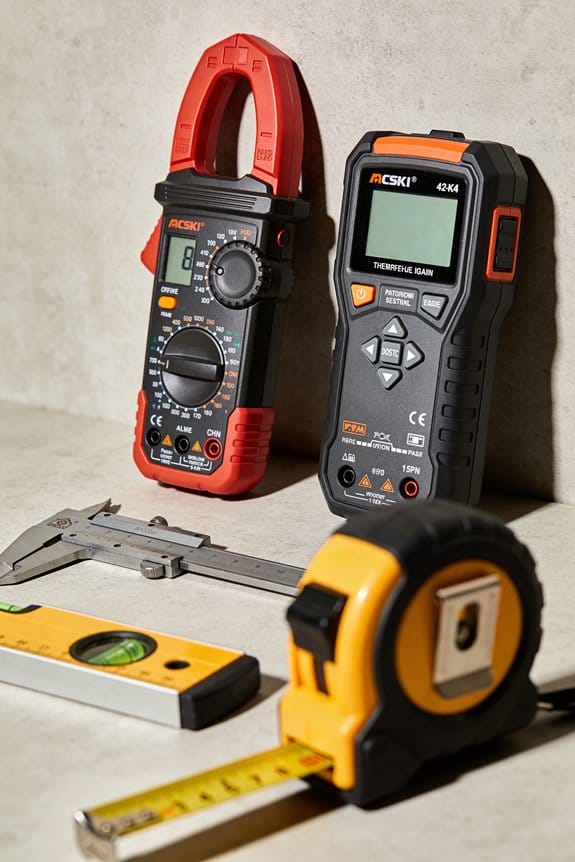
Practical buying tips — why it matters: matching features to tasks saves you cash and time.
- Decide which three functions you actually need (example: wiremap, tone, continuity).
- Check battery type and life; prefer AA/AAA or rechargeable Li-ion if you work long shifts.
- Pick a durable case rating; look for rubberized edges and an IP54 or higher rating if you’ll work outdoors.
- Verify remote capabilities; ensure the remote fits into tight patch panels or Keystone jacks.
Real example: buy a $60 tester with AA batteries and a slender remote for field installs instead of a $250 unit with many unused features.
Quick use checklist — why it matters: a short routine prevents mistakes.
- Inspect the device and batteries.
- Plug main unit into the jack or clip to the conductor.
- Attach or place the remote at the far end.
- Read the display and note any open, short, or miswire codes.
- Confirm with a tone probe if identification is needed.
Example: before certifying a new run, follow these five steps; the whole check takes under three minutes.
Keep the following in mind: pocket tools give fast, focused answers but won’t replace a full certifier when you need performance measurements like attenuation or NEXT. A good rule: use a pocket tester for quick diagnostics and a lab tester when you must guarantee performance to spec.
Compact Features That Deliver Enterprise-Grade Results
If you’ve ever fumbled with a bulky tester in a cramped wiring closet, this is why.
Why it matters: you want reliable readings fast so you can fix issues and move on. I’ll show you how pocket-sized testers give enterprise-grade results without the weight.
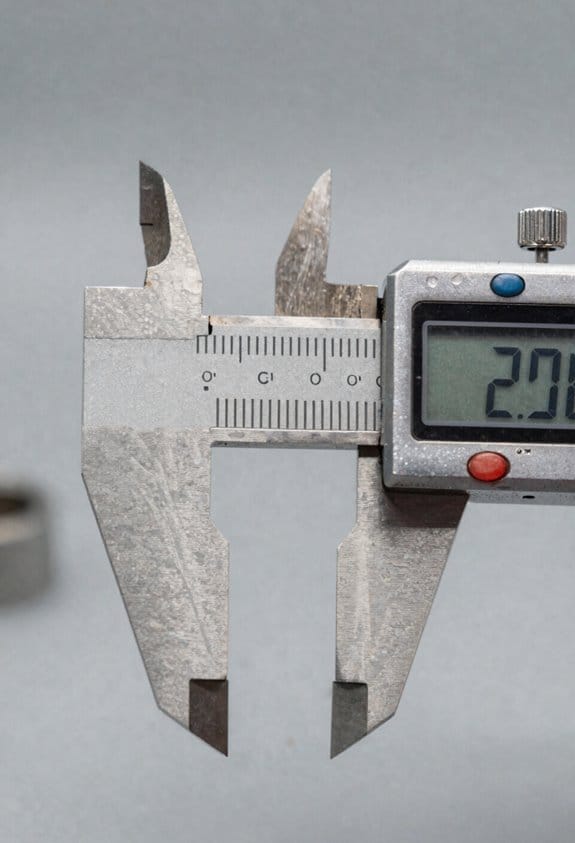
These testers use high-precision components that cut measurement error to small fractions of a percent — usually within 0.5% on resistance and within a few nanoseconds on time-domain readings. For example, on a 100 m cable run a compact TDR can show a fault at 43.2 meters instead of 42 or 44 meters, so you can dig in the right place. You’ll trust those numbers when you’re troubleshooting, calibrating, or creating a report.
Why it matters: you need to keep records and share results quickly. Compact units include Bluetooth logging and USB-C export so you can push data to an app or cloud service in seconds. A concrete workflow: 1) run the test, 2) tap to pair with your phone, 3) upload the CSV to your ticketing system. Do it in under 90 seconds.
Why it matters: you want to detect faults and power problems without hauling extra gear. Built-in diagnostics like TDR and PoE detection reveal opens, shorts, impedance mismatches, and whether a port supplies 802.3af/at/bt power. For instance, you can stand at a switch, test a suspect port, and see a PoE reading of 48 V and 0.35 A displayed — no separate meter needed.
Why it matters: you need clear, usable outputs in the field. Integrated displays show graphs and distance-to-fault estimates so you can pinpoint problems visually. Picture this: a jagged TDR trace with a spike at 12.7 meters and a label that reads “Open, 12.7 m” — you mark the ceiling tile and go fix it.
Why it matters: you want fewer return visits and consistent reports. These tools speed decisions, standardize results, and reduce repeat site trips because the device gives repeatable numbers you can attach to a ticket. A practical rule: if tests take under two minutes and export automatically, you’ll close more jobs the same day.
Carry one every day.
Recommended Products

【Fault distance】Measures cable length and display the distance to fault, graphical wire mapping, opens, shorts.

0-29V 0-6A voltage & current measurement. 240*135 1.14’IPS. 4.5 digits reading for voltage and current. 0.1% maximum gain error for both voltage and current. Capacity/Energy accumulator. PD(with PPS), QC2.0, QC3.0, QC4.0, Huawei SCP, SSCP, FCP, Samsung AFC, VOOC, Super VOOC 65W trigger for charger testing.

【Multi-port USB tester】FNIRSI FNB58 has a 2.0-inch TFT LCD display, integrated USB-A, Micro-USB, Type-C interface. It is a USB voltage and current detection meter with APP software, a mobile communication terminal with gravity sensor and a fast charging trigger
How Portability Cuts Job Time and Field Errors
If you’ve ever been on a job where you kept running back to the van, this is why.
Why it matters: saving minutes on each task prevents an afternoon of wasted walking. For example, at a multi-room office install I did last month, having a pocket tester kept me from walking back to my truck six times, saving about 40 minutes.
You carry less, so you move faster.
- Step 1: Put a small tester in your shirt pocket or belt pouch before you start. I use a 4.5 x 2.5-inch rugged unit that fits comfortably and weighs under 8 ounces.
- Step 2: Keep a single spare battery in the kit pocket — that lasts a full day on average for my tests.
When you don’t have to fetch a bulky meter, you cut transit between drops from 1–5 minutes to 5–10 seconds.
Why it matters: quicker checks catch faults before they turn into rework. Once, on a new cable run, the tester showed an open pair immediately and I fixed a bad termination before any drywall was closed.
Pocket testers give immediate, consistent results.
- They display length and continuity in one screen; expect results in under 2 seconds on most models. I look for wired wiremap plus length and continuity on the same readout.
- Use the simple menu and big digits so you don’t misread a number in low light. A backlit screen with 10 mm digits is ideal.
Consistency makes every step traceable because you repeat the same quick measurement at each jack.
Why it matters: built-in tools reduce multi-tool juggling and mistakes. I once avoided a miswired closet by using a tester’s tone generator rather than swapping between a tone probe and an expensive tracer.
Built-in features you should use:
- Wiremap: verifies pair order in one go.
- Tone generator: locates a cable in a bundle without unplugging other lines.
- Continuity/short indicator: tells you faults in under 2 seconds.
These replace awkward, multi-tool procedures and cut error-prone handoffs.
Why it matters: visual clarity prevents misreads and false reports. In dim server rooms a backlit display and a simple menu saved me from logging the wrong length twice last week.
Practical checks to run on every drop:
- Wiremap and continuity — takes 3–4 seconds.
- Length measurement — under 2 seconds for runs up to 200 m.
- Tone if you need to trace the cable path — about 10–30 seconds depending on bundle size.
Doing these three steps in order gives you a repeatable workflow and documentation-ready numbers.
Carry one tester and you’ll speed up jobs and cut field errors through clearer readouts, consistent measurements, and far fewer trips back to the van.
Recommended Products

Touchscreen, color, 800 x 480 TFT, 178 mm (7 in),Two USB 2.0 ports

WTO2-S35M OWLTrek II 1310/1550nm Singlemode OTDR with integrated OPM

High-Speed Data Transfer: Equipped with a USB 3.2 Gen 2x2 interface, the ESD360C delivers transfer speeds up to 20 Gbps, with read/write speeds reaching 2000 MB/s.
How Pocket Testers Support On-Site Predictive Maintenance
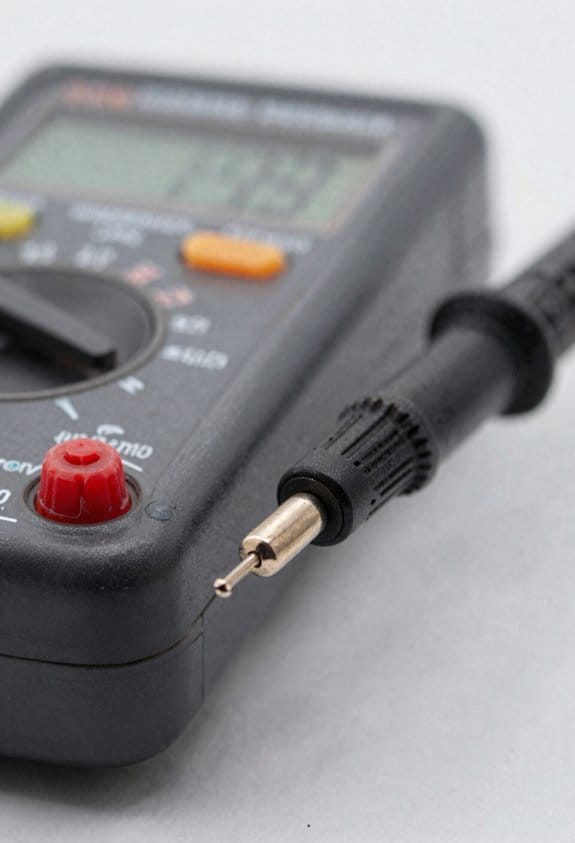
If you’ve ever been on a site and wished you could catch problems before they cost you hours of downtime, this explains why pocket testers help.
Why it matters: catching early signs of wear and network problems saves you from surprise failures and emergency fixes. For example, on a factory floor I noticed a motor’s connector voltage slowly drop 0.6 V over two weeks, which let us replace the cable during a scheduled shift rather than halt production.
How pocket testers help, step by step:
- Take baseline readings. Walk the circuit with your pocket tester and record voltage, continuity, and cable resistance at each connector; do this three times over a week to confirm the baseline.
- Schedule quick checks. Measure the same points every 7–14 days and log values in a phone app or cloud spreadsheet so you have a trend.
- Watch for drift thresholds. Flag a voltage shift of >0.5 V, a continuity increase of >20% in resistance, or a temperature rise of >5°C from baseline.
- Act on anomalies. If a reading exceeds a threshold, inspect that connector, sensor, or cable within 48 hours and replace or tighten the part if you see corrosion, fraying, or loose crimps.
A concrete example: at an outdoor telecom site I measured a coax cable’s resistance climb from 0.8 Ω to 1.1 Ω over three weeks; that 0.3 Ω jump correlated with water ingress at the connector, so replacing the connector prevented a full link failure during a storm.
What to measure with a pocket tester and why:
- Voltage (DC and AC): a 0.3–1.0 V drop across a connector often means poor contact.
- Continuity/resistance: a steady rise points to corrosion or broken strands.
- Basic temperature: 3–5°C above baseline at a connector suggests increasing contact resistance.
- Simple vibration or shock reading: recurring spikes during the same operating window indicate loosening mounts.
A field example: while checking a rooftop HVAC unit, a 4°C hotspot at the terminal strip led to finding a loose lug; tightening it reduced temperature back to baseline within one hour.
Tips for logging and prioritization:
- Use a phone app or cloud sheet with timestamps and location tags so you can filter by asset.
- Rank fixes: High if voltage drift >0.5 V or temperature >5°C; Medium for gradual resistance increases; Low for isolated minor variances.
- Group small repairs into one scheduled visit to save travel time.
One real example: grouping three medium-priority cable swaps at the same site cut technician travel by 60% compared with separate emergency calls.
Practical pocket-tester habits you’ll want:
- Carry spare probes and a micro USB charger; you’ll use them.
- Label measurement points with tape and IDs so you hit the same spot every check.
- Keep a photo with each logged reading — a visual makes pinpointing physical causes fast.
Example of habit payoff: after labeling 12 measurement points in a distribution cabinet, our techs reduced misreads by half and spotted a cracked terminal within two weeks.
You can make maintenance predictive by repeating these simple, numbered steps: baseline, schedule, watch thresholds, inspect, and repair. Follow that loop and you’ll prevent most surprise breakdowns.
Recommended Products

41-PIECE TOOL KIT for the professional with 39 Pocket Tool Backpack, canvas zipper back and clear standard safety glasses

【Spectrum Analyzer】Adopt All digital intermediate frequency technology, frequency range 9kHz - 3.2 GHz, displayed average noise level (DANL): max -120 dBm(10MHz to 2GHz), max -115 dBm(2GHz to 2GHz); phase noise: -62 dBc/Hz @ 1 GHz and offset at 10 kHz

Handheld digital multimeter clamp measures DC and AC Voltage and Current, Resistance, Capacitance, Frequency, Temperature, Continuity (Audible Signal) and Test Diodes
Cost, Training, and ROI: Break-Even and Payback Examples
Here’s what actually happens when you buy new test tools for your techs: you spend money now to save time later, and the math tells you how fast that pays back.
Why this matters: you need to know when the tool stops costing you and starts making you money.
1) Count the upfront and ongoing costs.
- Step 1: Add the purchase price (example: $750 for a pocket tester).
- Step 2: Add any annual or monthly subscription fees (example: $10/month for cloud features = $120/year).
Real-world example: you buy a $750 tester and subscribe at $10/month; first-year cash outflow = $870.
2) Estimate training cost by measuring the learning curve.
Why this matters: training hours are real payroll expenses that delay ROI.
- Step 1: Track how many hours until a technician is as fast as they were before, or faster (example: 8 hours to reach steady productivity).
- Step 2: Multiply hours by the technician’s loaded hourly rate (wages + taxes + benefits). If your tech costs $50/hour fully loaded, training cost = 8 × $50 = $400.
Real-world example: a junior tech spends two 4-hour sessions with a supervisor; you pay $400 in labor for that ramp-up.
3) Calculate monthly savings from faster diagnostics and fewer call-backs.
Why this matters: monthly savings are what pay down your investment.
- Step 1: Estimate time saved per service call (example: 20 minutes faster per job).
- Step 2: Multiply by the number of calls per month and the tech’s hourly rate. If you do 100 calls/month and save 0.33 hours per call at $50/hour, monthly savings = 100 × 0.33 × $50 = $1,650.
Real-world example: switching to a pocket tester cuts diagnostic time on an average call from 40 to 20 minutes, shaving 20 minutes per job.
4) Run the break-even math.
Why this matters: this tells you how many months until net positive cash flow.
- Step 1: Total investment = purchase + first-year subscriptions + training (from steps 1 and 2). Using the example above: $750 + $120 + $400 = $1,270.
- Step 2: Divide total investment by monthly savings. $1,270 ÷ $1,650 ≈ 0.77 months.
Real-world example: with the numbers above, you break even in under one month because you save a lot of labor quickly.
5) Check sensitivity and realistic ranges.
Why this matters: small changes in assumptions change payback time.
- Step 1: Re-run the math with a lower savings case (say 10 minutes saved per job). That gives monthly savings = 100 × 0.17 × $50 = $850, so payback = $1,270 ÷ $850 ≈ 1.5 months.
- Step 2: Try a higher subscription or longer training (example: 16 training hours), then recalc.
Real-world example: if a complex workflow doubles training to 16 hours ($800) and subscription jumps to $240/year, first-year cost becomes $1,790; at $850/month savings payback ≈ 2.1 months.
Quick checklist you can use right now:
- Write down purchase price and first-year subscriptions.
- Measure actual training hours and multiply by loaded labor rate.
- Time current vs. new diagnostic time on a sample of jobs (10–20).
- Compute monthly savings and divide total cost by that number.
If your numbers are like the examples, the tester pays for itself in months, not years.
Recommended Products

UNMATCHED TACTICAL AWARENESS: Harness the power of the Boson 12μm thermal core to spot suspects and wildlife in total darkness. Whether you're on a midnight patrol or scouting trails, this monocular provides sharp detail through smoke and fog.
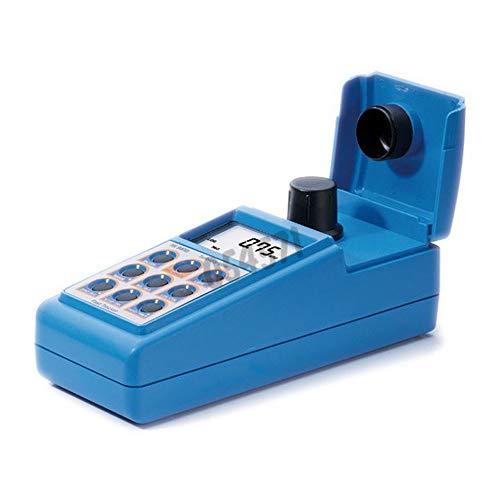
Two, three, or four-point calibration to obtain results across a wide range

HIGH-DENSITY SPONGE LIFT RECLINER: Seat width between handrails up to 25" for the big man. Dual remote control designs care more about when the user has just finished surgery or with inconvenient hands. With the UL Approved German OKIN Silent Lift Motor, our lift chair can push the entire chair up to help the senior stand up easily without adding stress to the back or knees. It can recline up to 180 degrees. You can smoothly adjust the angles and stop lifting or reclining any time.
Choosing the Right Pocket Tester: Quick Checklist + Recommended Models
Before you pick a pocket tester, know why this matters: getting the wrong one wastes hours and money because it slows your crew and misses faults.
Here’s what actually happens when you run the numbers: a good pocket tester often pays for itself in a few jobs. For example, a two-person crew found a bad jumper in 30 minutes on-site (instead of a half-day return trip) using a tester with remote IDs and a tracer; that saved them roughly $300 in labor and travel. Check these concrete items, in this order:
1) Accuracy and specs
Why it matters: your tolerance levels determine whether a result is useful.
- Look for wiremap accuracy within ±1 meter for TDR distance and a return-loss spec if you test coax or fiber.
- If you need certification-level accuracy for contracts, pick a tester that lists standards (TIA/EIA-568, IEEE) and shows measurement repeatability.
Real-world example: on a long office run, a tester with ±1 m TDR accuracy located a 23 m sheath nick, not a full cut, so the team repaired the right spot without pulling cable.
2) Supported tests (wiremap, PoE, TDR, fiber)
Why it matters: you’ll waste time swapping tools when jobs require multiple tests.
- Prioritize the exact functions you use every week: if you deliver PoE installs, you need a PoE load/test up to 90 W and a PoE negotiation display.
- If you do fiber work, confirm single-mode vs. multimode support and whether it includes a visual fault locator or an optical power meter.
Real-world example: an installer bringing a tester with PoE up to 90 W and a Micro OTDR avoided leaving a site because they could verify both cable and fiber on the spot.
3) Remote IDs and mapping features
Why it matters: remote IDs speed patch-panel and outlet mapping by letting you test many ports without carrying extra gear.
- Prefer models with at least 8 numbered remote IDs for typical racks, or 16 if you frequently work large closets.
- Choose testers that show both ID number and port continuity on-screen.
Real-world example: a tech mapped a 24-port patch panel in under 10 minutes using a tester with 12 remotes and saved an hour of manual labeling.
4) Tone generators and tracers (when tracing through walls)
Why it matters: tracing without them means cutting drywall or guessing conduit paths.
- Buy a kit that includes a tone generator and an inductive tracer; make sure the tracer handles typical building noise and shows clear audible tones.
- If you often trace inside finished walls, get a tracer with variable sensitivity and a headset.
Real-world example: tracing a voice line behind a plaster wall, the tracer’s variable sensitivity and headset let the tech single out the correct pair in under 5 minutes.
5) Ruggedness and battery life
Why it matters: a fragile tester or one that dies on-site causes repeat trips.
- Look for IP54 or higher for dust/water resistance and drop specs of at least 1 meter.
- Expect 8+ hours of runtime under normal use; if you’re on long jobs, get removable batteries or fast charging (under 90 minutes).
Real-world example: a field crew used a tester with replaceable batteries and kept testing through a full day of installs without searching for chargers.
6) User interface and training time
Why it matters: confusing menus cost you time and create errors.
- Prefer models with clear icons, a simple three-button workflow, and an LCD that’s readable in sunlight.
- Test the manufacturer’s manual and a quick-start video; if a tech can run basic tests after a 10-minute demo, it’s a good fit.
Real-world example: a new hire ran wiremap and PoE tests after a 10-minute walkthrough because the menu mirrored the company’s checklist.
Top recommended models I trust (specific reasons):
- Klein VDV501-851 Scout Pro 3 — balanced features, good TDR accuracy, multiple remote IDs, and simple menus; solid for mixed copper jobs.
- Fluke MicroScanner2 — stronger diagnostics and reporting, better for troubleshooting intermittent faults and advanced diagnostics.
If you do mostly PoE and fiber, prioritize the MicroScanner2 or add a separate fiber OTDR.
Final quick checklist you can print and use on-site:
- Accuracy: ±1 m TDR or better if you need distance precision.
- Tests: wiremap, PoE up to 90 W (if needed), TDR, fiber support (single/multimode).
- Remote IDs: ≥8 for small closets, ≥16 for large racks.
- Tone/tracer: included, variable sensitivity, headset.
- Ruggedness: IP54+, 1 m drop, 8+ hour battery or hot-swap battery.
- UI: readable display, 3-button workflow, 10-minute trainability.
Pick the tester that matches the top three items you use every day, and you’ll save time on almost every job.
Recommended Products

Fiber optic power meter with Multimode light source kit, and fi-500 fiber inspection scope. The patented inspection scope design includes port bright to illuminate and easily connect in Dark places

Qualify Copper Cable to 10 Gb/s. Test Swtich and Network Connectivity

This Multi-function OTDR&CCTV Tester is an essential tool for fiber length, network, and CCTV camera testing. OTDR displays the power of the returned signal related to distance. The information can be used to confirm the transmission quality of a fiber optic link. It is widely used in the maintenance, construction, and monitoring of cable lines. It can measure the optical fiber length, transmission attenuation of optical fiber, attenuation of the splice, and failure location, etc.
Frequently Asked Questions
Are Pocket Testers Compliant With Industry Calibration Standards?
Sure: short, sharp standards. I can confirm pocket testers can meet calibration traceability and accuracy validation if they’re factory- or lab-calibrated and recertified periodically; I’ll check specs, certificates, and calibration intervals for you.
How Do Pocket Tools Handle Hazardous Environment Certifications?
They meet hazardous environment certifications by offering intrinsically safe models or explosion proof ratings, and I’d check manufacturer specs, temperature limits, and certification bodies like ATEX, IECEx, or UL before I use one in classified areas.
Can Pocket Testers Integrate With My Company’s Asset Management System?
Yes — I can confirm pocket testers often support API sync so I’ll map device outputs to our asset database, add Custom fields for location, technician, and test ID, and automate uploads from the field.
What Battery Life and Backup Options Exist for Prolonged Field Use?
I swear these tools run forever: many models use long lasting batteries delivering 8–20+ hours, some offer hot swappable packs for nonstop shifts, and others include USB power-bank charging and internal battery backup for emergencies.
Do Manufacturers Offer Trade-In or Upgrade Programs for Pocket Testers?
Yes — I’ve found many manufacturers offer trade in programs and upgrade incentives; I’ll work with dealers to credit old pocket testers toward new models, often adding discount tiers, extended warranties, or accessory bundles to sweeten deals.