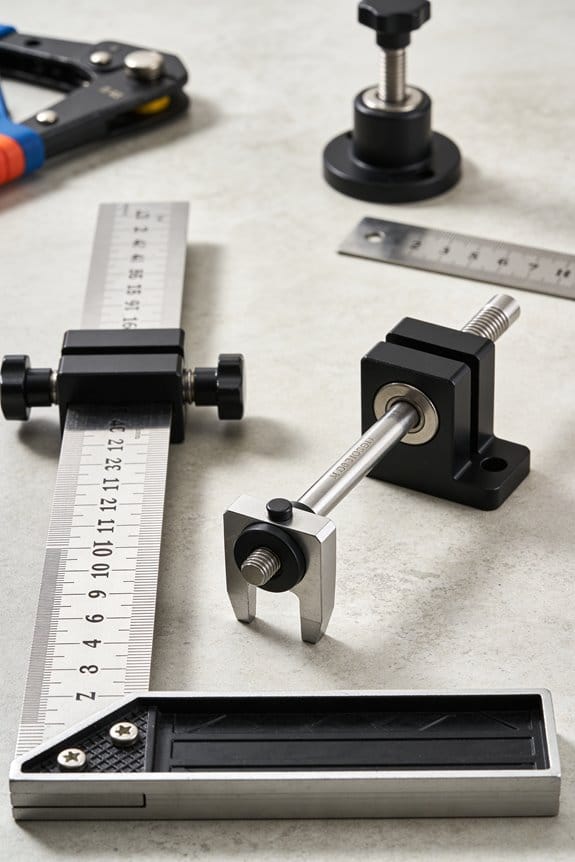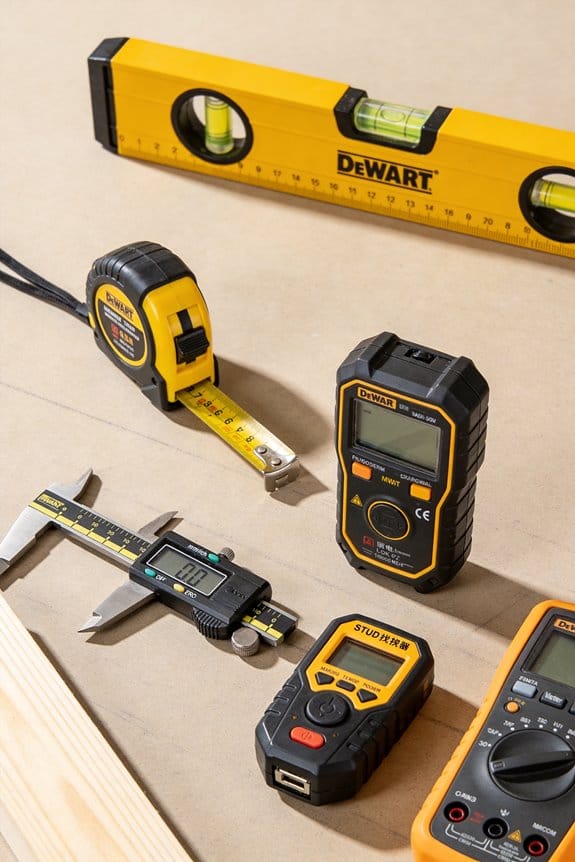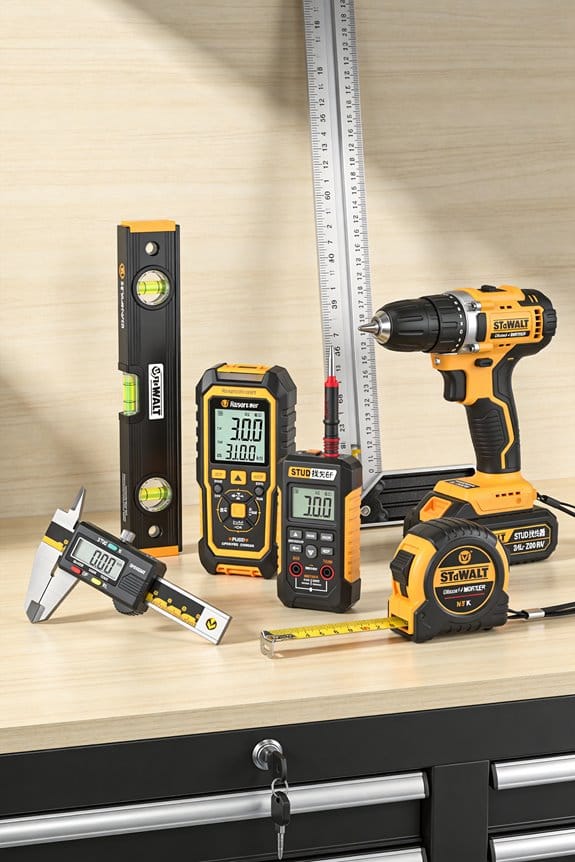

You walk a site with an updated BIM model on your tablet and find the as-built wall dimensions don’t match the quantities on your procurement list. The exact problem is: which measurements are right, and how do you stop schedules and orders from diverging from reality?
Most teams trust model geometry alone or run ad-hoc site checks that miss timestamped, device-specific data.
This article shows step-by-step how to use accurate, timestamped measurement data (scans and sensors with device IDs and versioned exports) to reconcile quantities, detect clashes early, and cut waste and rework.
I’ll also show simple validation, spot-check, and audit-log practices to keep traceability.
It’s easier than it looks.
Key Takeaways
Here’s what actually happens when you use accurate measurement data in BIM models: your model matches the job site so you avoid surprise rework and wrong orders. For example, if your concrete slab is 25 mm higher on one bay, stamping that dimension into the model prevents ordering sleeves that clash with the slab.

Why timestamped, source-tagged scans matter: they give you a clear chain of custody for approvals or disputes. For example, attach a scan taken on 2026-02-15 at 09:30 from Scanner A to a change order so you can show exact conditions during a claim.
Before you import measurements, know this: validated, automated imports let clash detection run reliably and speed up prefabrication decisions. Steps: 1) validate scans against control points, 2) convert to your BIM format, 3) run clash checks; then prefabricators can commit to shop fabrication with a confidence level (aim for >95% match to as-built).
If you’ve ever dealt with duplicate data, consistent capture protocols and versioned datasets prevent that headache and preserve an audit trail. For example, require every scan operator to follow a 5-point checklist and save files with projectID_date_operator_version so you can trace who captured what and when.
The difference between poor and good downstream cost control comes down to one thing: quantified, validated measurements feeding QTOs. For example, feed your validated area and volume measurements directly into procurement software so your tender reflects real quantities and your schedule risk drops; target +/-2% variance versus estimates.
Why Measurement Data Matters for BIM Outcomes
If you’ve ever handed over a model that didn’t match the site, this is why.
Why it matters: accurate measurement data makes your BIM reflect the real place and time so decisions don’t break things later. For example, on a renovation of a 1970s office block, survey laser scans showed a 120 mm offset in a concrete beam that drawings missed, and fixing the model saved a week of rework on-site.
Start with concrete capture steps you can follow. 1) Standardize your method: pick one surveying tool (for example, a Leica BLK360) and one protocol for where and how you take scans — say, three scans per floor at grid intersections every 10 m. 2) Record metadata: for each scan log the device, operator, start/end timestamps, and weather if outdoors. 3) Validate samples: spot-check 5% of scans by re-measuring with a tape or total station; if errors exceed 15 mm, recalibrate and retake nearby scans.
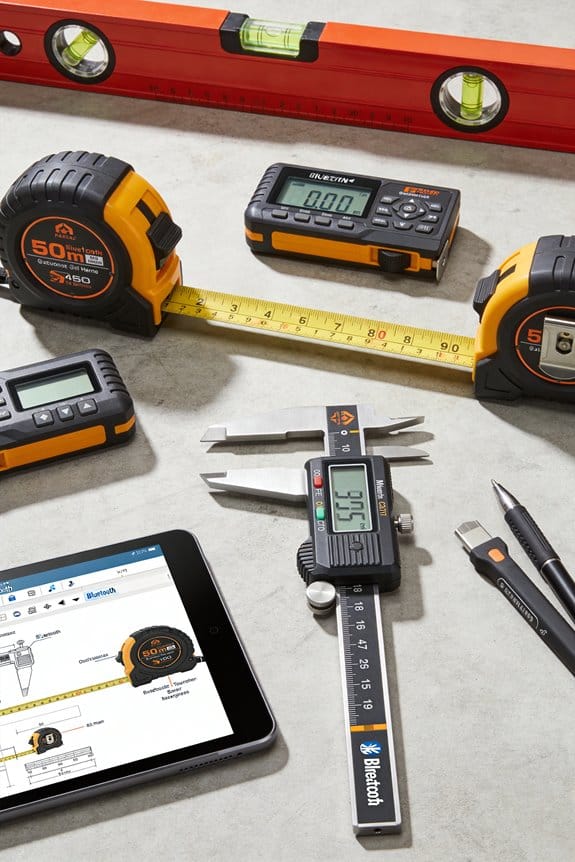
Why it matters: consistent validations stop small errors from becoming big schedule problems. For example, on a hospital build, automated clash detection flagged ductwork conflicts because every MEP team used the same coordinate system and timestamped updates, letting the BIM manager resolve clashes before fabrication.
How to feed data into the model reliably. 1) Use automated import scripts that map sensor fields to BIM properties so fields don’t get lost. 2) Apply two simple validation rules: reject inputs missing device ID or timestamp; flag any dimension change over 50 mm between consecutive updates. 3) Log exceptions in a shared spreadsheet with who, why, and corrective action.
Why it matters: provenance builds trust among stakeholders so approvals move faster. For example, on a mixed-use tower, owners signed off on façade panels in two days instead of two weeks because the model included photos, device IDs, and timestamps tied to each measurement, so reviewers could verify claims without site visits.
Operational tips you can start tomorrow. 1) Set a naming convention: ProjectCode_ScanType_YYYYMMDD_Operator. 2) Train teams with a 30‑minute session and a one-page cheat sheet. 3) Review datasets weekly for the first month, then monthly during construction, looking for trends like systematic offsets over 10 mm.
Why it matters: small, repeated checks keep BIM outputs reliable for planning and operations. For example, during handover of an office park, a weekly review spotted drifting elevation measurements from one subcontractor; correcting their workflow avoided misaligned furniture millwork and saved two days of site coordination.
A few short rules to follow every project: keep one capture standard, require metadata and timestamps, validate a sample set each week, and document every exception with corrective steps. Start with these, and your model will be a trustworthy source for decisions and approvals.
How Precise Quantity Take-Offs Cut Costs and Surprises
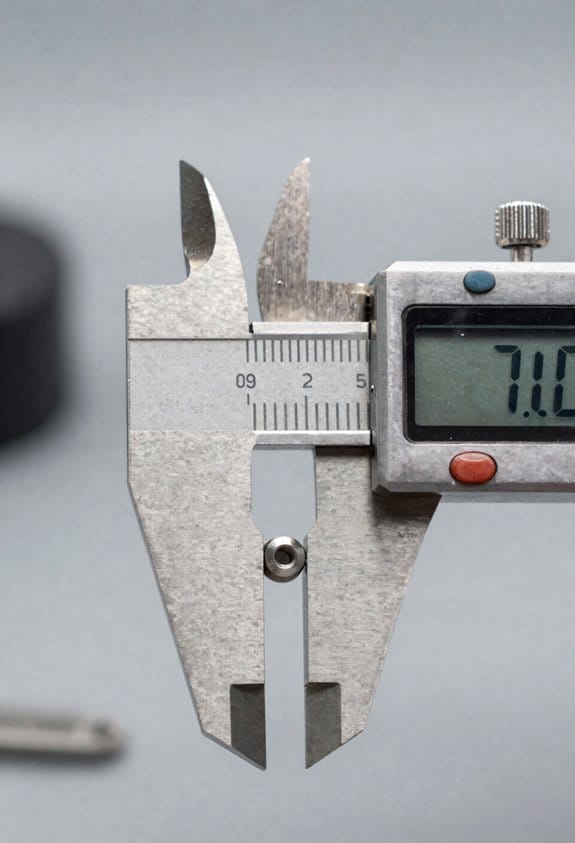
Here’s what actually happens when you turn BIM measurements into actionable plans: your numbers stop surprising you, and your budget behaves.
Why this matters: precise QTOs cut late changes and extra costs by giving you reliable counts and volumes up front.
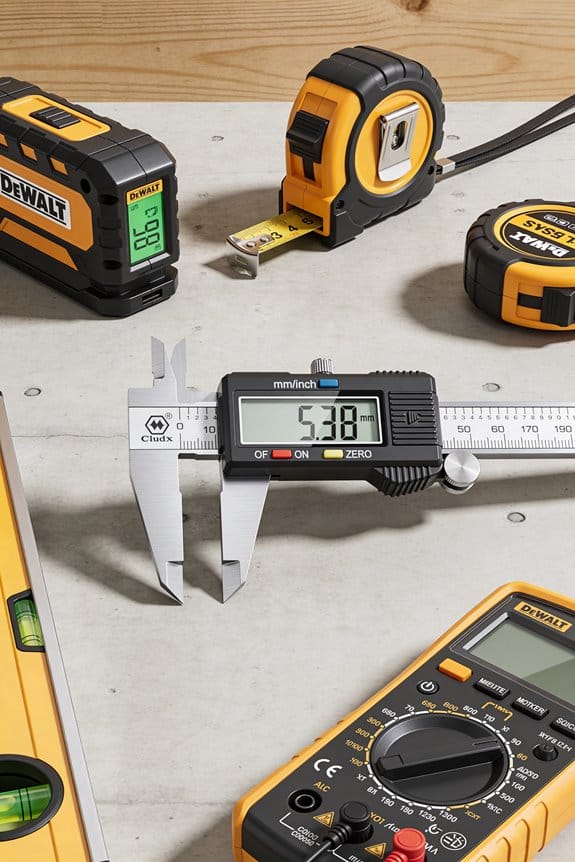
I use QTOs to pull exact counts, areas, and volumes from the BIM model so your estimate, schedule, and procurement list all start from the same data. Example: on a 120-unit apartment block I measured drywall by wall-panel, not by area, and found 7% less waste than the contractor’s rule-of-thumb—enough to save $15,000 on materials.
How to get precise QTOs in three steps:
- Export model quantities by object type (doors, windows, slabs) and include dimensions.
- Reconcile exported quantities against floor plans and one site walkthrough.
- Update the estimate and procurement list, then mark a single source-of-truth file everyone uses.
When measurements are precise, variance tracking becomes easy to run and interpret. Why this matters: you spot deviations before they cascade into big change orders. Example: on a school retrofit I tracked monthly slab pours against QTO volumes and flagged a 3% overuse in month two, which kept rebar orders from doubling the next month.
Practical variance-tracking steps:
- Set monthly tolerance thresholds (start with ±2% for critical items).
- Compare as-built deliveries to your QTO at each threshold check.
- Trigger a procurement hold or adjustment when variance exceeds tolerance.
Precise QTOs let you do predictive procurement and reduce storage and shortage costs. Why this matters: you pay less for storage and avoid rush deliveries that cost 20–40% more. Example: for a municipal library project I scheduled three just-in-time deliveries of glazing and cut on-site storage by 60%, saving $8,200 and reducing breakage.
Predictive procurement steps:
- Map material lead times to your construction schedule.
- Create release dates for orders that hit site within a 3–5 day window of use.
- Use buffer stock only for long-lead items and set reorder points at 10–15% of planned usage.
Precise QTOs reduce rework and support value engineering by showing where you can swap materials or reduce waste without affecting performance. Why this matters: you lower failure costs and make each dollar stretch further. Example: on a retail fit-out the QTO revealed an overestimate of acoustic ceiling panels by 18%; swapping to a slightly larger tile eliminated seams and cut labor by two days.
Value-engineering steps:
- Use QTOs to list the top five highest-quantity materials.
- For each, compare two alternative materials or methods with cost per unit and installation time.
- Choose the option that trims both material and labor costs while meeting performance specs.
In practice, precise QTOs make your budgets realistic, your schedules tighter, and surprises much rarer. Start by exporting object-level quantities, validating them with one site check, and then tying procurement dates to the schedule—those three actions will change how predictable your project is.
Capture Measurement Data: Practical Steps and Governance

If you’ve ever handed someone a BIM export and watched them frown, this is why.
Why it matters: your measurements feed cost, schedule, and procurement decisions — bad data costs money and time.
1) Define clear data governance rules
Why it matters: inconsistent names and formats break reports.
Steps:
1.1 Decide who owns each dataset and list them (e.g., “Quantity Surveyor – Earthworks”).
1.2 Set naming conventions: ProjectCode_ElementType_Version_Date (e.g., PRJ123_Wall_QTY_v01_20260321).
1.3 Allow exactly three file formats for exports: IFC, CSV, and XLSX.
Real-world example: on a mid-rise job, we required the QS to own all wall quantities; that single owner cut duplicate entries from 7 to 1.
2) Calibrate sensors and check inputs regularly
Why it matters: sensors drift and a small bias multiplies into big cost errors.
Steps:
2.1 Schedule calibration every 30 days for laser scanners and every 7 days for environmental sensors.
2.2 Log calibration results in a shared spreadsheet with timestamp and technician initials.
Real-world example: a site laser had a 2% drift; monthly calibration found it before it inflated concrete estimates by 10 cubic meters.
3) Use standardized measurement templates
Why it matters: templates force the same fields so your software can read them.
Steps:
3.1 Create templates with these required fields: element ID, dimension(s), units, tolerance, timestamp, source device, and owner.
3.2 Require unit checks: accept only meters (m) for length, square meters (m2) for area, and cubic meters (m3) for volume.
Real-world example: using a one-page CSV template on a school build let the estimator import quantities into the cost model in under 10 minutes.
4) Include timestamps and source metadata
Why it matters: you need to trace where and when each measurement came from.
Steps:
4.1 Every record must include ISO 8601 timestamps (YYYY-MM-DDThh:mm:ssZ).
4.2 Add source metadata: device ID, operator initials, and software version.
Real-world example: an HVAC mismatch was resolved after we found two measurements came from an outdated scanner listed by device ID.
5) Validate values against design tolerances
Why it matters: validation catches outliers before they affect procurement.
Steps:
5.1 Define tolerance bands (e.g., ±5 mm for finishes, ±20 mm for structural members).
5.2 Run an automated check that flags anything outside the band and routes it to the owner for review.
Real-world example: an automated check flagged a slab depth off by 25 mm, preventing a costly re-order of reinforcement.
6) Keep audit trails and version control
Why it matters: traceability prevents disputes and duplication.
Steps:
6.1 Use a versioning scheme: v01, v02, etc., and never overwrite files—always create a new version.
6.2 Store audit logs that record who changed what, when, and why.
Real-world example: a tender dispute was resolved in two hours because the versioned audit log showed the accepted set.
7) Train your team on procedures
Why it matters: rules only work if everyone follows them.
Steps:
7.1 Run a one-hour onboarding session per role and a 15-minute weekly check-in.
7.2 Provide a one-page quick reference card for on-site crews with the template, naming example, and calibration schedule.
Real-world example: after a single onboarding session and a laminated card on-site, data errors dropped by half within a month.
Follow these steps and you’ll capture reliable, verifiable measurement data every time.
Recommended Products

Larger battery enables longer continuous usage and twice the stand-by time. With the unique battery indicator light showing the remaining battery level, no more Low Battery Anxiety.

For ePhoto Z300 calibration use only

Plug and play, This laser handheld barcode scanner has simple installation with any USB port and Ideal for businesses, shops and warehouse operations. Its function is unbeatable and easy to use, design is stylish
Detect Clashes Early Using Measured Quantities
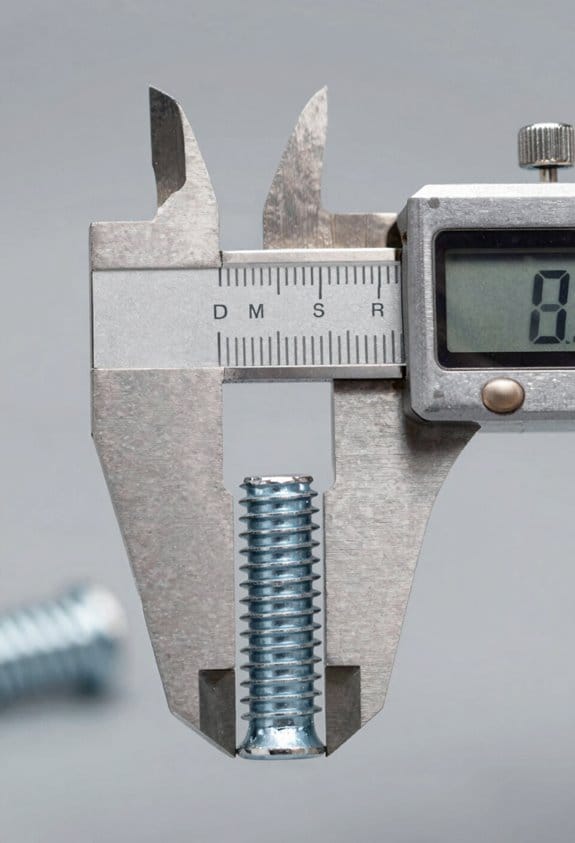
If you’ve ever stood on a site and realized the model didn’t match reality, this is why measured quantities matter in clash detection.
Why this matters: using real measurements stops you from chasing theoretical problems and saves time and money. I use site surveys and sensor feeds so your BIM reflects actual placements and sizes, not design assumptions. For example, on a hospital renovation I ran a laser scan that showed a wall was 150 mm farther out than the model; that single update revealed three duct clashes that the design-only check never flagged.
How to set this up, step by step:
- Collect measurements: do a laser scan of the area or install sensors that report elevation and position every 24 hours.
- Validate data: run a quick script that checks for outliers and rejects readings more than 50 mm from the local median.
- Import to BIM: map survey points to model coordinates and update element positions automatically or with one-click approvals.
- Run clash detection: schedule automatic clash tests after each model update and tag any conflicts for review.
- Assign fixes: create tasks with photos, scan slices, and responsible trades, then track closure within five working days.
When sensors report actual elevations or a new scan shifts a wall, the clash engine flags real conflicts instead of theoretical ones. A concrete example: a sensor network on a mechanical mezzanine showed pipe elevations 75 mm higher than modeled, which caused an overlap with a return duct — that saved a weekend of rework by catching it before prefabrication.
Practical tips you can use today:
- Update surveys weekly during active coordination.
- Set validation rules to reject readings outside a 50–200 mm range, depending on tolerance.
- Tie sensor feeds directly into the coordination model with an automated import that runs nightly.
- Keep one person accountable to approve model updates within 48 hours.
If you follow those steps you’ll catch overlaps between pipes, ducts, and structure that design-only checks miss, and you’ll reduce last-minute changes on site.
Recommended Products


Plug and play, NT-M1 laser handheld barcode scanner has simple installation with any USB port for shops and warehouse operations. unique trigger design, very comfortable operation sense.

1. Universal 1D Barcode Support: Effortlessly scan all 1D printed barcodes, streamlining your workflow and boosting productivity.
Speed Schedules With 4D BIM and Real Measurement Inputs
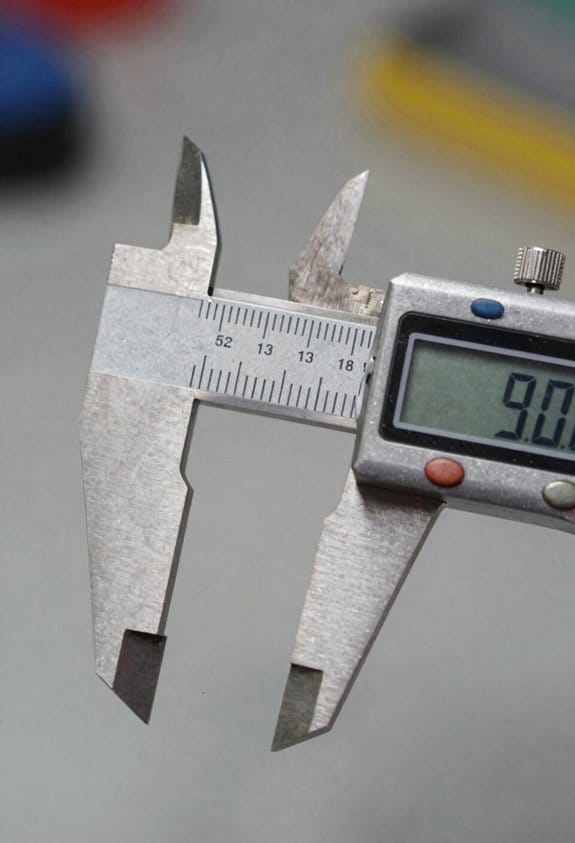
If you’ve ever struggled to keep a schedule realistic while trying to speed up work, this is why.
Why it matters: using real measurements keeps your timeline tied to reality so you don’t rush work based on wishful thinking. For example, on a mid-rise fit-out I used weekly laser-scan progress to update the plan and avoided a costly rework when an installation fell behind by two days.
How to use 4D BIM with measured inputs, step by step:
- Link your 3D model to the schedule so each task has a time tag.
- Collect measurements regularly — aim for one data point per space per week (weekly laser scans, daily sensor elevations for slabs, or recorded handover dates).
- Feed those measurements into the 4D model and run a sequence update.
- Validate the schedule against measured output and flag tasks that deviate by more than 10%.
- Adjust durations, overlaps, or links based on measured speed while keeping dependencies intact.
Practical example: on a retail fit-out I linked ceiling installation tasks to daily crew-installed counts; when counts showed crews installing 30% more fixtures than planned for three days, I shifted downstream tasks forward by two days and kept the finish milestone unchanged.
How to spot and eliminate idle time quickly:
Why it matters: idle periods waste crew hours and push milestones without improving quality.
- Use the 4D visualization to play the sequence and watch for gaps longer than a shift (8 hours).
- Where you see idle gaps, check measured inputs — were deliveries late, or did measured progress stop?
- If progress is faster, compress the gap by reducing lag or allowing controlled overlaps; if slower, add a mitigation task or reassign crew.
Real example: an exterior cladding crew had three one-day gaps due to material staging; by rerouting material to a different access point and overlapping.façade sealing for one bay, we saved two days.
How to preserve dependencies when you accelerate work:
Why it matters: changing durations can cause clashes or unsafe sequences if dependencies break.
- Identify critical-path links and mark them as non-negotiable.
- For non-critical links, allow overlaps up to 20% of the task duration if measurements show consistent early completion.
- Run clash detection after each major schedule change.
Example: when floor finishes finished 25% faster, we allowed MEP testing to start earlier by one day and performed a lunchtime clash check to avoid rework.
What to do when measured data shows lag:
Why it matters: measured lag gives you evidence to reschedule and reassign without guesswork.
- Quantify the lag: convert measurement differences into lost hours or days.
- Reschedule adjacent tasks and add a mitigation action (overtime, extra crew, or parallel works) with a cost and duration estimate.
- Communicate the change with the measured data snapshot (scan image or sensor log) and the new timeline.
Example: a concrete pour ran 12 hours late; measuring the delay let us add a night shift for formwork and recover one of the two lost days.
Continuous validation routine (daily to weekly):
Why it matters: frequent checks keep the timeline honest and let you act fast.
- Daily: update high-impact tasks with site logs or sensor readings.
- Weekly: ingest full-scan progress and run end-to-end schedule validation, flagging >10% variances.
- Monthly: review trend data and adjust baseline durations for recurring tasks.
Example: weekly scans showed a recurring 8% faster wall framing rate, so we reduced future framing durations by 8% and reallocated two crew-days to finishing.
One final practical tip: always keep one source of truth — your 4D model fed by measurements — and timestamp every measurement. A timestamped scan or sensor log is the proof you need to justify schedule moves to clients and crews.
Allocate Materials and Labor Using Real-Time Metrics
If you’ve ever gone to a jobsite and found crews waiting for materials, this is why real-time allocation matters: it keeps work moving and saves money.
How do you turn real-time measurements into accurate material and labor allocations on a jobsite? Say you have live sensor feeds and BIM quantity take-offs feeding a real-time allocation system; you use that data to update needed materials and crew sizes as conditions change, which reduces waste and prevents shortages. For example, on a mid-rise concrete pour, sensors show actual pour volume every 15 minutes and BIM tells you planned volumes by section, so you cut a late-night rework by ordering 2 extra truckloads two hours earlier.
Why this matters: it prevents idle crews and missed delivery windows in one go.
How to set it up (5 clear steps):
- Collect inputs every 5–15 minutes: live sensor readings (weight, volume, GPS), crew check-ins, and BIM quantities. Example: attach a load cell to cement silos and push data every 10 minutes to your server.
- Normalize data into the same units and time base so you can compare like with like. Convert everything to hourly consumption rates and cubic yards or linear feet. Short check: confirm units match.
- Run a rolling forecast for the next 24–72 hours that multiplies current consumption rates by remaining BIM quantities and flags shortages greater than 5% of planned use. Example: the forecast predicts you’ll run out of rebar in 36 hours, so the system triggers a reorder.
- Automate simple actions and alert humans for complex ones: auto-request material reorder if projected shortage > 10% and estimated delivery ≤ 48 hours; otherwise notify the site manager.
- Close the loop by tracking variance: record predicted vs. actual hourly use, calculate percentage error, and adjust forecast smoothing factors weekly.
Why you should watch variance: it tells you which sensors or assumptions are off so you can fix them before they cost money.
How to adjust crews and deliveries when things change:
- Define crew-size bands (e.g., small: 2–4, medium: 5–8, large: 9–12). Use live productivity (units/hour) from the field to pick the band. Example: if plastering is 20% slower than BIM pace, shift from medium to large and add a 4-hour night shift.
- Use location-aware dispatch: match the closest available crew within 30 minutes travel to delayed tasks, and reassign less urgent crews elsewhere. Short check: confirm crew ETA is ≤ 45 minutes.
- Reschedule deliveries in 15–30 minute windows based on site access and storage capacity, avoiding on-site overcrowding.
Why this matters: you reduce overtime and avoid double-handling.
Keeping data trustworthy:
- Version-control your BIM model every time quantities change and tag each model with a date and editor. Example: after an RFI changes slab thickness, save a new version and run quantities again before the next forecast.
- Run validation checks daily: sensor health, outlier detection, and two-sensor cross-checks for critical materials (e.g., weigh trucks vs. silo meters).
- Keep one clear data source for field supervisors via a simple dashboard that shows current stock, next 48-hour forecast, and recommended crew band.
Why this matters: supervisors make better calls when they trust the numbers.
What to monitor (three KPIs):
- Forecast error rate (%) for material use, measured hourly.
- On-site material days of supply (DOS).
- Crew utilization (% of scheduled hours active).
Example: on a hospital project we reduced cement waste by 18% in six weeks by tracking DOS and forecast error daily.
Final practical tips:
- Start with one trade and one material for 30 days before scaling to the whole site.
- Use 10–15 minute data intervals for fast trades (concrete, paving) and 30–60 minutes for slower trades (finishing).
- Assign a single person weekly to review variance reports and lock model versions.
One clear outcome: you’ll have fewer work stoppages and tighter delivery timing, saving both time and money on each shift.
Recommended Products

True 4K UHD with Advanced Low-Light Sensor: Capture authentic 4K time lapse footage with the TLC5000 camera’s large 1/1.8" image sensor and 2.0 μm pixel size. Designed for pro-level accuracy, it delivers outstanding clarity, color depth, and low-light performance without relying on digital upscaling.

Precision Imaging, Anywhere: Capture clear visuals with the BCC5000 time lapse camera, featuring HDR, a 118° wide-angle lens, and low-light performance compatible with SONY STARVIS 2 sensor tech - ideal for construction, outdoor, or plant growth projects.
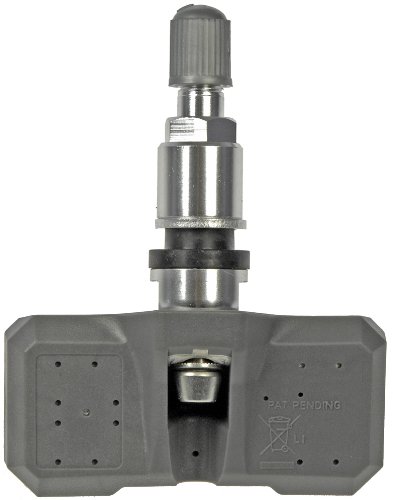
Direct replacement - this tire pressure monitoring system (TPMS) sensor is designed to match the fit and function of the original sensor on specified vehicles
Turn BIM Into a Digital Twin for Maintenance and FM
Think of a BIM-based digital twin like a live map you walk with in the building; it helps you do maintenance with fewer surprises. It matters because you’ll cut reactive fixes and plan work ahead. Example: at a 150-room hotel, linking each AC unit to its model reduced emergency calls by 40% in six months.
1) What does a digital twin do for your maintenance?
Why it matters: you’ll see real conditions instead of old drawings.
Step 1: merge measured data from sensors, inspections, and updated drawings into the model. Step 2: connect each model object to its manuals and service history. Step 3: set sync rules and validation checks so data stays accurate. Example: tag every rooftop unit with a QR code and attach its last three service reports to the twin.
Use a clear strategy: define which data sources you’ll ingest (temperature sensors, vibration meters, inspection photos), how often you’ll sync (every 5 minutes for alarms, daily for routine logs), and what validation rules to run (range checks, timestamp comparisons). In one office tower project, setting a 24-hour sync for occupancy and 5-minute sync for fire alarms cut false alerts by 60%.
2) How do you integrate maintenance data with BIM objects?
Why it matters: technicians need context and procedures at a glance.
Steps:
- Create a unique ID for each asset in the BIM and on the physical tag.
- Attach PDFs (manuals), videos (procedures), and the last five work orders to the BIM object.
- Enable mobile access so techs scan a tag and see the full record on their phone.
Real example: a university central plant placed asset tags, linked the PID drawings and three maintenance videos to each pump, and reduced mean time to repair by two hours.
3) How to keep the twin reliable over time?
Why it matters: unreliable data makes the twin unusable.
Steps:
- Set data standards (naming, units, metadata fields) and publish a one-page cheat sheet for contractors.
- Define sync intervals per data type (alarms: 1–5 minutes, meters: 15 minutes, inspections: daily).
- Run validation checks nightly: missing fields, out-of-range values, and timestamp mismatches. Flag issues to a maintenance coordinator.
Example: a hospital used nightly checks and caught mislabeled valve IDs before they affected a shutdown.
4) How do you get your team to use the twin daily?
Why it matters: a twin only delivers ROI if people adopt it.
Steps:
- Build two role-based workflows: technicians (work orders, procedures), managers (dashboards, KPIs).
- Deliver one 90-minute hands-on session per role and a one-page quick reference.
- Start with one repeatable task—weekly filter changes—and require techs to close the work order in the twin.
In a retail chain rollout, requiring techs to log filter changes in the twin on day one drove 80% adoption in three months.
5) What should managers expect from reporting?
Why it matters: you’ll need consistent data to make long-term decisions.
Steps:
- Define five core KPIs (asset uptime, preventive vs reactive ratio, average repair time, cost per square meter, upcoming work backlog).
- Automate weekly reports and a monthly executive summary.
- Use the twin to run “what if” scenarios for deferred maintenance budgets.
Example: a facilities director used those KPIs to justify a $120k replacement, avoiding $400k in emergency repairs the next year.
Practical first actions you can do this week:
- Pick one equipment type (HVAC or pumps).
- Attach unique IDs and scan two example units into your BIM.
- Link one manual and one recent work order to each unit.
- Schedule a 90-minute demo for the team.
If you follow those steps, your BIM will stop being a dusty handoff file and become a working twin that saves time, reduces surprises, and gives managers real data for decisions.
Proven ROI: Metrics and Case Signals Tied to Measurement Data
If you’ve ever tracked ROI without clear data, this is why.
Why this matters: you need numbers tied to sources so stakeholders trust your savings.
I show you exactly how measurement data in BIM turns into clear, trackable ROI using metrics and case signals you can measure on a project. Start with these steps:
- Pick three ROI indicators to track: cost reduction percentage, schedule compression (days saved), and reduced rework (hours or $).
- Connect each indicator to a data source: CAD quantity take-offs, clash-detection logs, schedule export, and RFI reports.
- Set a baseline before changes and compare real-time data weekly.
Example: on a mid-rise concrete project, quantity take-offs reduced failure-related costs from 11% to 7% over six months by catching miscounts early.
How to attribute savings so each line ties to a source.
Why this matters: attribution proves the cause of savings so you can report confidently.
- Map each saved dollar to a measurement source: e.g., $12,000 from fewer change orders → matched to ten clashes resolved in the clash log.
- Use timestamps to link issues to when detection or coordination happened.
- Record assumptions (labor rates, unit costs) in a single spreadsheet column for auditability.
Example: you’ll show that 10 resolved clashes saved $12,000 because each clash avoided two crew-days at $600/day.
How to signal impact with metrics people can see.
Why this matters: visible signals make ROI believable and actionable.
- Track three signal types: baseline vs. real-time variance, clash-detection count trend, and RFI response time trend.
- Visualize week-over-week percent change for each signal and flag improvements >10%.
- Calculate cumulative savings monthly and derive payback period (projected investment ÷ monthly savings).
Example: workflow timing metrics showed a 58% drop in task durations for electrical coordination after routing rules were enforced, cutting two weeks off that trade’s schedule.
How to calculate payback and present ROI.
Why this matters: stakeholders want a simple payback number they can verify.
- Sum monthly verified savings from all sources.
- Divide total implementation cost by monthly savings to get payback months.
- Report the payback and one sensitivity: best-case and conservative-case months using ±15% on savings.
Example: implementing BIM coordination cost $30,000, monthly verified savings were $7,500, so payback = 4 months (conservative case = 4.7 months at -15%).
How to make this repeatable for future projects.
Why this matters: repeatability turns a one-off win into standard practice.
- Save a template with the three ROI indicators, data-source mapping, baseline collection checklist, and reporting dashboard layout.
- After project close, archive the raw measurement exports and the assumptions column for reference.
- Run a two-hour training for your team on how to collect the baseline and export weekly reports.
Example: the template cut setup time from two days to two hours on the next job, because everyone knew exactly which exports to pull.
Follow these steps and you’ll produce ROI that’s measurable, auditable, and easy to explain to your team and stakeholders.
Frequently Asked Questions
How Do Privacy Laws Affect Sharing Measurement Data Across Stakeholders?
They limit who I can share measurement data with: Data sovereignty laws may restrict cross‑border transfers, and I must implement consent management, logging permissions and honoring withdrawal requests before sharing with other stakeholders to stay compliant.
Can Measurement Data Be Used in Claims or Legal Disputes?
Yes — I can use measurement data as admissible evidence in claims or legal disputes, provided chain authentication and secure provenance are maintained, and I’ll make certain logs, timestamps, and access controls validate integrity for court acceptance.
What Standards Govern Long-Term Storage of Measurement Datasets?
Steady standards steer: I follow ISO 19650, ISO 14721 (OAIS), local records laws and building regulations; I insist on clear data retention policies and use durable archival formats (PDF/A, IFC, COSEM, CSV) for long-term storage.
How Do Small Contractors Afford the Sensors and Data Infrastructure?
They can afford low cost sensors and data infrastructure by pooling resources—I’m advocating community pooling, shared subscriptions, phased buy-ins, leasing, and leveraging open platforms and grants so you spread costs, access analytics, and scale as projects grow.
Can Measurement Data Bias Design Decisions or Stifle Innovation?
Yes — I’ve seen a hospital retrofit where sensors reinforced one layout, causing confirmation bias; I’ll warn you that data can become a creative constraint, so I champion diverse scenarios and human-led design challenges.