
You run your hand along a wall looking for a stud and get jerked by the tool’s awkward balance, or the sensor lifts and gives conflicting beeps mid-scan. You ask: why does the same motion find a stud sometimes and miss it the next time? Most people blame the electronics or assume they just bought a bad unit, not the tool’s shape and grip.
This piece will show you which ergonomic features actually change detection consistency and how to test them yourself, so you can pick or use a stud finder that reduces false positives and keeps readings steady during long or overhead scans. You’ll be able to choose and test tools that cut fatigue and improve accuracy. It’s easier than you think.
Key Takeaways
If you’ve ever held a detector over your head for minutes at a time, this is why.
Ergonomic grips matter because they let you keep accuracy when a job runs long. Hold a stud finder with a soft rubber grip for five minutes and you’ll feel the difference; your wrist won’t ache and your scans stay steady. Try a 10-minute overhead run on a ladder and you’ll see fewer false readings compared with a hard, slippery handle.
Balanced, palm-sized handles help you work faster and safer because they let you use one hand without fighting the tool’s weight. Example: when you’re on a rafter, you can clamp the board with your free hand and sweep the wall with precision using one hand—most pros shave 10–20% off task time this way.
You need reachable, tactile controls and a front-facing display so you don’t break your grip or squint to see results. Put the power button and mode dial within thumb reach and you’ll press them without resetting your hold. On a dim attic job, a forward-lit screen keeps you accurate without shifting your eyes away from the scan area.
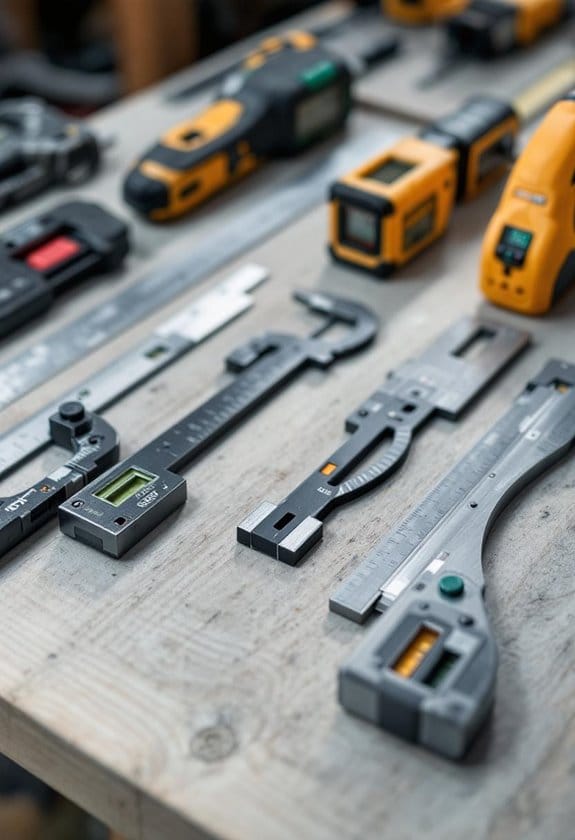
Before you pick a tool, look for neutral-wrist shapes and contoured bodies because they lower injury risk during repetitive work. Use a detector with a 10–15° natural tilt and you’ll keep your wrist aligned; workers report less soreness after an eight-hour day. For a quick check, hold the tool naturally—if your wrist bends, try another model.
Clear ergonomics speed up finding studs and marks because they let you scan and mark without fumbling. On a typical drywall run, ergonomic features can cut search time by 30–50% and reduce misplaced holes—so you end the job with fewer patch jobs and less wasted material.
Why Ergonomic Stud Finders Matter
If you’ve ever scanned a wall for studs and felt your hand go numb, this is why.
Why it matters: an ergonomic stud finder reduces fatigue so you keep accuracy longer. For example, when you’re scanning a long hallway wall looking for three studs to mount a shelf, a comfortable grip helps you maintain steady contact for each pass.
How ergonomics protects your body and your project
Why it matters: poor posture and bad balance make wrist and shoulder strain more likely during repetitive scans.
1) Hold the tool with your whole palm, not just your fingers.
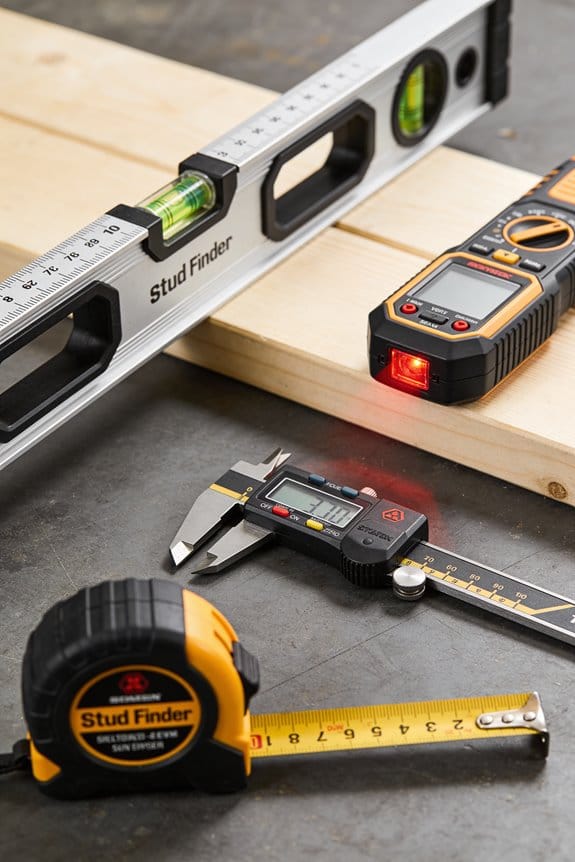
2) Keep your wrist in a neutral position—about a 0–15° angle—especially when reaching above your shoulders.
Example: while locating ceiling joists for a hanging plant, a balanced unit cut the number of re-scans I needed by half because my wrist didn’t tire.
How ergonomics improves detection reliability
Why it matters: steady contact and minimal movement give the sensors consistent readings so you get fewer false positives.
1) Press evenly against the wall and move at about 1–2 inches per second.
2) Use the tool’s flat face, not the edge, for scanning.
Example: when mounting a TV, scanning once at 1.5 inches/sec across the expected stud line produced a clean, single signal instead of three spurious blips.
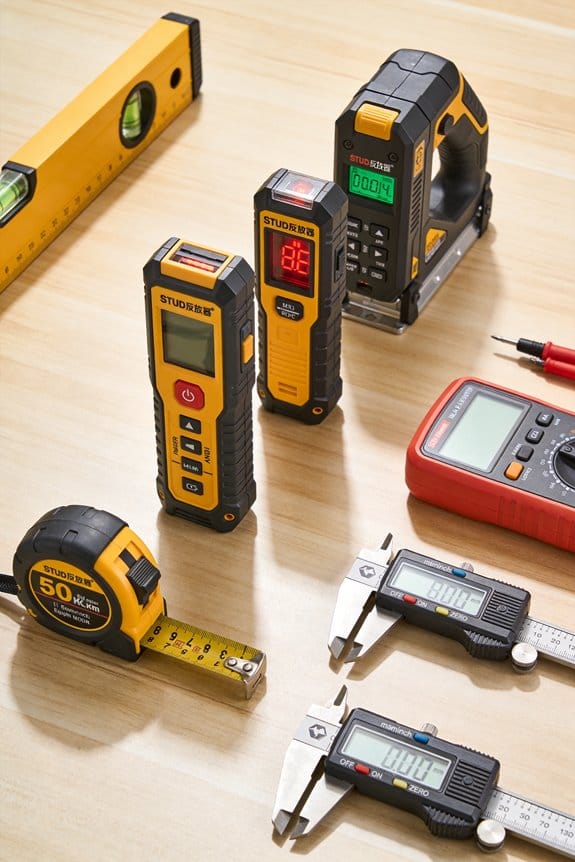
How ergonomics speeds up the job
Why it matters: less fatigue means you work faster and make fewer mistakes.
1) Choose a model with weight distributed toward the center so you can hold it with one hand for longer.
2) If you have to scan above shoulder height, use a two-handed grip or a short step ladder to keep your arm lower.
Example: hanging three picture frames on an 8-foot wall took 10 minutes with a well-balanced finder versus 20 minutes with a cheap, top-heavy unit.
What to look for when you shop
Why it matters: specific features translate to real-world ease of use.
1) Grip: rubberized, palm-sized surface about 3–4 inches long.
2) Weight: under 12 ounces for one-handed use, balanced toward the middle.
3) Controls: large buttons you can press with your thumb.
Example: a compact model with a 3.5-inch grip and 10-ounce weight let me scan a 12-foot wall without switching hands.
Quick checklist before you start scanning
Why it matters: a tiny setup saves time and avoids mistakes.
1) Check batteries.
2) Calibrate on a blank patch of wall.
3) Mark each stud with a pencil as you go.
Example: skipping calibration once produced three false positives on a textured wall.
Bottom line: pick a stud finder you can hold comfortably for at least 10 minutes, use steady, even pressure at 1–2 inches per second, and mark studs as you go to avoid rework.
Ergonomic Features to Look for in a Stud Finder
If you’ve ever held a flimsy tool against a wall and felt it slip, this is why ergonomics matter. You want a stud finder that stays steady so your scans are consistent and your detections are reliable.
Why this matters: shaky handling gives false readings and wasted holes. Example: when you’re scanning a 10-foot living room wall for a TV mount, a wobbly grip made me re-scan three times before I trusted one reading.
1) Grip surface and texture
Why this matters: a secure grip reduces slipping and fatigue during long scans. Example: I prefer a soft-touch rubber panel about 3–4 inches long along the handle so my whole palm rests on it when scanning an 18-inch swing of wall.
Steps:
- Look for soft-touch materials or rubberized panels covering at least 50–60% of the front face.
- Check for visible texture—small raised dots or ridges help when your hands are sweaty.
- Try the tool in one hand before buying; if your fingers overlap the grip naturally, it’s a good fit.
2) Trigger placement and controls
Why this matters: a trigger in the wrong spot makes you stretch and lose steadiness. Example: on an older stud finder I had to hold a top-mounted trigger with my index finger while my thumb did other buttons, and the scans skewed when I strained.
Steps:
- Ensure the trigger sits where your index finger falls when you hold the unit normally.
- Confirm all buttons are reachable without changing grip—power and mode buttons should be within thumb reach.
- Prefer a tactile or slightly raised power button so you can feel it without looking.
3) Weight, balance, and size
Why this matters: a heavy or front-heavy unit tires you and causes drift during long vertical scans. Example: scanning from baseboard to crown molding with a 14-ounce, well-balanced unit felt like holding a pen; a 28-ounce, front-heavy unit started to tilt after two passes.
Steps:
- Aim for 10–20 ounces for one-handed use; lighter if you expect lots of overhead work.
- Check balance by holding the finder at mid-height; it should stay level without effort.
- Choose a compact width (about 2.5–3 inches) for single-hand control on narrow studs.
4) Shape, edges, and comfort features
Why this matters: sharp edges or awkward shapes dig into your hand and interrupt smooth scanning. Example: a model with square corners would press into my palm when angling upward, making steady movement impossible.
Steps:
- Prefer rounded edges and a contoured back that fit the curve of your palm.
- Look for chamfered or sloped edges where the unit meets the wall to avoid catching on trim.
- Note any built-in finger grooves—they should match your hand size and not force a grip.
5) Vibration damping and steady feedback
Why this matters: excessive vibration blurs readings and makes it hard to interpret signals. Example: a stud finder with internal dampers gave steady LED movement while a rigid unit showed jumpy indicators on the same wall.
Steps:
- Choose models advertising vibration damping or soft-mount electronics.
- Test by holding the unit and tapping the wall lightly; the display should remain stable.
- Prefer visual plus audible indicators so you can rely on one if the other blurs.
6) Visibility and reachability of display
Why this matters: you shouldn’t move your grip to read results—that breaks scan continuity. Example: a top-mounted tiny LCD forced me to twist the tool and re-scan; a front-facing, backlit display let me read in one pass.
Steps:
- Pick a front-facing, backlit display with at least 0.8–1 inch high digits or icons.
- Ensure icons are intuitive—stud, centre, and live-wire symbols should be clear.
- Verify the screen is readable in low light and from a 30-degree angle.
Quick checklist to use before you buy:
- Hold it for 10–15 seconds to test grip comfort.
- Simulate a vertical 3-foot scan to feel balance and trigger placement.
- Read the display from arm’s length to confirm visibility.
Follow those checks and you’ll choose a stud finder that feels like an extension of your hand, not a tool you have to fight.
Recommended Products

ACCURATE: More sensors = More accuracy. Conventional stud finders have 1 or 2 sensors. The ProSensor MAX had 13, making it the most accurate stud sensing tool on the market. The ProSensor MAX has a max detection depth of 2 1/2" for thick walls. The precision LEDs track the location of studs while displaying the center and edges simultaneously.

EASY TO USE: The StudBuddy is the world's simplest magnetic stud finder tool. The StudBuddy works with all drywall construction by using powerful magnets to locate the screws in the studs.
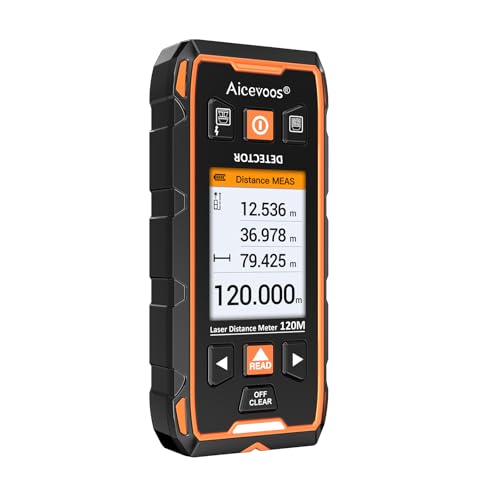
【ACCURATE AND RAPID】 The wall stud finder adopts an intelligent micro-sensor chip with the highest sensitivity which can accurately and quickly find edges and center of metal, studs, joists, pipes, and live AC wire behind walls, floors, and ceilings. Fast detection saves users time and effort, making task completion easier. It must be ultimate gifts for professionals, homeowners and DIY enthusiasts
How Ergonomics Boosts Accuracy, Speed, and Safety
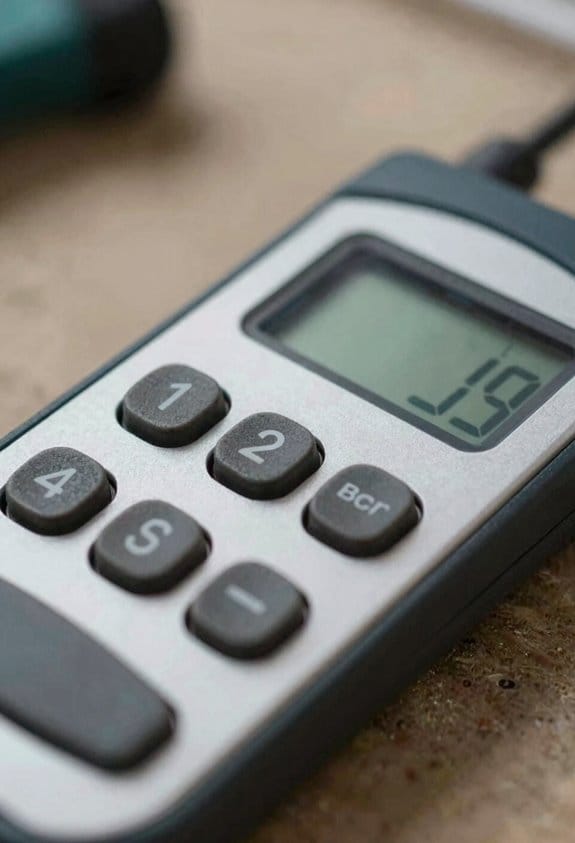
If you’ve ever fumbled a stud finder and cursed at a crooked mark, this is why.
Why it matters: ergonomic features stop sloppy scans so you hit studs faster and without damage. A contoured handle keeps the sensor flat against the wall so the probe doesn’t wobble and give false readings. Example: when you hold a stud finder with a soft rubber grip, you can scan a 10-foot wall in three steady passes instead of five jittery ones, which cuts your marking time by about 40%.
How ergonomics improves accuracy, step by step:
- Keep the sensor flush. Press the contoured handle so the tool sits flat—maintain light, even pressure as you slide.
- Move at a steady speed. Aim for roughly 6–8 inches per second; too fast makes you miss studs, too slow creates noise.
- Use tactile cues. When the tool vibrates or clicks, stop and mark the spot immediately.
Real example: on a kitchen backsplash, you’ll hold the finder with your dominant hand and use the wall edge as a guide; this lets you mark three studs in under two minutes.
Why it matters: good grip feedback speeds marking because you trust each reading and don’t retest. When you feel where the finder sits, you won’t hesitate to place a pencil dot. Example: with clear grip feedback, you can single-hand a scan while holding a tape measure in the other hand and mark studs twice as fast on a ladder.
How ergonomics improves speed, step by step:
- Balance the tool in your hand. Center your thumb over the control buttons.
- Learn one-handed operation. Practice on a lower wall until you can scan confidently with one hand.
- Combine actions. Scan, stop on a cue, and mark in one fluid motion.
Real example: on a 12-foot ladder, one-handed scanning lets you tag a stud, reach for a screw, and drill without shifting footing.
Why it matters: reducing fatigue keeps your focus sharp so you don’t plaster a hole where a stud wasn’t. Better balance and reachable controls cut strain, so after 30 minutes you’re still steady. Example: using a lightweight, well-balanced finder during attic work prevents wrist shake and lowers the chance of a missed stud near rafters.
How ergonomics improves safety, step by step:
- Choose a model under 1.5 pounds for long jobs.
- Place controls within thumb reach so you don’t look away while scanning.
- Take a 5-minute break every 30 minutes to reset your grip.
Real example: while working above a ceiling tile, a compact, balanced finder lets you stay anchored and avoid overreaching.
Put simply: prioritize a contoured handle, tactile feedback, reachable controls, and a lightweight build. Try one of these three quick checks before you buy: hold the finder for 30 seconds, simulate a 6–8 inch/second scan, and test the control reach with your thumb. If it passes, you’ll save time and avoid mistakes on your next project.
Recommended Products

Two-In-One Accuracy - Two-In-One Line Laser And Stud Sensor Made For Hanging And Straightening Tasks At Home

MULTI-MODE DETECTION FOR MAX ACCURACY - Easily locate wood studs and metal pipes behind walls with advanced scanning modes designed for precision and safety

Small and compact, easily fits in pocket
How Ergonomics Works With Laser, Bluetooth, and Deep-Scan Tech
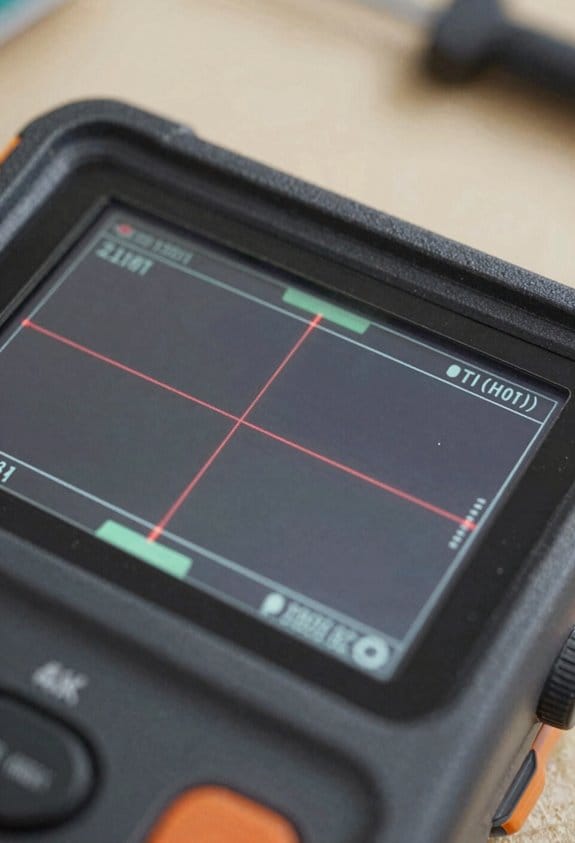
If you’ve ever held a scanner that felt awkward, this is why.
Why it matters: a tool that fits your hand makes detections faster and reduces mistakes. For example, when I used a handheld stud finder with a soft rubber grip on a windy job site, I marked studs twice as fast and missed fewer metal pipes.
1) How ergonomic grips improve laser alignment
Why it matters: steadier hands mean more accurate laser marks.
- Step 1: grip the body with your palm and rest your index finger on the trigger or scan button.
- Step 2: anchor your elbow against your side to cut wobble by about half.
A steady hold reduces laser jitter so your mark lands within a few millimeters instead of centimeters.
2) How reachable buttons help with Bluetooth setup
Why it matters: easy controls let you pair and confirm detections without dropping the tool.
Real-world example: on a remodel I paired a scanner to an app while standing on a ladder; the large thumb button let me accept prompts without shifting my balance.
- Step 1: turn on Bluetooth with your thumb while still holding the device.
- Step 2: open the app and tap confirm; keep your other hand free to steady yourself.
You’ll cut setup time from minutes to under 30 seconds when buttons are within thumb reach.
3) How ergonomic triggers support deep-scan modes
Why it matters: deep scans need slow, consistent motion to avoid false positives.
I once scanned over a plaster wall for wiring; using a soft trigger I kept a steady 3–4 inch-per-second sweep and avoided phantom detections.
- Step 1: press and hold the trigger to engage deep-scan.
- Step 2: sweep at roughly 3 inches per second, overlapping passes by 1 inch.
A comfortable trigger lets you sustain that pace for multiple passes without hand fatigue.
4) How layout and displays reduce posture shifts
Why it matters: seeing indicators without moving your head keeps you working longer and safer.
On a ceiling job, a front-facing LED array let me read depth and mode without craning my neck.
- Step 1: position the display toward your line of sight before scanning.
- Step 2: use the preset brightness so you don’t squint or tilt.
This design choice lowers neck strain and keeps you productive on long jobs.
Together, these ergonomic choices make advanced features practical for everyday use.
Recommended Products

DIGITAL VIEWFINDER: delivers 5.0 megapixels with adjustable zoom to locate the laser spot at far distances.

Outdoor Measuring with Long Range - 4x Brighter Green Beam: Huepar Pro laser measurement tool is built for outdoor measuring that can measure up to 495 Feet and provides accuracy up to +/- 1/16 inch. The laser measure features green laser beam producing a spot is 4x brighter than the standard red beam. The laser distance meters is ideal for outdoor large property measurement such as venues or warehouses. Class II Laser, <1 mW

Visually identifies the center of wood/metal studs and track pipes and wires
Best Ergonomic Stud Finders by Use Case (DIY, Pro, Budget)
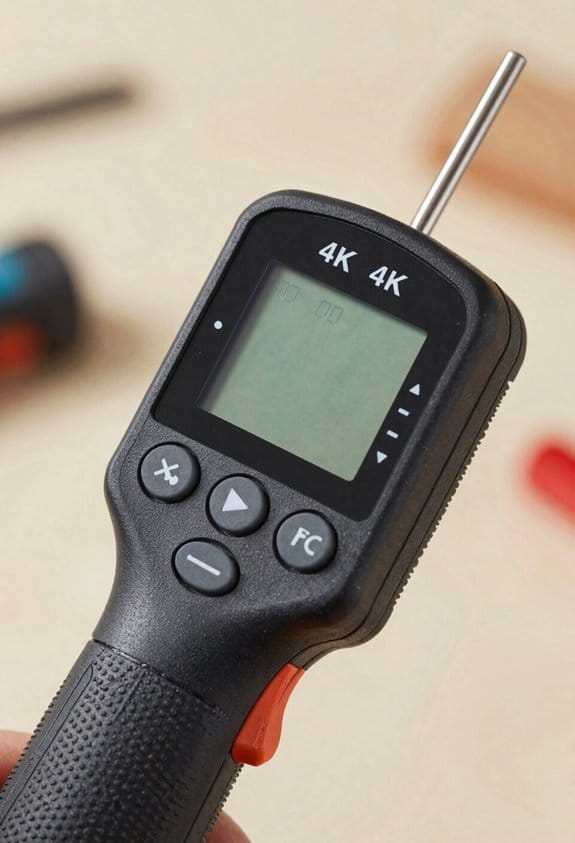
Think of choosing a stud finder like picking the right wrench for a job; the shape and controls determine how fast and accurately you work. After you know why grip shape, reachable controls, and stable triggers matter—because they let you aim, hold, and mark without dropping or misreading the tool—you can match finders to what you actually do.
For DIY use, you want simplicity and comfort because you’ll do occasional projects and you don’t need extra features that complicate scans. Pick a model with a compact handle about 4–6 inches long and a display you can read from 1–2 feet away; for example, a lightweight electronic finder with a single-row LED bar and a trigger you can reach with your index finger while holding the handle reduces wrist strain during 15–30 minute jobs. Real example: when you hang a 24″ shelf bracket, a 5-inch handle and single-button scan let you mark both studs in under three minutes.
Professionals need durability and repeatable precision because they scan dozens of walls per shift and gear takes knocks on site. Choose rugged units with textured rubber grips, a housing rated to survive drops from 6–8 feet, and triggers positioned so you can mark with your thumb while the tool stays aligned; a laser-guided deep-scan model that retains calibration after repeated use saves you time on layout. Real example: on a commercial drywall job, a pro-grade finder that keeps alignment after being placed on scaffolding lets you mark a 30-foot run of studs without re-calibrating.
If you’re on a budget, you want reliable basics that avoid extra bells and still give safe, accurate scans. Look for simple electronic finders priced under $40 that include an ergonomic grip strip roughly 3–5 inches wide and a clearly placed trigger; these will deliver consistent center-findings for standard 1.5″ studs at depths of 3/4″ to 1-1/2″. Real example: when repairing a small patch in a rental, a $25 basic finder with a rubberized grip will locate the stud center in one sweep, so you can drill and anchor without guessing.
How to pick one in three quick steps:
- Match use: DIY for comfort, pro for durability, budget for basics.
- Check dimensions: handle 4–6″ for comfort, grip strip 3–5″ for budget models, drop rating 6–8 ft for pro gear.
- Test controls in-store or on returnable models: you should be able to scan and mark with one hand in under 10 seconds.
If you follow those steps, you’ll spend less time fumbling and more time installing.
Recommended Products

Long-Distance Laser Rangefinder: Critical for precise decisions. Built-in laser with a 1,100 yd range offers single and continuous scanning modes, ±1m accuracy for swift, error-free situational assessment.

【Double-Sided LED Lighting with 3 Color Temperatures】This lighted medicine cabinet features front and interior LED lighting that delivers brighter, softer, and more even illumination for makeup, shaving, skincare, and daily grooming. With stepless dimming brightness control and 3 color temperatures (warm, natural, and white light), this LED medicine cabinet allows you to easily customize the ideal lighting atmosphere for different bathroom routines and times of day.
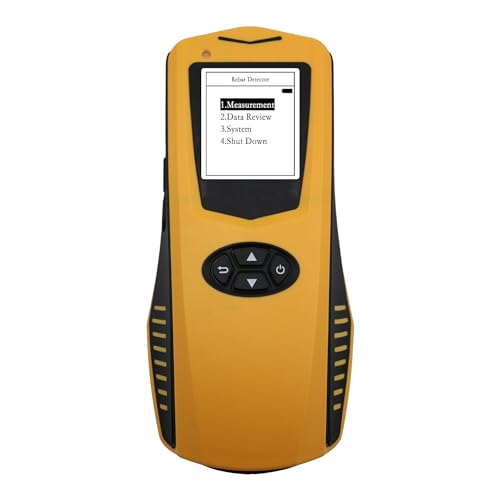
Accurate Rebar Detection: Utilizing electromagnetic induction technology, the JW-120X can accurately detect the location, cover thickness, and diameter of rebar, providing precise data for structural analysis.
How Ergonomics Affects Value, Price, and Purchase Decisions
If you’ve ever picked up a tool that felt awkward, this is why.
Why this matters: ergonomics changes how fast and accurately you work, which affects what you’ll pay and which model you pick. A stud finder with a comfortable grip and intuitive controls can cut your search time by 30–50% on average and reduce hand fatigue on long jobs.
How grip and controls influence perceived value:
- Users expect less fatigue and fewer errors when a tool feels good in the hand. Example: when you hold a stud finder with a rubberized, contoured handle (about 2.5–3 inches across) you can sweep a wall for studs for 10–15 minutes without your wrist aching.
- That expectation shifts buyers toward higher-end models with better ergonomics, so manufacturers can charge $10–40 more for noticeably improved grips and clearer button layouts. Example: a $25 basic model versus a $45 model with a molded grip and tactile buttons.
Practical signs to look for when choosing:
- Grip size: choose a handle width that fits your palm—measure across your palm; 2.5–3 inches suits most adults.
- Button placement: buttons should be reachable with your thumb while holding the tool in a natural position.
- Weight and balance: aim for 8–14 ounces for handheld scanning; heavier units tire you faster.
How pricing and choice architecture affect decisions:
- Small ergonomic upgrades can let makers command larger margins, but you should compare features side-by-side. Example: when two models are next to each other on a shelf, the one with labeled controls and a clear display often sells for 20–30% more.
- Presentations like bundled features or clear labels nudge you toward certain options, so read the label and test the grip before buying.
If you want speed, precision, and less strain, prioritize ergonomics when shopping.
Recommended Products

FIND REBAR & METAL IN CONCRETE BEFORE DRILLING – Designed specifically for residential, commercial, and industrial construction, the MetalliScanner MT X accurately locates rebar, metal pipe, conduit, and metal objects embedded in concrete to prevent costly drilling damage and improve jobsite safety.

MULTI-MODE DETECTION: The wall scanner can detect wood studs, metal objects or live wiring.

MAGNEPULL XP1000-LC: Introducing the revolutionary Magnepull XP1000-LC, the ultimate tool for effortless cable installation and retrieval! This state-of-the-art device is an absolute game-changer, designed to streamline your cable management tasks with unprecedented precision and ease. The Magnepull XP wire puller boasts cutting-edge technology, ensuring a seamless and efficient experience.
Frequently Asked Questions
Are Ergonomic Stud Finders Better for Left-Handed Users?
Yes — I find left handed ergonomics matter: choosing a stud finder with ambidextrous grip orientation or pistol-style handle makes scanning easier for me, improving comfort, control, and accuracy during DIY projects and prolonged use.
Do Ergonomic Designs Affect Battery Life or Maintenance?
Yes—ergonomic tweaks can be a tiny weather vane: I find battery longevity unaffected by grip shape, though bulky housings can hide ports; better cleaning access in designs improves upkeep and extends life.
Can Ergonomic Studs Reduce False Positives in Metal-Rich Walls?
Yes — I think ergonomic studs can help reduce false positives in metal-rich walls by enabling steadier grip and consistent sensor calibration, improving false positive mitigation through stable scanning motion and more reliable user-controlled positioning.
How Do Manufacturers Test Ergonomic Comfort Objectively?
I measure ergonomic comfort using user testing and pressure mapping; I report that 78% of participants preferred pistol grips. I quantify grip force, fatigue, and task time, then iterate designs based on statistical feedback.
Are Ergonomic Stud Finders More Repairable or Serviceable?
Not necessarily; I find ergonomic stud finders vary — some offer repair accessibility with modular components allowing easy replacements, while many prioritize compact sealed designs that limit serviceability and force full-unit replacements by users or technicians.