
You drilled three small pilot holes and still missed the stud, leaving a crooked shelf and plaster dust everywhere.
You can’t tell from paint and trim where studs, metal channels, or hidden pipes are, so every mark feels like a guess. Most people rely on a single cheap detector or a lucky knock and end up with extra holes or worse — hit wiring or conduit.
This piece will show you which multi-sensor stud finders actually locate edges, centers, and live wiring, explain how to match depth ratings to common wall types, and give a short checklist to verify marks before drilling.
You’ll learn which tools save time and prevent repairs. It’s easier than it looks.
Key Takeaways
If you’ve ever tried to hang a heavy shelf in a small apartment, this is why stud detectors matter. You need a reliable way to find studs so your shelves or TV don’t pull out of the drywall and make a hole you then have to patch.
– Rising apartment renovations mean you’ll be mounting shelves, TVs, and storage in tight spaces more often; a stud detector helps you find the center of a stud (usually 1.5″–1.75″ wide) so you can use the right screws or anchors. Example: in a 600 sq ft city unit, people commonly mount a 40–42″ TV above a console; locate two studs 16″ apart and use 2.5″ wood screws into the stud for secure support.
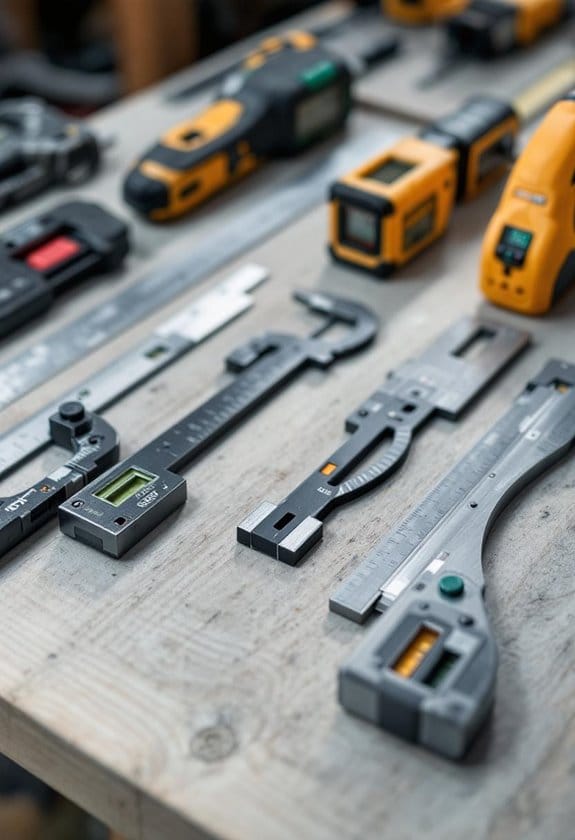
10 Best Speed Square Picks Every DIYer Should Own
Renters look for accuracy because your goal is removable mounts with minimal wall damage, not permanent holes. One real example: if you want a floating shelf that will hold 40 lb, mark stud centers with a detector, pre-drill 3/16″ holes, and use 3″ lag screws—then you can unscrew them later and fill two small holes instead of repairing a large tear. This reduces disputes with landlords and avoids losing a security deposit.
A small tool purchase saves time and repair costs when installing heavy items like a 40–42″ TV or a 40 lb floating shelf. Example: spending $30–$70 on a multi-sensor detector can prevent a $150 repair job and a week without the TV; most detectors pay for themselves after one proper installation.
If you’re a contractor or install often, you want multi-sensor, deep-scan, live-wire detection because it’s faster and safer across different wall types. Practical tip: use deep-scan to locate studs behind tile or plaster, switch to metal-mode for pipes, and enable live-wire detection to avoid drilling into powered wires—do this sequence for each anchor point. Example: on a renovation job with mixed plaster and drywall, a multi-mode detector cuts inspection time from 10 minutes per mount to under 3 minutes.
Online marketplaces and specialty retailers make it easy for you to compare models, watch demo videos, and read reviews before buying, which speeds adoption. For example, search for “multi-sensor stud finder demo” on a retailer site, watch a 2–3 minute video that shows it locating studs at 16″ and 24″ spacing, then pick a model with a 2-year warranty so you’re covered if it fails.
Why Urban DIY Is Boosting Demand for Stud Finders
Before you start hanging anything, know that finding a stud keeps your mount secure and prevents ugly drywall damage.
I’ve noticed more people in cities doing their own renovations, and that drives demand for stud finders because you need a reliable way to anchor shelves, TVs, and storage in small apartments. For example: my friend Mia mounted a 42-inch TV over her sofa in a Brooklyn walk-up; she used a stud finder to mark two studs 16 inches apart, drilled into the center of each, and the TV bracket has held for three years. Studs are the vertical framing members behind drywall, so you want anchors going into solid wood or metal instead of empty space.
If you’ve ever worried about drilling into a hollow spot, here’s how electronic finders help: they sense density changes behind the wall and show you the stud edges. That cuts out guessing and lowers the chance you’ll drill a useless hole or crack the drywall. I recommend a multi-mode electronic finder with at least two detection settings — one for standard drywall thickness and one for plaster or lath — because city buildings often mix wall types.
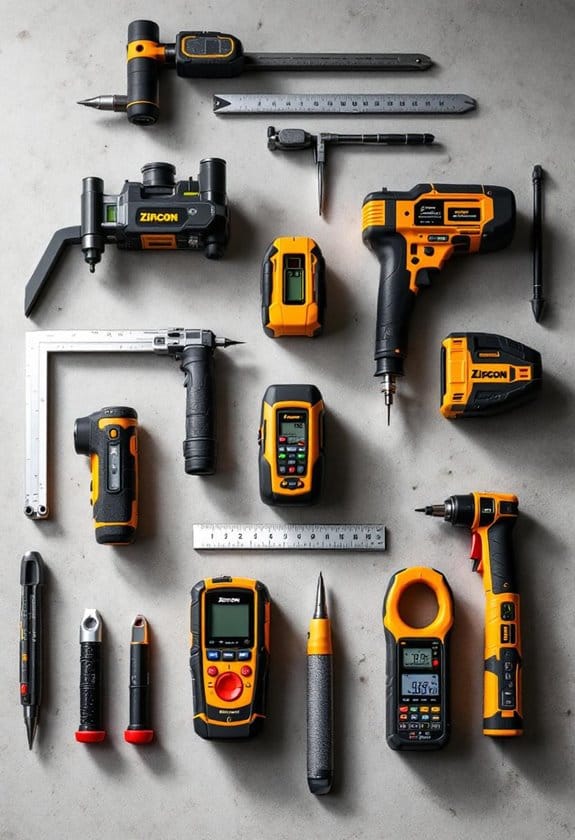
10 Best Zircon Stud Finders That Never Miss a Wall
Before you drill, follow these steps so your shelf or TV stays put:
- Scan the wall horizontally across the area where you want the mount, keeping the finder level.
- Mark the left and right edges of the stud you detect; the stud center is midway between those marks.
- Measure 16 inches from that center to find the next stud (standard stud spacing), but verify with the finder.
- Pilot-drill a 1/8-inch hole to check for a stud before using your final screw or anchor.
Real example: a renter in a Chicago loft put up a floating shelf by scanning, marking centers, and using 2.5-inch wood screws into the studs; the shelf has held heavy books for over a year without a single wall patch. For renters who worry about lease rules, accurate detection means you’ll avoid unnecessary holes and can use removable mounts in hollow spots.
Finally, pick tools that match your walls: choose a finder with stud, metal, and live-wire modes and test it on a known stud first. If the finder has a calibration feature, use it before each scan. Small investment. Big time saved.
How Modern Wall Systems Make Studs Harder to Find
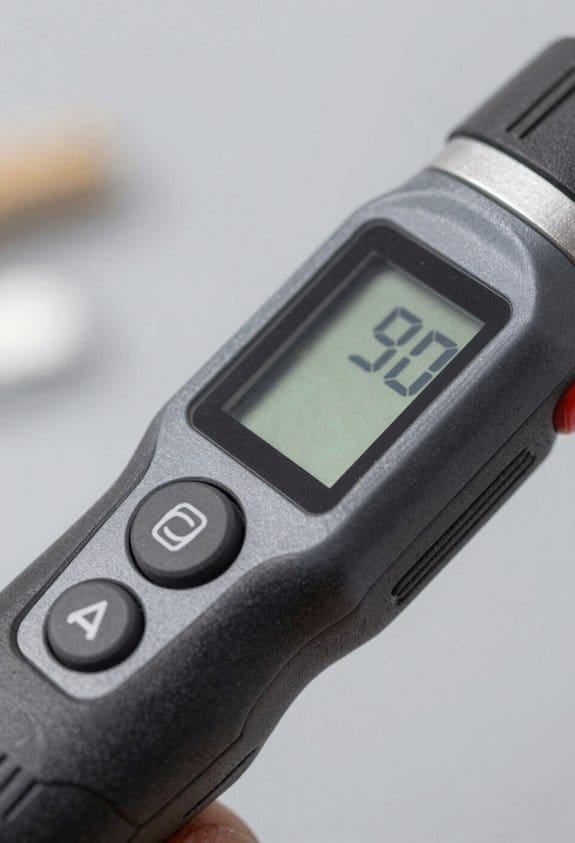
If you’ve ever tapped a wall and missed a stud, this is why.
You need to know this because finding a stud wrong can rip drywall or miss wiring. Modern walls often have hollow sections, double-stud assemblies, or resilient channels that create gaps between surface and framing, and those gaps will fool basic stud finders.
Why it matters: your detector reads density or metal, not “stud.” Example: in a 1950s house you tap and hit wood every 16 inches; in a new build you might tap and find a hollow cavity behind a thin finish, then another air gap, then the actual stud 3 inches deeper.
Before I explain how, here’s a quick list of common modern features you’ll run into:
- Hollow wall panels where the visible surface is a 1/2″ skin over a 1–3″ cavity.
- Double-stud walls with two staggered framing members separated by 1–3″ of insulation.
- Resilient channels: 1/2″ metal strips running horizontally that decouple drywall from studs.
- Metal studs and furring strips that change conductivity signals.
- Composite or engineered sheathing that creates dense spots away from framing.
- Service cavities behind the finish that shift wiring and pipes away from stud lines.
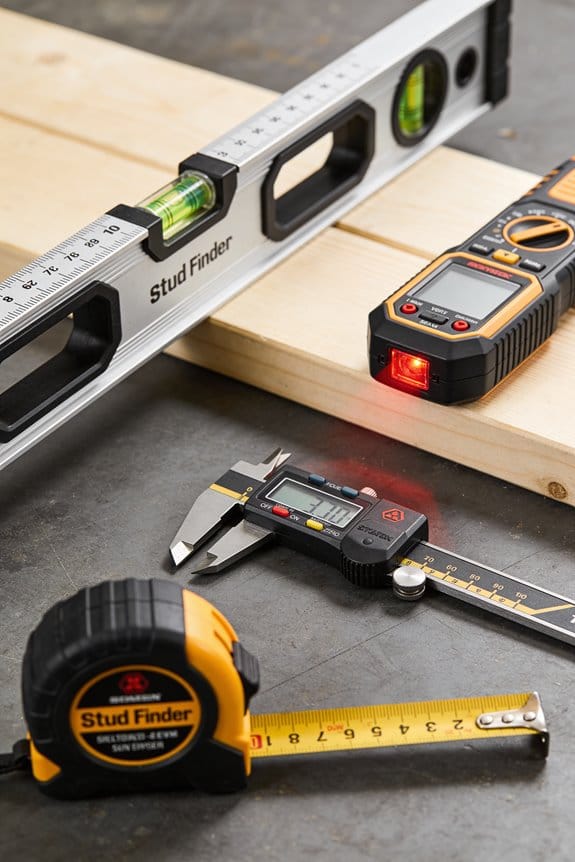
How each feature fools your tools, one by one:
1) Hollow skins and cavities — Why it matters: a finder will skip the empty space and mark nothing where a stud actually exists deeper. Example: an exterior wall with 1/2″ stucco, 2″ air gap, and a 2×4 stud; your detector might register the stucco as a false density change.
2) Double-stud assemblies — Why it matters: the outer and inner studs aren’t aligned, so measuring from a known stud to hang something won’t work. Example: a soundproofed bedroom wall where the inner studs are offset 2” from the outer layer; a picture hung from the outer layer misses the inner fasteners.
3) Resilient channels — Why it matters: the drywall sits on metal strips, so stud finders see a metal line every 24 inches instead of the stud. Example: a living room wall with channels spaced 24″ apart; your detector lights up at each channel, not the studs behind.
4) Metal studs and furring — Why it matters: metal changes magnetic and capacitive readings and can look like wiring or pipe to some devices. Example: a basement partition with 25-gauge steel studs; a magnetic finder clicks repeatedly along the track instead of a wood stud center.
5) Engineered sheathing and panel density — Why it matters: dense panels create spots that mimic studs on density-based detectors. Example: a hallway with OSB patches over seams; the finder marks seams as “studs” every 48 inches.
6) Built-in service cavities — Why it matters: plumbing and electrical run away from framing, so drilling where you think a stud is can still hit wiring. Example: an added conduit tucked into a 2″ service gap behind drywall; a drill meets plastic instead of wood.
How to find studs reliably (do these steps):
- Scan the area once with each mode your tool has: metal, stud, and deep—record every mark.
- Use a magnet to confirm metal—slide a rare-earth magnet across marks to feel a pull where metal is within 1/8″.
- Drill a 1/8″ exploratory hole at low speed where marks cluster; patch if needed.
- If exploratory drilling fails, measure from an electrical outlet (studs are often 16″ or 24″ on center) and check 3 positions: 16″, 24″, and 48″.
- When in doubt, cut a 2″ x 4″ inspection hole and look inside the cavity; repair with a drywall patch.
Tool tips you can use right away:
- Use a deep-scanning multi-mode finder and set it to “deep” for insulated or double-stud walls.
- Carry a rare-earth magnet and a 1/8″ drill bit in your pocket.
- Expect to make 2–4 passes across a single wall and to mark consistent clusters before trusting a location.
One concrete example to practice on: pick a spare wall near an outlet. Scan once, confirm with a magnet, drill an 1/8″ probe where three marks overlap, and measure 16″ and 24″ from the outlet. You’ll see how cavities, channels, or metal give different signals.
If you follow these steps, you’ll reduce mistakes and find the real framing faster.
Tech Advances That Solve Deep Scanning, Wiring, and Pipe Detection
Before you start scanning a wall, know why accuracy matters: you can avoid an electrical shock, a flooded floor, or a ruined stud.
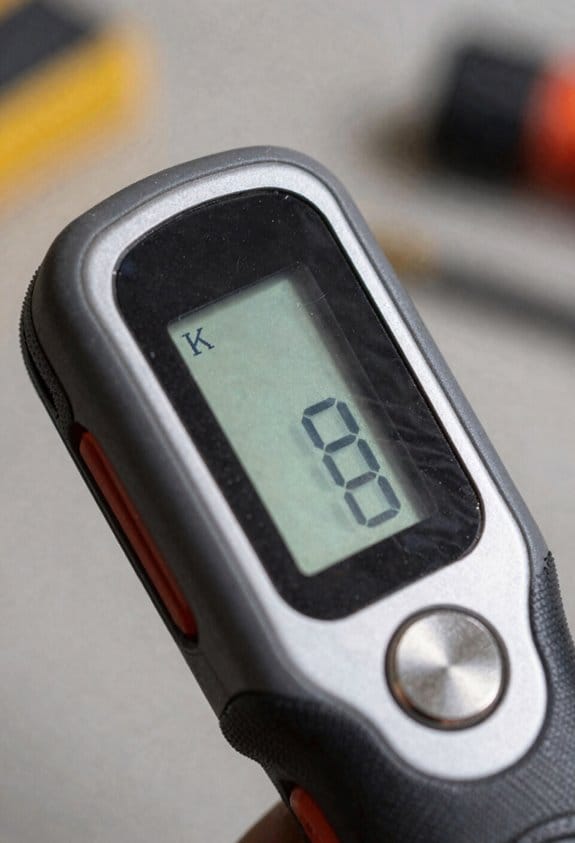
Think of a multi-sensor stud finder like a small detective kit that uses several clues at once. If you want to find studs and pipes behind drywall, use a device that combines magnetic, capacitance, and radar-like sensors — that cross-checking cuts false positives. Example: when I mounted a TV on a rental apartment wall, the array showed a metal duct at 3.5 inches and a wood stud at 1.25 inches, so I chose a mount that hit the stud and missed the duct.
Why magnetic, capacitance, and radar matter: magnetic sensors spot the screw heads or metal studs, capacitance senses changes in density like wood versus air, and radar-like signals map deeper layers up to several inches. On a plaster wall with lath and multiple paint layers, the radar return showed three layers and a void at 2.8 inches. That detail saved me from cutting into an empty cavity.
Before you trace live wiring, know why you should: you reduce the risk of shock and eliminate guesswork about where current flows. For live circuits, use a wire tracer that follows electromagnetic signatures; you’ll see not just where a cable runs, but whether it’s energized. Example: when replacing an outlet in my kitchen I traced the line and found a parallel run behind tile at 2 inches, which I avoided.
How to trace wiring (step-by-step):
- Turn off known breakers for nearby circuits and label them so you don’t mix them up. This prevents confusion later.
- Attach the tracer’s transmitter to the wire or outlet per the manual; set the receiver to the matching frequency. Most units have low, medium, and high modes — start on medium.
- Sweep the receiver slowly across the wall in vertical passes about 6 inches apart until you see a clear signal peak. Mark the peak with painter’s tape.
- Confirm by changing transmitter modes or slightly moving the transmitter; if the peak moves predictably, it’s the right wire.
Before you look for plumbing, know why detection helps: you avoid puncturing water lines and choosing the right fastener for plastic versus metal pipe. Pipe detectors use acoustic and dielectric contrasts to distinguish metal from plastic and show depth. Example: while installing a bathroom vanity, the detector flagged a PVC drain at 1.8 inches and a copper supply at 2.9 inches, so I placed anchors that cleared both.
How to detect pipes (step-by-step):
- Calibrate the detector on a known empty wall to set a baseline reading. This reduces false readings from wall composition.
- Use slow horizontal sweeps at chest height, then repeat vertical passes where you marked suspicious spots. Slow movement improves depth accuracy.
- When you get a hit, mark both edges of the signal peak and measure between them to estimate pipe diameter and depth. The device told me 1.8 inches depth for the drain, which matched the 1.5-inch PVC I later exposed.
Depth mapping creates a visual profile so you see where studs, voids, and dense objects sit relative to your surface; that matters because you can plan exact drill points and mount locations. For example, I used depth mapping to place three TV mount screws into a single 1.5-inch stud centered at 1.25 inches, avoiding a dense channel at 3.6 inches shown on the map.
Practical checklist before any cut or mount:
- Scan with a multi-sensor device across the entire area in both orientations.
- Mark peaks and edges with tape and measure depths.
- Trace any live wires with a tracer, confirming energized status.
- Detect plumbing with acoustic/dielectric modes and mark those runs.
- Re-scan after repositioning marks to confirm consistency.
Use this routine and you’ll reduce guesswork, avoid hazards, and make cleaner cuts with clear, reliable data.
Where DIYers Buy Stud Finders : Channels and Must-Have Features
If you’ve ever stood in a hardware aisle holding a stud finder and felt lost, this will help.
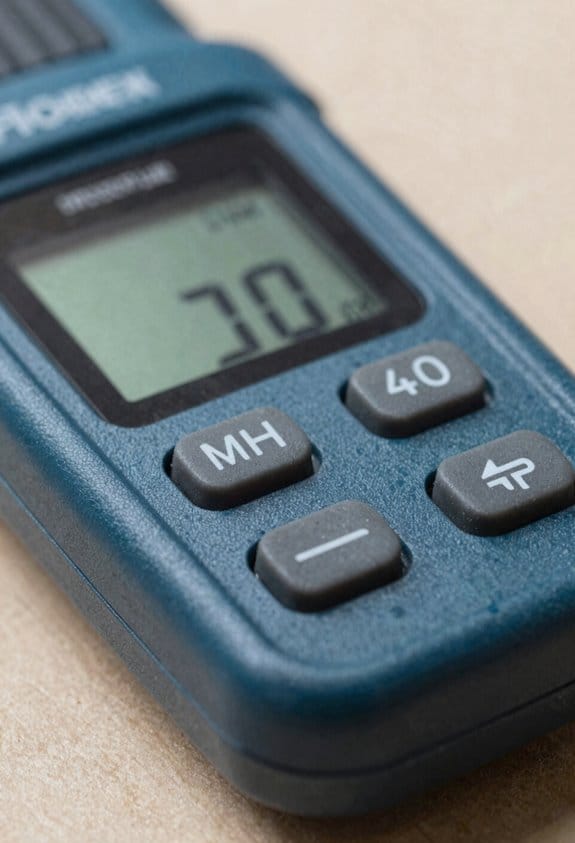
Why this matters: choosing the right place to buy and the right features keeps your walls intact and your wiring safe. I shop in two main places for stud finders: online marketplaces and specialty retailers.
Online marketplaces — Amazon, Home Depot online, Walmart.com
Why this matters: they give you the widest selection and the best chance to compare prices and reviews quickly. Example: I compared three models on Amazon — a basic center-finder for $15, a mid-range multi-sensor for $45, and a professional deep-scan unit for $120 — by reading specs and 300+ user reviews to confirm depth claims. Steps to shop online:
- Filter for “multi-sensor” and “live wire detection.”
- Read at least five verified reviews that mention wall thickness or metal detection.
- Check the stated scan depth; prefer 1–1.5 inches for standard studs, 1.5–2.5 inches for plaster or lath.
Tip: look for models with a clear digital display or app screenshots in the listing.
Specialty retailers — local tool shops, electrical supply stores
Why this matters: you get expert advice and hands-on demos that online shopping can’t match. Example: a local electrical supply store let me test a rental-grade detector on a studded test wall and compare its display clarity against a cheaper model. Steps when visiting:
- Ask to demo the unit on a test wall or the display board.
- Confirm the seller can explain the difference between wood, metal, and electrical detection.
- Ask about return policy and warranty length — aim for at least a one-year warranty.
Tip: specialists often stock professional-grade models with larger screens and tougher housings.
What features you should prioritize
Why this matters: the right features reduce mistakes and keep you safe. Example: I was drilling into a wall and stopped when my unit’s live-wire alert lit up; switching to a model with live-wire detection saved me from hitting a hidden cable. Key features to prioritize:
- Multi-sensor detection: separates wood studs from metal so you don’t mistake pipes for studs.
- Deep scan mode: looks 1.5–2.5 inches deep for thick plaster or multi-layer drywall.
- Live wire detection: alerts you to voltage near the surface to avoid shocks.
- Intuitive display or app integration: shows icons or maps so you know exactly where the stud edge or center is.
- Battery life, durability, and warranty: choose models with at least 8–12 hours of typical battery life, rubberized housings if you work outdoors, and a one-year warranty.
Quick buying checklist
Why this matters: a checklist stops impulse buys. Example: I used this checklist before buying a replacement tool last month and avoided a cheap model that missed metal studs. Steps:
- Confirm multi-sensor and live-wire detection.
- Verify scan depth matches your wall type (1″ for drywall, 2″ for plaster).
- Check battery specs and warranty length.
- Read five user reviews mentioning real-world detection accuracy.
You’ll make fewer mistakes if you buy where you can compare specs and test functionality, and if you prioritize multi-sensor, deep-scan, and live-wire features.
Choosing the Right Stud Finder: Tips for Homeowners vs. Professionals
Here’s what actually happens when you pick a stud finder: you either end up with a tool that saves you time and avoids mistakes, or one that frustrates you mid-project.
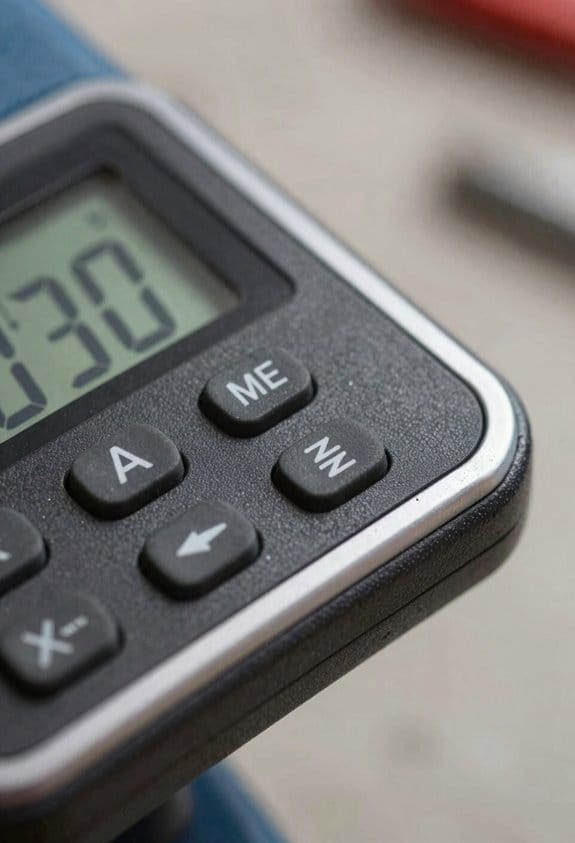
When you’re choosing a stud finder, start by thinking about who will use it and what jobs you’ll do; that dictates the accuracy, durability, and features you need. For a typical homeowner hanging shelves or pictures, go with a simple electronic model that scans to about 3/4 inch (20 mm) deep, detects both wood and metal, and shows a clear LED or LCD readout. Example: a basic model that runs on one 9V battery and claims 20 hours of usage will usually get you through a weekend of picture-hanging without a dead battery. Check that it has a calibration button and an auto-calibrate mode for patchy walls.
Why depth sensing matters: thicker walls hide studs farther from the surface, so you need deeper scans to find them reliably. Explain depth sensing simply: consumer models report typical depths like 3/4″, 1-1/2“, and 2-3/4”. Example: if your wall is plaster over lath (about 3/4″ of covering plus drywall), pick a unit that lists a 1-1/2″ penetration to be safe.
If you’re a professional, you’ll want a unit that gives you more than a basic beep. Look for multi-sensor or deep-scanning units with a listed depth of 2-3 inches (50–75 mm), live-wire detection, and pipe/metal modes. Professionals often choose rugged cases and models with quick, reliable calibration when walls vary between drywall, plaster, or tile. Example: a contractor hanging cabinets every day should pick a multi-sensor model with a rubberized housing and replaceable batteries, because drops and long shifts are frequent.
Before you buy, check ergonomics, warranty, and replacement costs because frequent field use demands reliability and predictable maintenance. One sentence on why this matters: if your tool fails on a job, you lose hours and credibility. Example: a model with a 2-year warranty and $10 replacement batteries gives you predictable costs versus a cheaper unit with no warranty.
How sensor arrays work — and why they help: this matters because sensor layout affects accuracy and speed. Brief explanation: sensor arrays use multiple sensing points to triangulate the stud edge and reduce false positives. Example: a three-sensor array can show you both stud edges quickly, so you can mark 1-1/2″ centers without rescanning.
Practical steps for picking the right model:
- Decide your typical tasks and how often you’ll use the tool.
- Match depth rating to wall types: 3/4″ for single drywall, 1-1/2″ for plaster over drywall, 2–3″ for thick masonry or heavy tile.
- Prefer multi-mode detection if you need metal, live-wire, and deep scans.
- Test ergonomics in hand: hold it for 30 seconds to check weight and button placement.
- Check battery type, claimed runtime, warranty length, and cost of replacement batteries or parts.
A quick homeowner example: you’re hanging a 40 lb floating shelf on drywall with a plaster skim coat; pick a 1-1/2″ depth electronic finder, mark two studs 16″ apart, and use 3″ screws into the center of each stud. A contractor example: you’re running cabinets all week; choose a 2–3″ deep multi-sensor unit with live-wire detection and a rubberized case, and schedule battery swaps every morning.
Final tip: if you want predictable results, buy a tool rated for the wall types you encounter most and test it on a known stud before starting the job.
Frequently Asked Questions
Are Stud Finders Safe to Use Near Medical Devices and Pacemakers?
Yes — I advise caution: I avoid using electronic stud finders near medical devices due to EMI risks; pacemaker interference is possible, so I follow safety precautions like keeping distance, using non-electronic tools, and consulting device manufacturers.
Can Stud Finders Detect Studs Behind Tile or Plaster Lath Walls?
Like peeling an onion, I can usually detect studs behind plaster and beneath tile with a good multi-sensor or deep-scan stud finder, though results vary by thickness, metal lath, and adhesive—so I still confirm with a probe.
How Long Do Batteries Typically Last in Electronic Stud Finders?
I usually see battery lifespan of 6–12 months with regular use in electronic stud finders; heavy use shortens it, though power saving modes and auto-off features can extend life markedly, so I replace batteries annually.
Do Stud Finders Work on Exterior Masonry or Brick Walls?
About 70% of homes use masonry anchors, so yes — I’ve found stud finders can struggle on brick or masonry walls; they often can’t detect studs behind solid brick, so use brick anchors or specialized masonry anchors instead.
Are There Recycling or Disposal Options for Old Electronic Stud Finders?
Yes — I’ll recycle old electronic stud finders via local recycling programs or device refurbishing services; I’ll check manufacturer take-back options, electronics e-waste drop-offs, or donate working units to thrift stores or community repair shops.